

Email Notification
To send an email notification, you first need to set up the email integration. See how to set up the email integration.
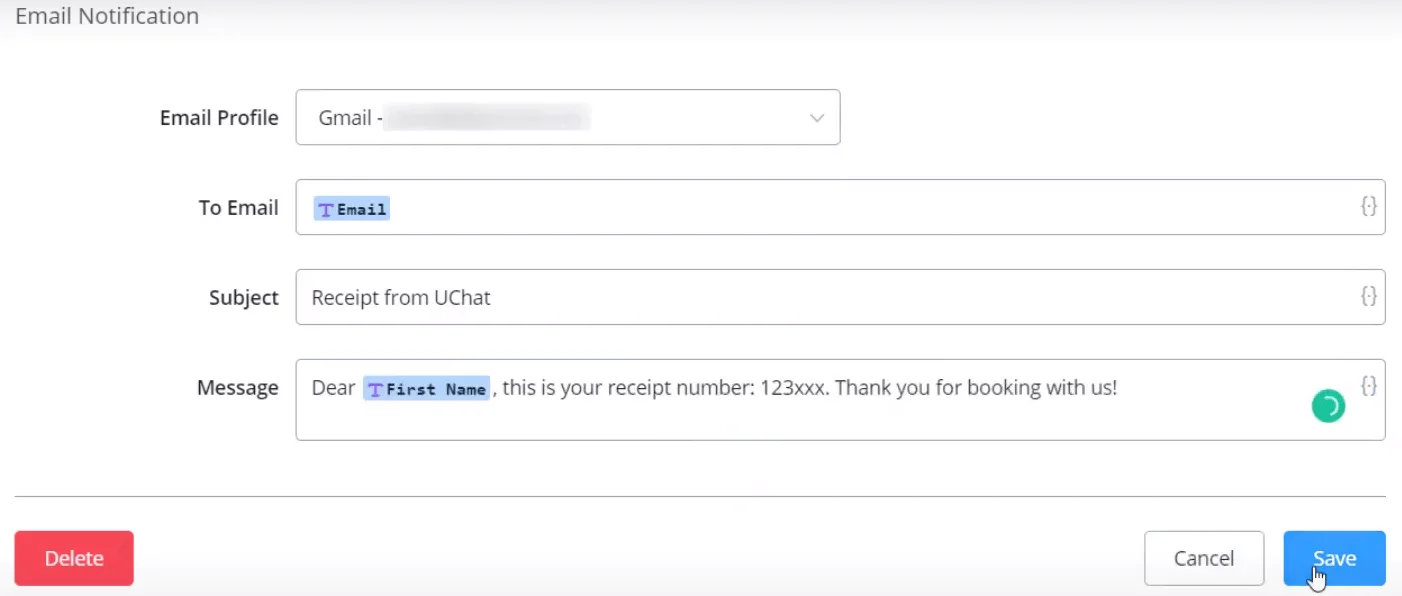
Unlike the "Send Email" step, the email notification accepts only text-type messages. See the "Send Email" step on the "Email Integration" page if you need other message types, such as images, buttons, files, etc.
Enter the sender's address in "Email Profile" and the recipient's address in "To email".