

Pause/Resume Automation
If you use the “Pause Automation” action in the flow builder, all messages will be forwarded to the selected live chat solution. The NicoChat mobile app is only
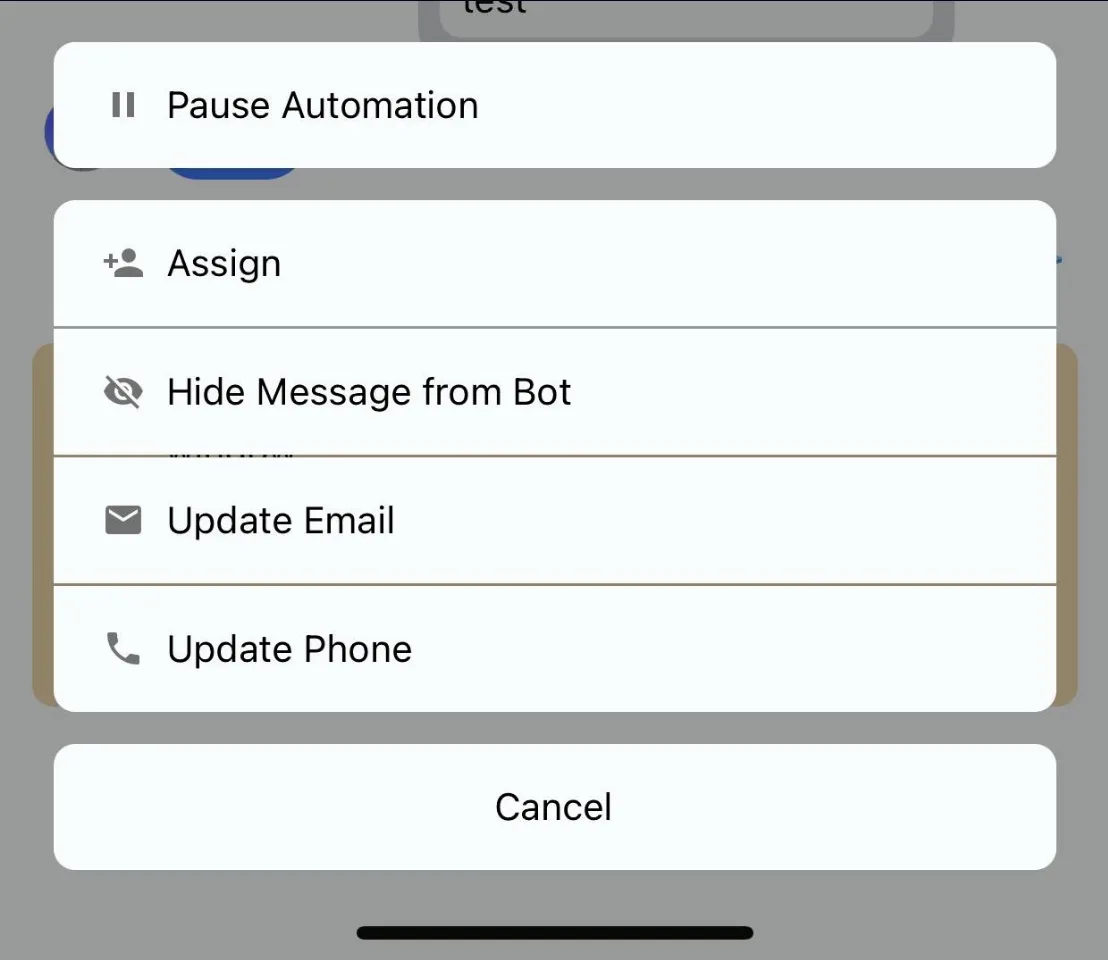
Also, if you click on detailed conversations, you will find the option to “pause” or “resume” the automation.
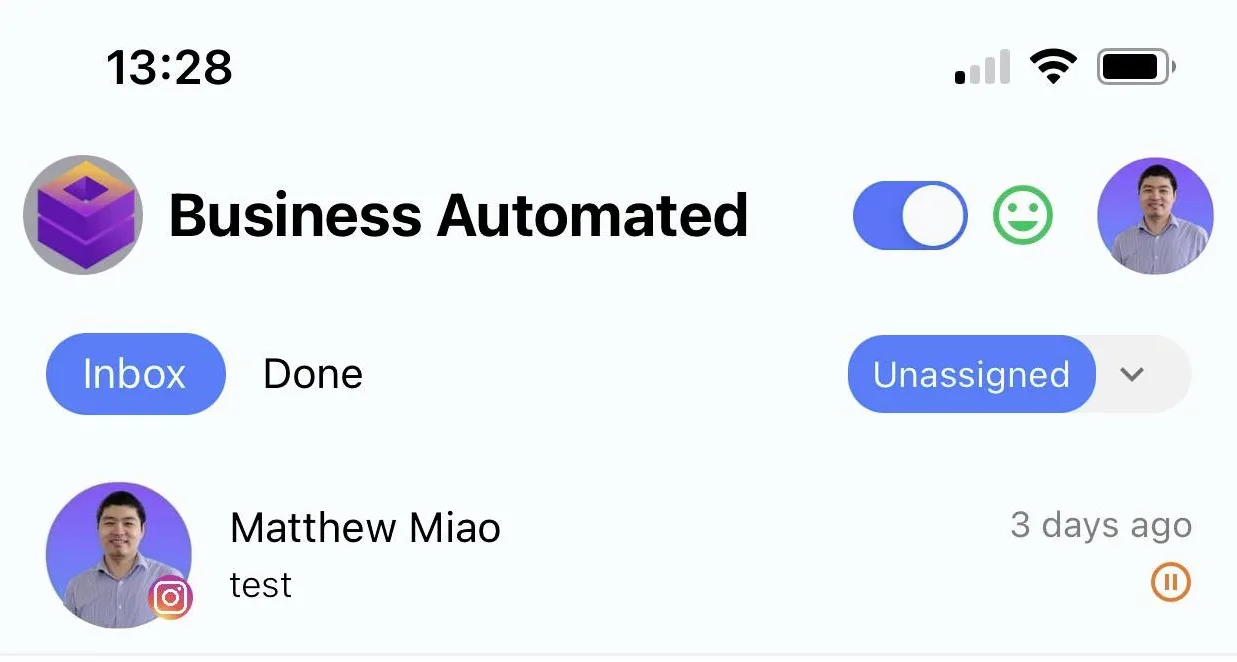
In every conversation that is already paused, a small “pause” icon appears in the conversation list.
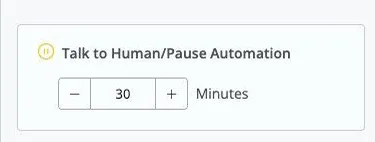
Also, as an agent, if you reply directly to the user (as long as the contact is within the engagement window), the automation for that user is paused automatically. By default, the pause lasts 30 minutes, and you can add more time to it.
When the pause time ends, the user returns to the chatbot automation.
Also, if you send a SubFlow to the user, they automatically return to the chatbot after receiving the SubFlow.