

Push notifications
If you set up live chat for mobile apps, every “pause automation” will stop the automation, and the messages after that action will trigger live chat.
As long as you do not leave the mobile app, you will receive a push notification about the live chat.
Once you click the notification, you will be taken directly to the conversation.
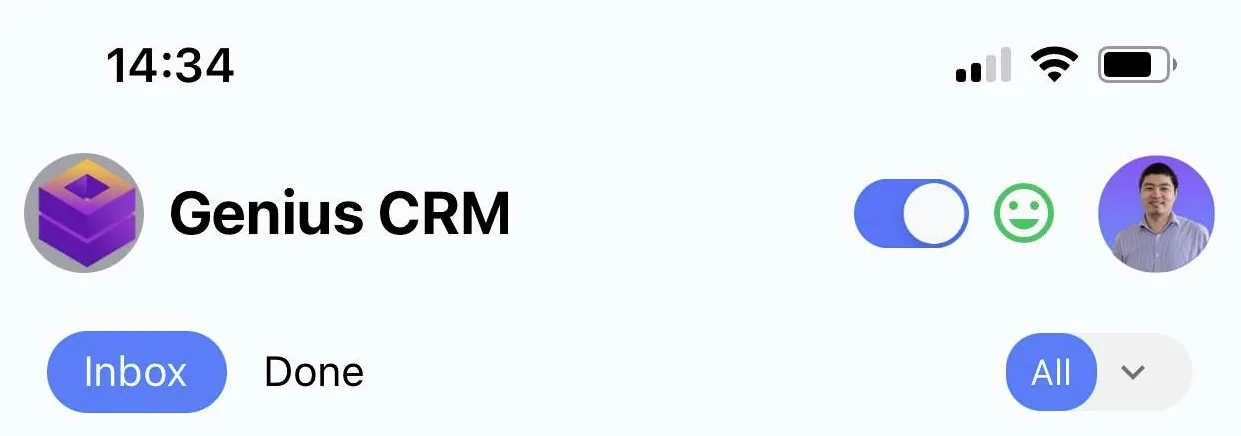
You can easily enable/disable push notifications.
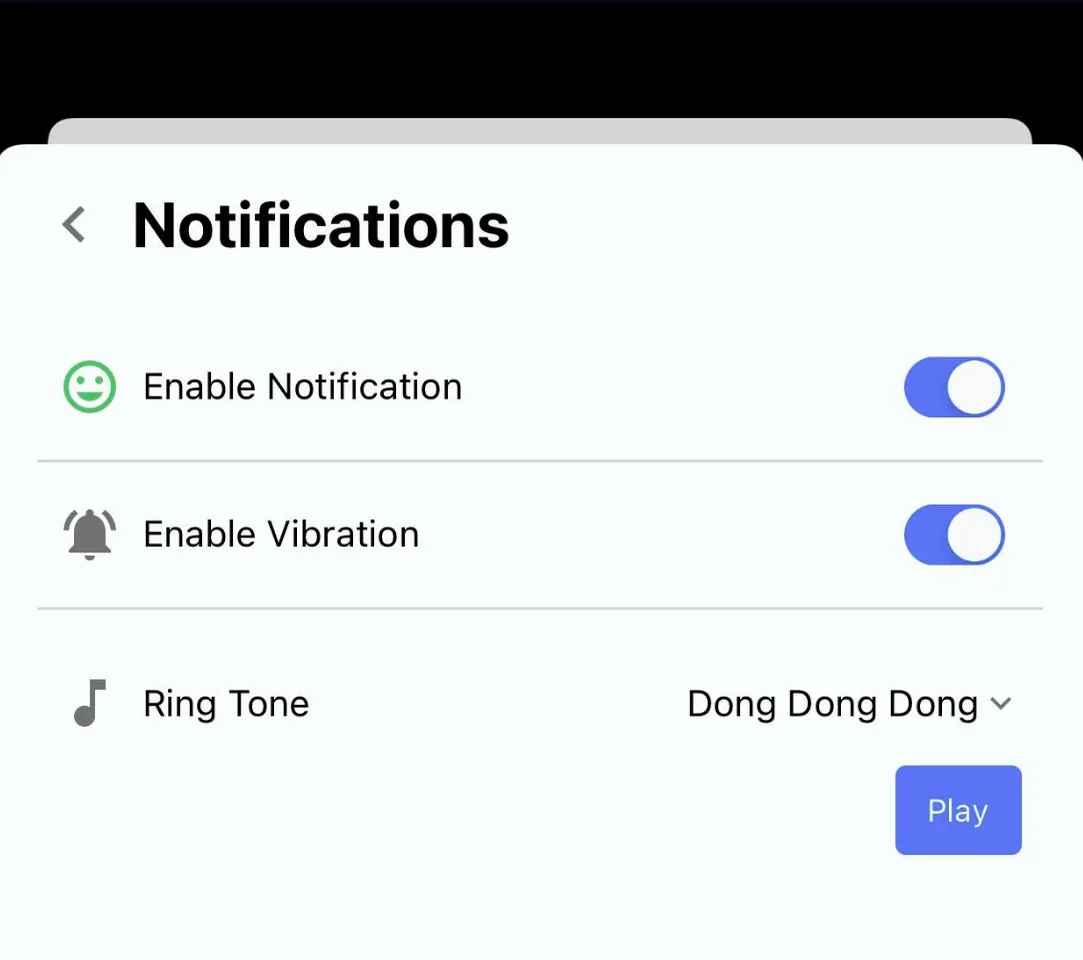
You can also go to the settings to manage push notifications.
We also created an action in the flow builder: with it, you can trigger a push notification to the mobile app or to the third-party live chat agent you are using.
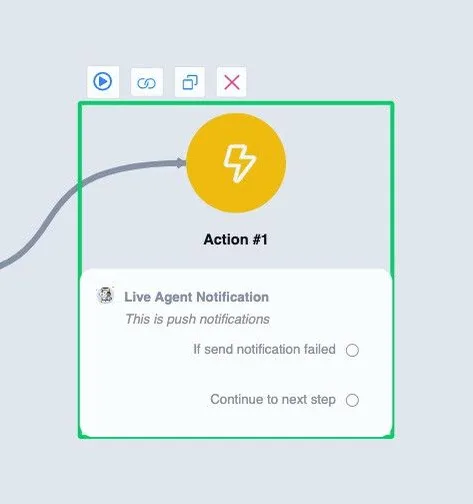
You will find this action under Action - Notifications.
Note that this will send push notifications to the live chat solution you selected in the live chat settings.
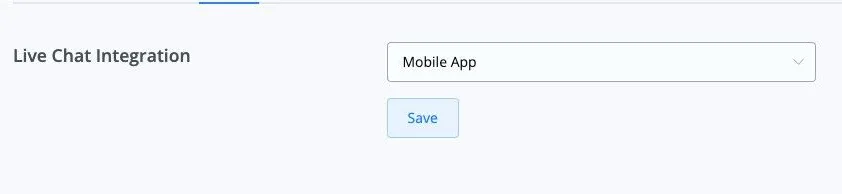
If you select the mobile app, it will send the push notification to the mobile app; if you select Intercom, it will send the push notification to Intercom.