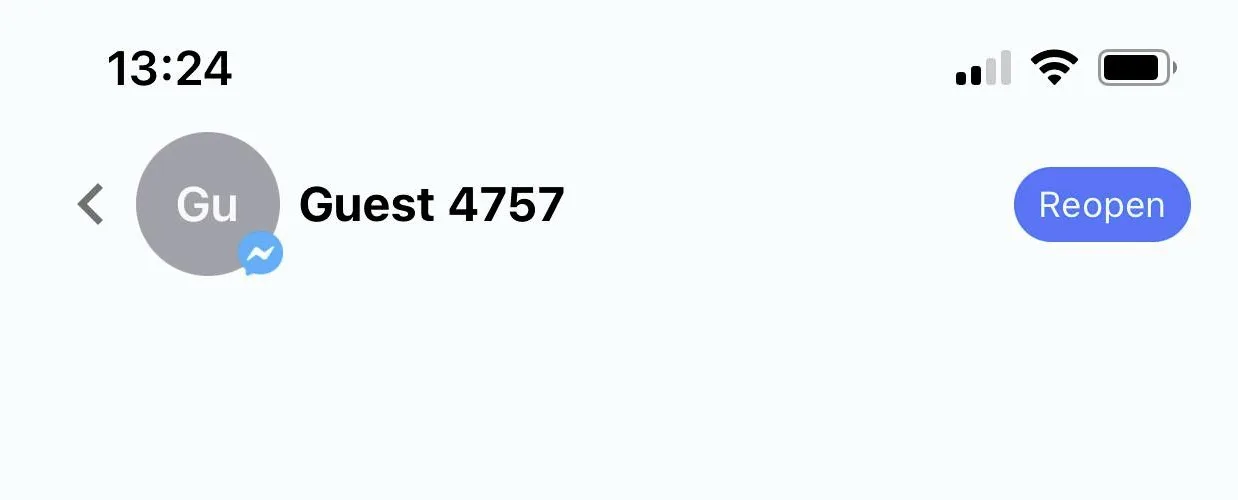
Switch between inbox and done folder
The inbox and the done folder are a great way to organize conversations. You can “mark the conversation” as done when the ticket is resolved.
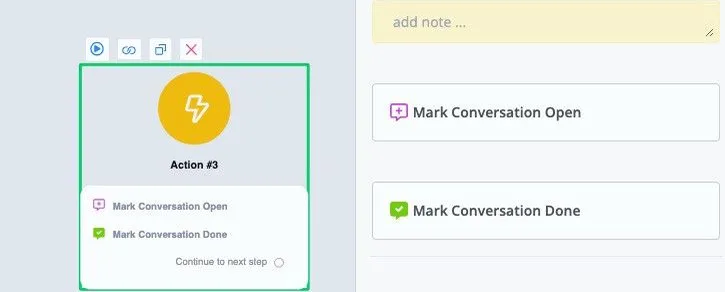
You can use the “set conversation open” and “set conversation done” actions, under Basic Actions, to switch the conversation between the inbox and the done folder. Note that this has nothing to do with pause/resume automation.
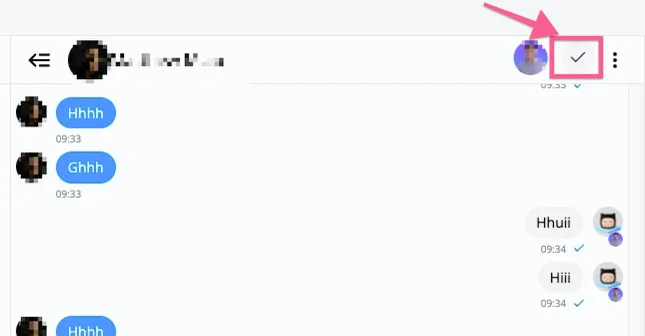
In the NicoChat live chat window on desktop, you can click the icon below to mark the conversation as done.
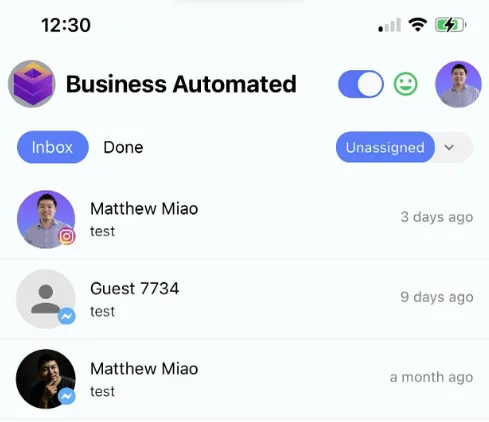
If you click the inbox dropdown, you can switch to the done folder for all conversations.
You can switch between inbox and Done directly in the navigation, as shown in the image below:
If you click the conversation, you will find “Reopen” and “Done” at the top of the navigation. From there you can easily switch between the inbox and the done folder.