

Text and Data Manipulation
If you have a caption that uses an identifier emoji and you need to filter a list based on that code, use this function.
If you have a caption that uses an identifier emoji and you need to filter a list based on that code, use this function.
In the first field, enter the text caption (remembering to separate the items you want with emoticons).

Next, in the “Products” field, enter the JSON generated from the product table.

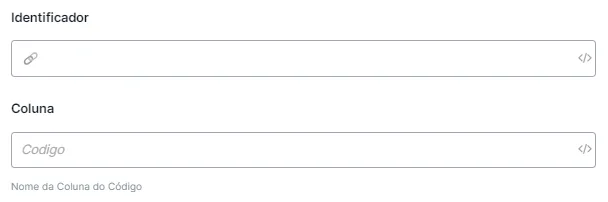
To finish, enter the identifier emoticon and the code of the column you want to redeem.
Returns the length of a text.
To return the number of characters, just enter the variable you want to detect in the “Text” option.
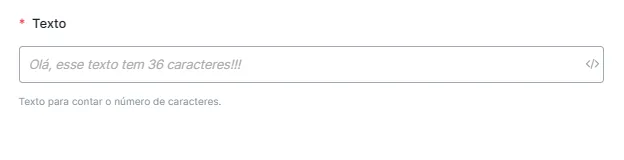
Returns the length of a text.
Just enter the text variable that is saved in the “Text” block.

It will replace double quotes ("example") with single quotes ('example').
Transforms a text (for example, the arguments of a Function Call) into JSON or Array.
Just enter the text variable that is saved in the “Text” block.

It will transform the text you provided into a JSON or Array.