

Contact Handling
Gets a contact's information by UserNs, E-Mail or phone. Option to create a new contact if none is found.
Gets a contact's information by UserNs, E-Mail or phone. Option to create a new contact if none is found.
To start, in the "Channel" option, you must select where you want to search for the contact.
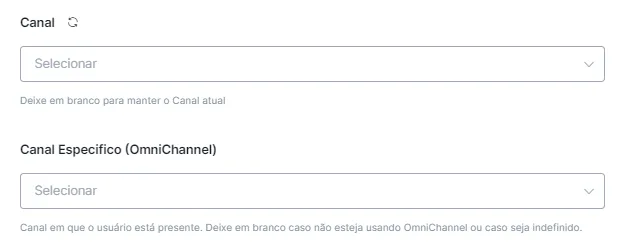
If you leave the first option blank, it will always search in the current channel.
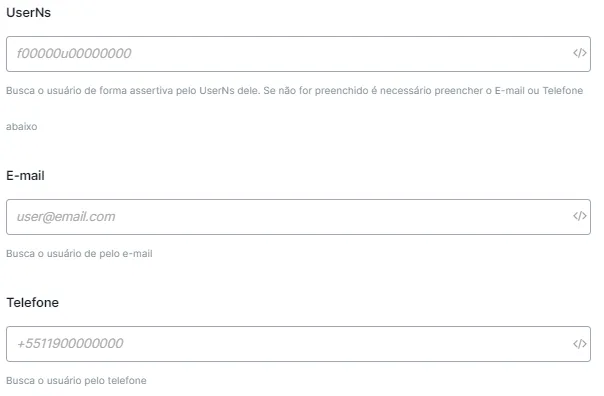
Next, you must enter how the contact will be searched: whether by UserNs, E-Mail or phone .
Next, just set the saving options in case it is a new contact.
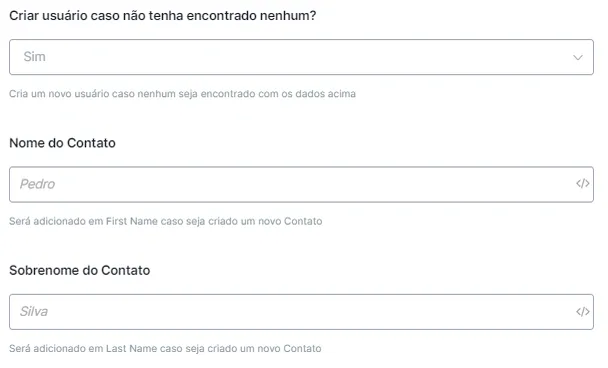
Gets a contact's information by UserNs, E-Mail or phone. Option to create a new contact if none is found.
To start, you must enter how the contact will be searched: whether by UserID, e-mail or phone.
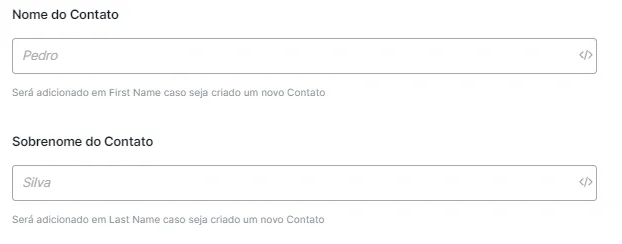
Next, just set the saving options in case it is a new contact, entering the variables where the first name and the last name will be saved.
Updates a field of a NicoChat contact.
To start, in the "Channel" option, you must select where you want to search for the contact.
If you leave the first option blank, it will always search in the current channel.
Next, you must enter how the contact will be searched: whether by UserNs, E-Mail or phone .
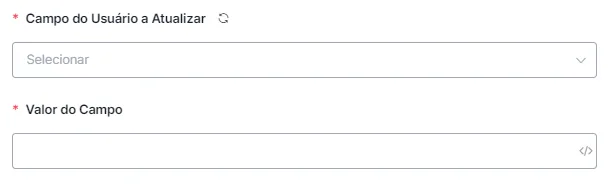
To finish, just select the field to be updated and then the value it will be updated to.
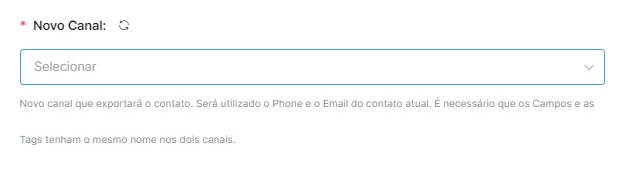
Exports all of the contact's data to another channel. The Fields and the Tags must have the same name in both channels. For example:
Channel 1 - field: Nome1
Channel 2 - field: Nome1
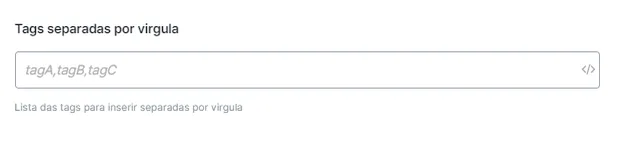
Inserts a list of tags into the contact.
Enter the tags you want, separated by commas. For example:
tag1, tag2, tag3
Gets the list of tags the contact has, to save or export.
It searches all the tags registered on the contact and saves them the way you prefer.
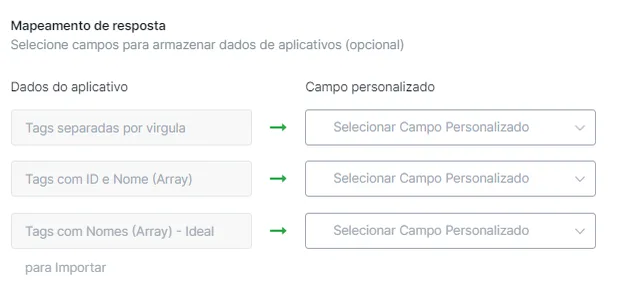
Note: this option is compatible with 'Insert Tag List into Contact'. If the contact's data is imported, you can save their tags and insert them, through the insertion option, into the channel the contact is being imported to.