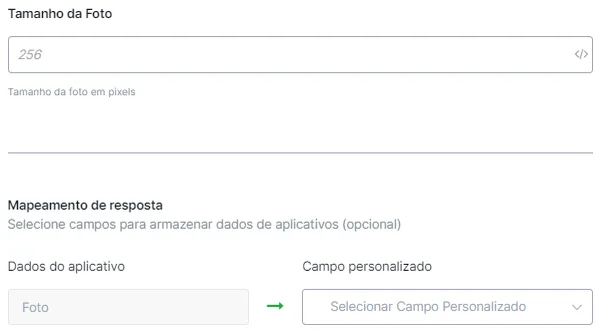
Profile Photo
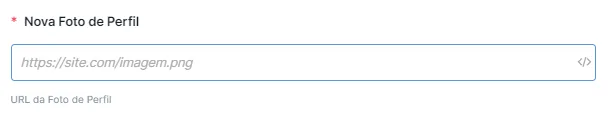
To change the profile photo, just ask for the photo URL and then save it in a variable, for example: UrlFoto.
To change the profile photo, just ask for the photo URL and then save it in a variable, for example: UrlFoto.
After inserting the variable, place it in the appropriate field shown in the image.
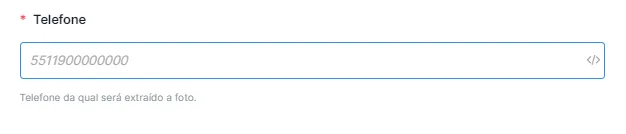
To retrieve the profile photo, just get the number whose photo you want to obtain. To do this, you need to insert the variable containing the WhatsApp number (User ID, in the case of WhatsApp automation). If you are on another platform, you will need to ask for the number.
After inserting the variable, place it in the appropriate field shown in the image.
After that, insert the variable where you want to save the returned data.
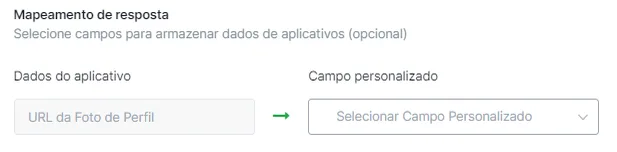
Flow example:
(it is useful to combine the “verify if the Number has WhatsApp” option, Checks and Validations)
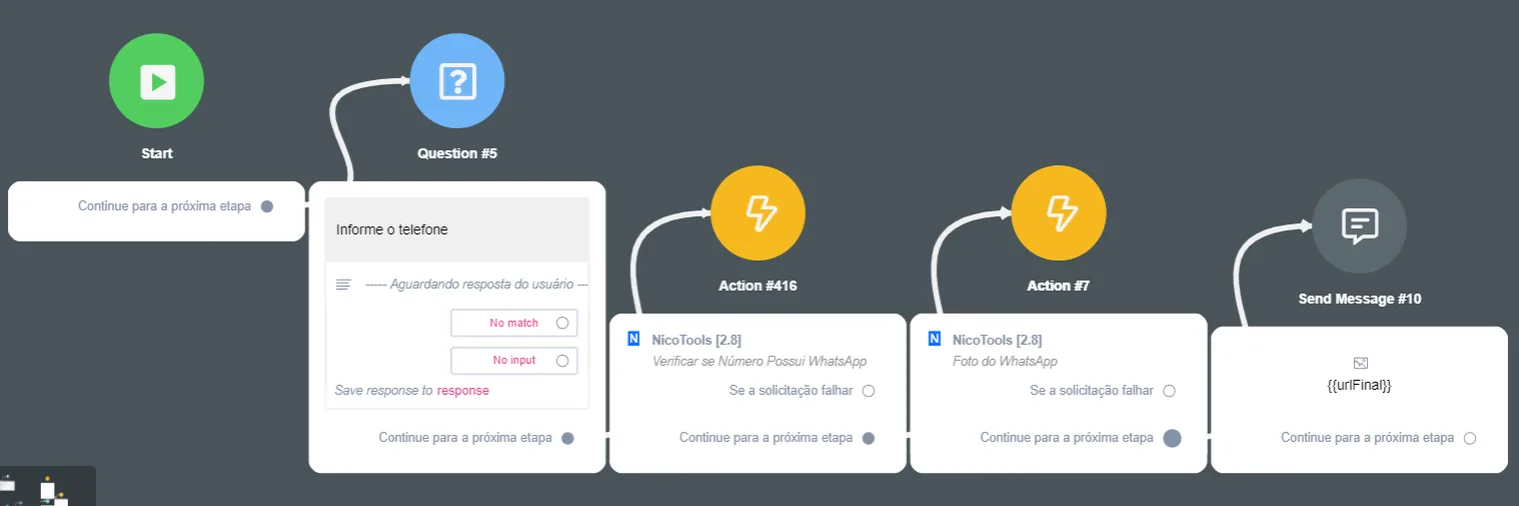
To get the profile photo, just ask for the email whose photo you want to obtain and then save it in a variable, for example: emailFoto.
After inserting the variable, place it in the appropriate field shown in the image.

Then, just select the corresponding censorship filter.
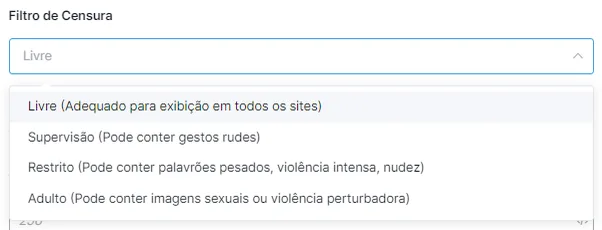
To finish, just enter the photo size in pixels and select the variable that will save the image.