

AI Tools (OpenAI)
This action is meant to reply to a comment and detect its intent.

This action is meant to reply to a comment and detect its intent.
To start, in the "Comment Text" option, enter the variable holding the comment text itself.

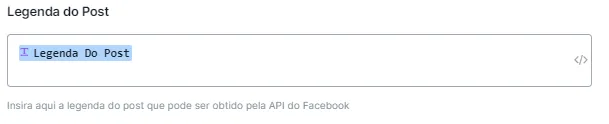
Next (optional), in “Post Caption”, enter the variable saved with the caption of the posts to generate personalized replies. You can get this caption using the Instagram/Facebook API under “Advanced Actions”.
Enter the supporting text. Example:
If it is just a compliment, mark it as having no purchase intent.
If the comment is an insult, mark it as inappropriate.
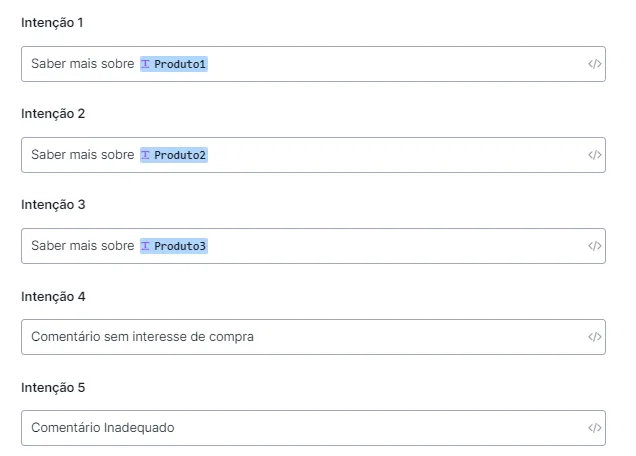
Next, enter the intents you want to detect in the comment.
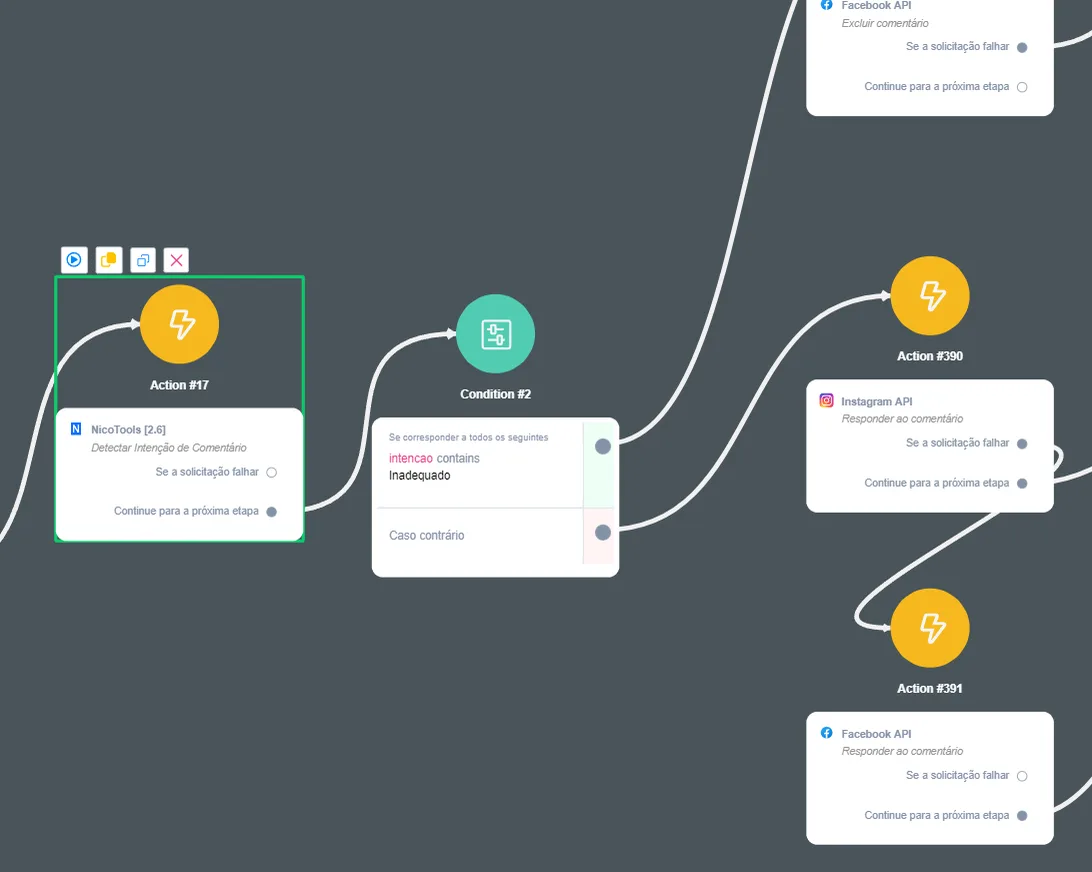
Flow example:
This action is useful when you want to extract a specific piece of data from a long text. For example, in the text “Hi! My name is Nicola”, you can use this tool to extract only the contact name, “Nicola”.
Enter the variable where the text is being saved.
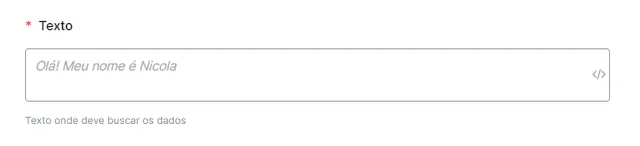
Next, describe what you want to look for in the text.
