

Publishing: Draft Version and Publish Version
In NicoChat, each flow has a publish version and a draft version.
- Publish version
your channel talks to customers using the publish version. - Draft version
any edit to Steps is saved automatically to the draft version. You can edit your flow without affecting the channel and test the draft version before you "Publish".
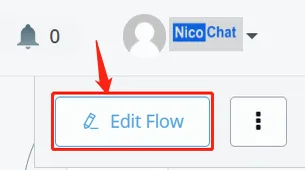
- click "Edit Flow", in the upper left/right corner of the flow, to enter the draft version
Attention
You must enter the Draft version before editing a flow.
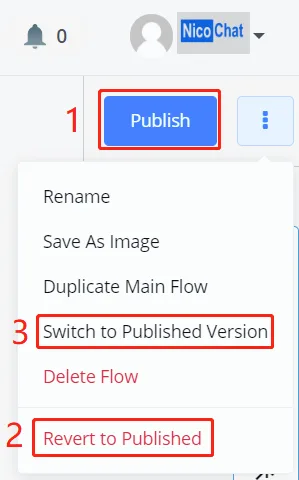
- click "Publish" to save the draft to a new publish version
- discard the changes and go back to the most recent publish version
- keep the draft and switch to the publish version (this way you can take a look at your publish version and, when you click edit and come back, your draft will still be there)
Note
Don't worry if you accidentally quit while editing: the system keeps all your changes in the Draft version. When you come back, just enter the Draft version again and you will see that your changes remain intact.