

Flow Builder Overview
YouTube video (embedding unavailable)
This section gives you a general idea of how to use the NicoChat flow builder. You can open a flow and test it side by side as you learn.
Attention
IMPORTANT - 💁 Make sure you go through every detail on this page before you start building bots.
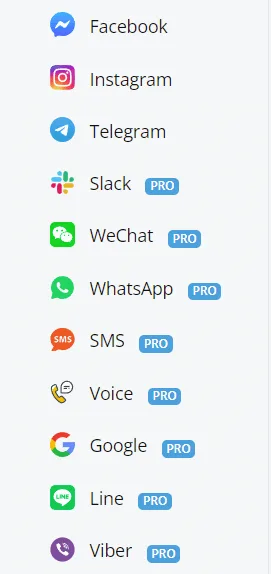
To begin with, you need to create a flow. Currently, NicoChat offers 11 flow types:
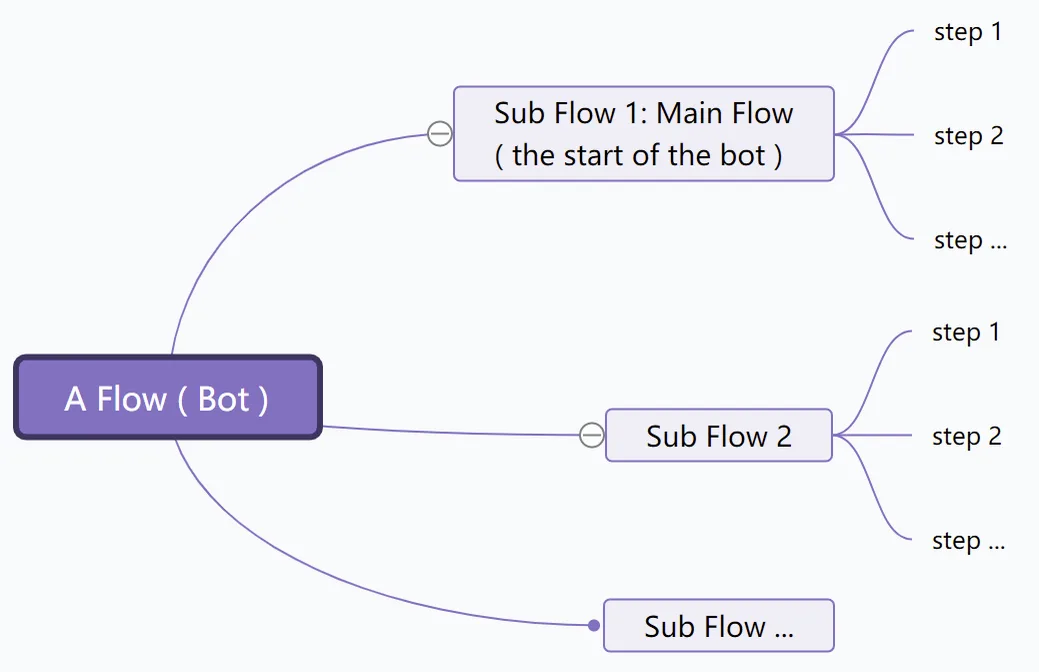
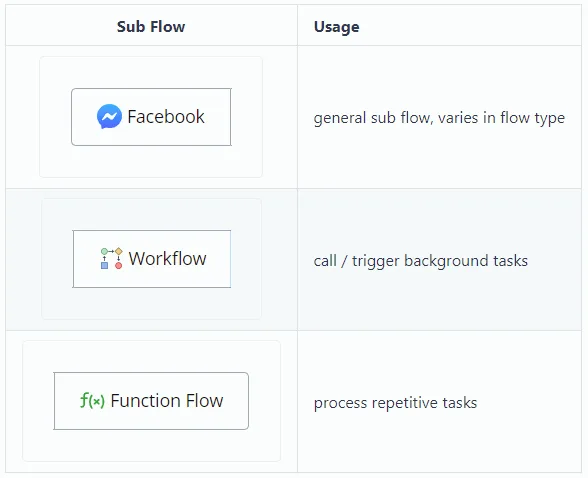
A flow consists of subflows. There are 3 types of subflow:
A subflow consists of steps. There are 8 types of step:
Step
Usage
Step
Usage
display information
ask questions and wait for the user's answer
process data and tasks via integrations, APIs, notifications...
go to different steps depending on the conditions
go to different steps depending on probability
send a full email instead of a short email notification
jump to a step or subflow instead of using a line connector
define the output of the function flow
Note
The differences between flow types are in Flow Setup, Send Message Step and Question Step. Each channel has its own limitations on message types. For example, you can display a product gallery in Facebook Messenger, while the SMS channel does not support that.