Talk to Human/Pause Automation
YouTube video (unavailable for embedding)
This document explains how to let users talk to your agent and pause the automation when needed.
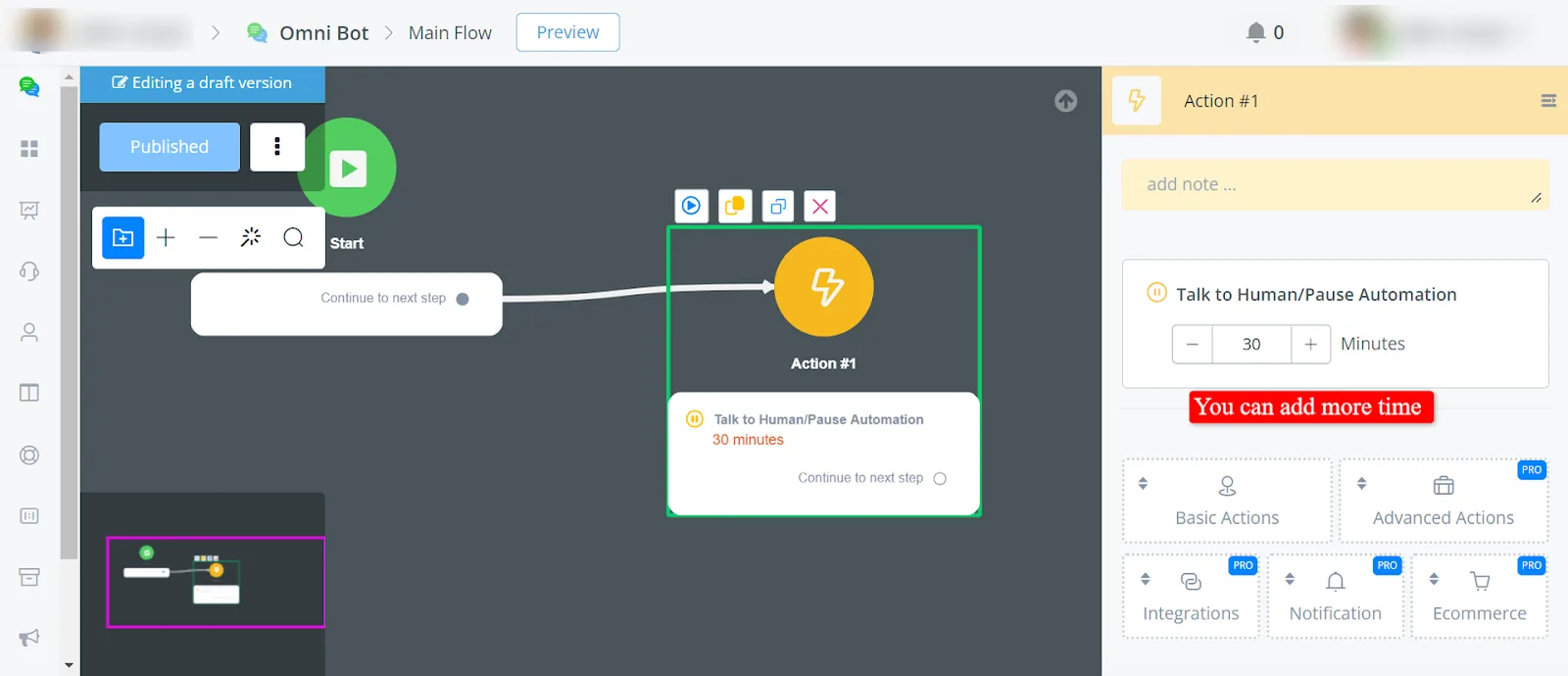
- Pause Automation in the flow:
- At any point in the flow, you can offer users the option to talk to a human agent.
- This feature pauses the automation temporarily, allowing real-time human interaction.
- In the Action node -> Basic Actions -> Talk to Human/Pause Automation.
- Adding the pause from the LiveChat:
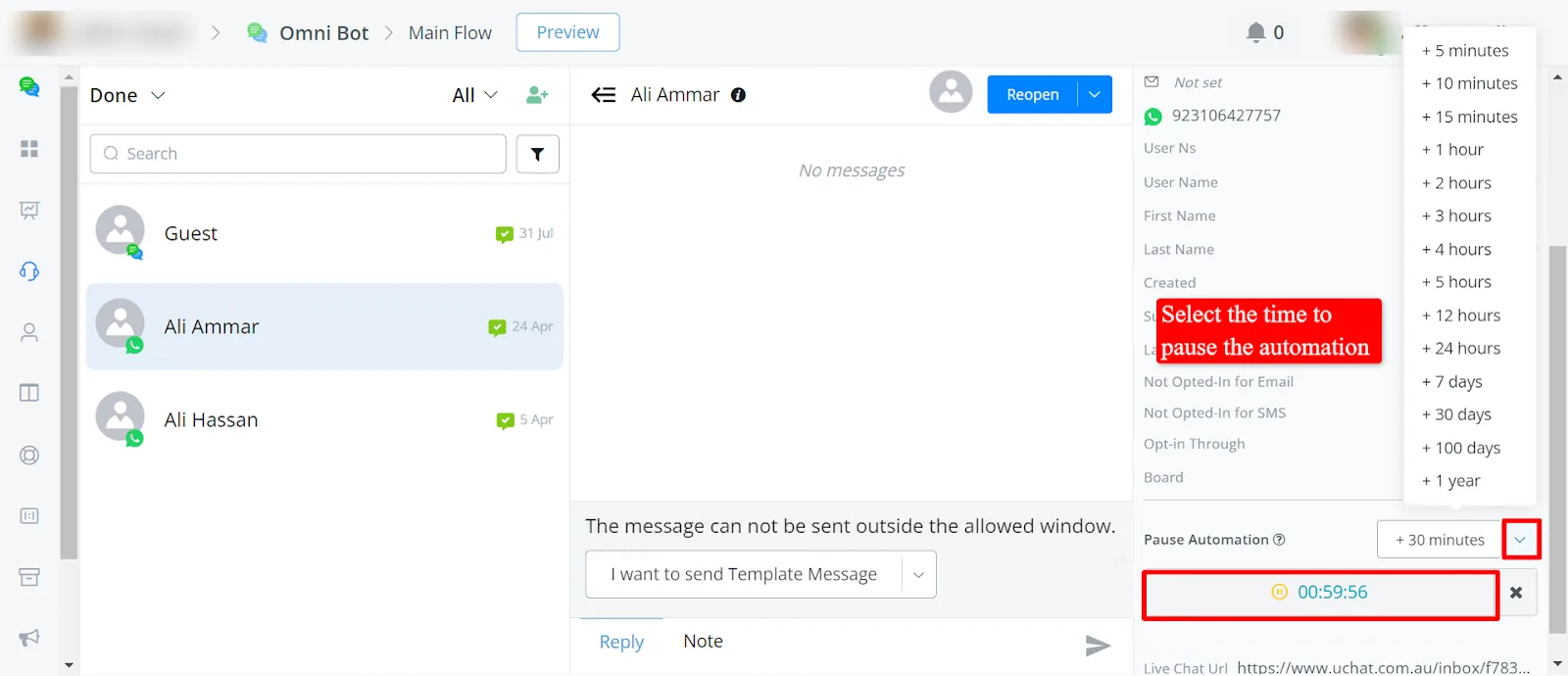
- You can also start a pause directly from the LiveChat interface.