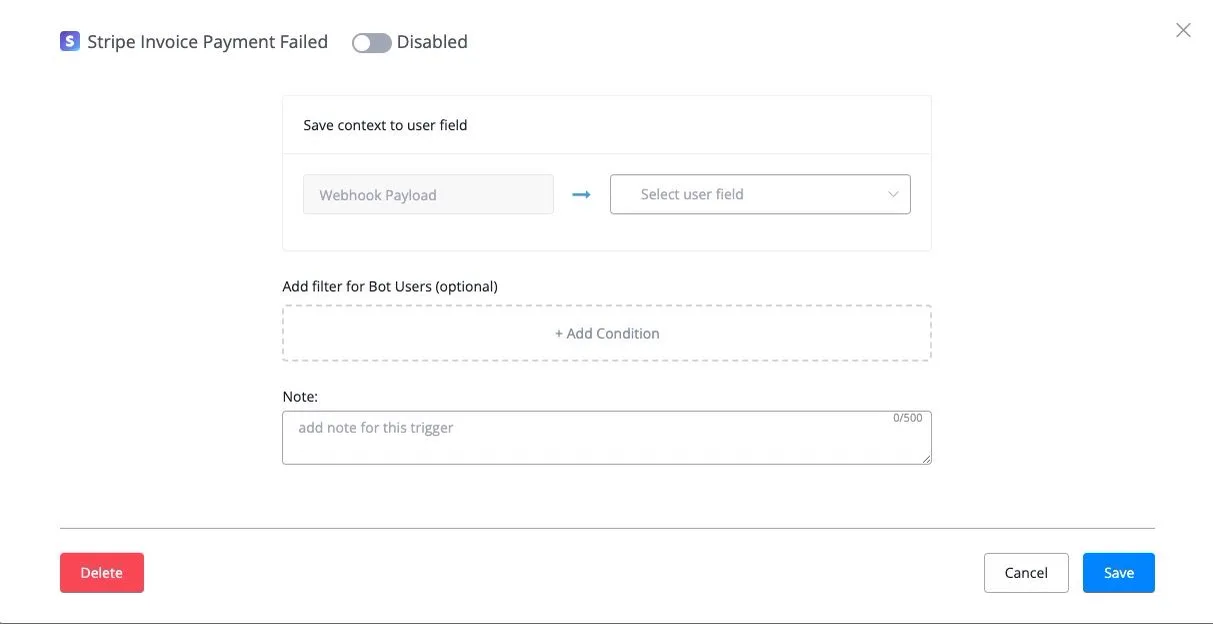
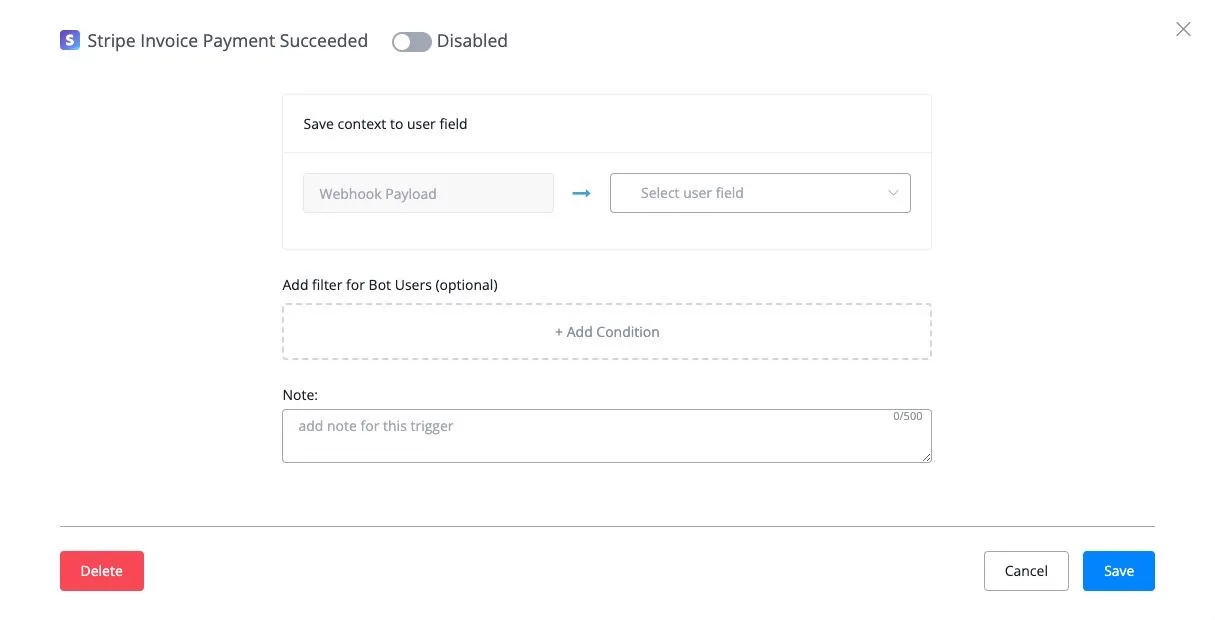
Stripe Invoice Payment Succeeded
This trigger works with Stripe subscription payments. It is the trigger for the first payment of the subscription.
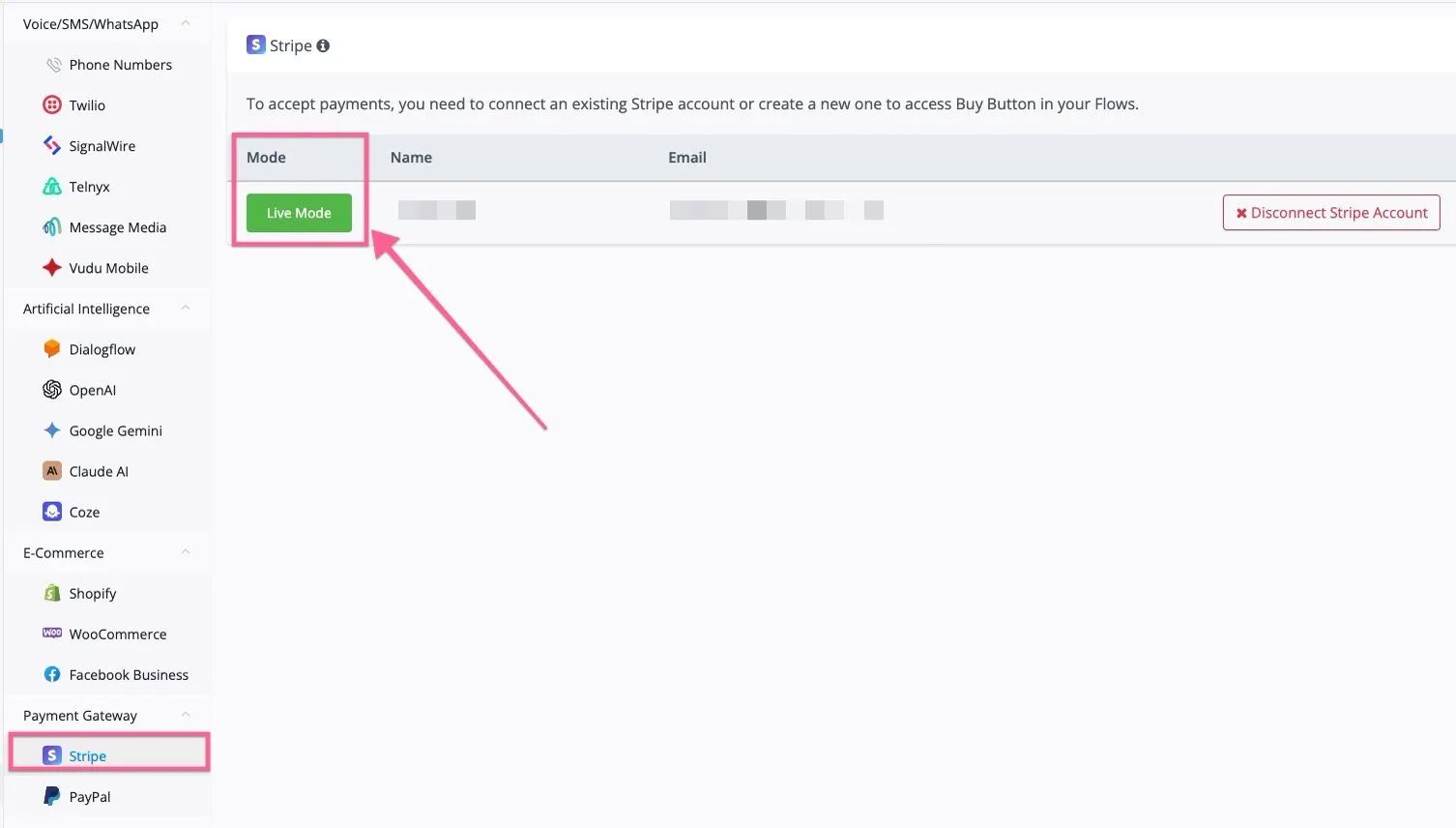
First, you need to connect your Stripe account in the integration and switch the mode to “Live”.
You can create a Stripe subscription in the NicoChat flow builder.
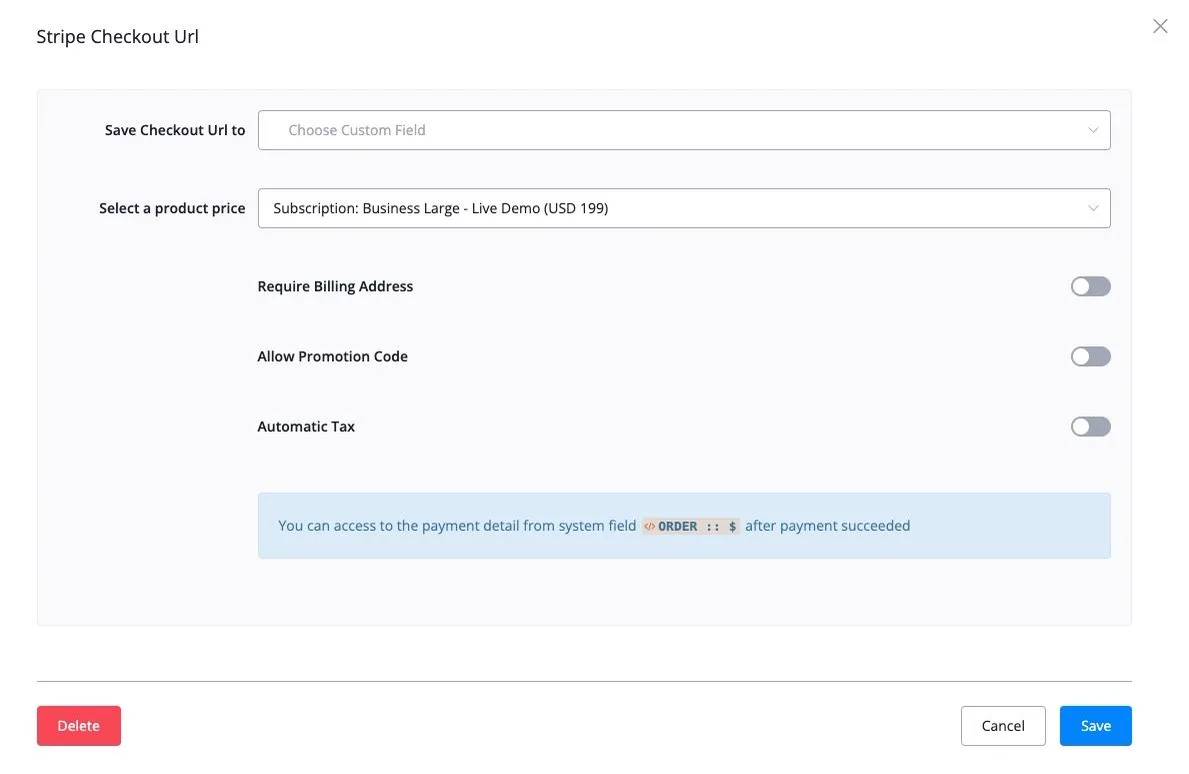
Go to “Action” → “E-Commerce” → “Stripe Checkout Url”.
If your Stripe account has subscription products, the subscription appears in the dropdown, as in the screenshot below.
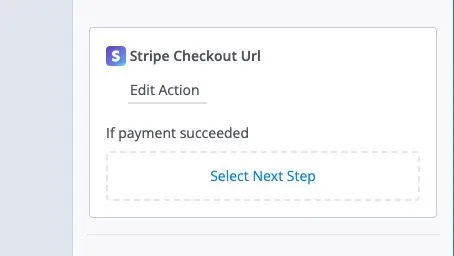
Whether the Stripe payment is a one-time payment or a subscription, you can connect or select the next step through the “if payment succeeded” output.
For the subscription's following recurring payments, you need to select the “Stripe Invoice Payment Succeeded” trigger to fire the automation you want.
If a recurring payment fails, you need to set up the automation with the “Stripe Invoice Payment Failed” trigger.