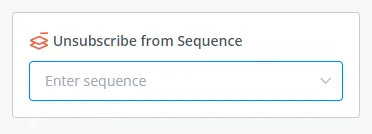
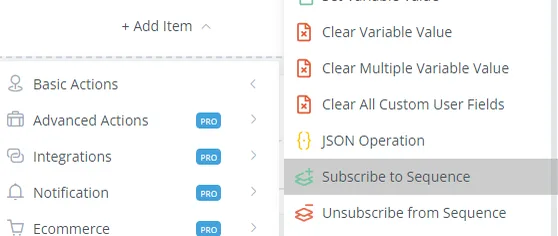
Subscribed / Unsubscribed to Sequence (Trigger)
The Sequence automatically sends a list of messages to users. This is a good way to deliver more value through scheduled messages.
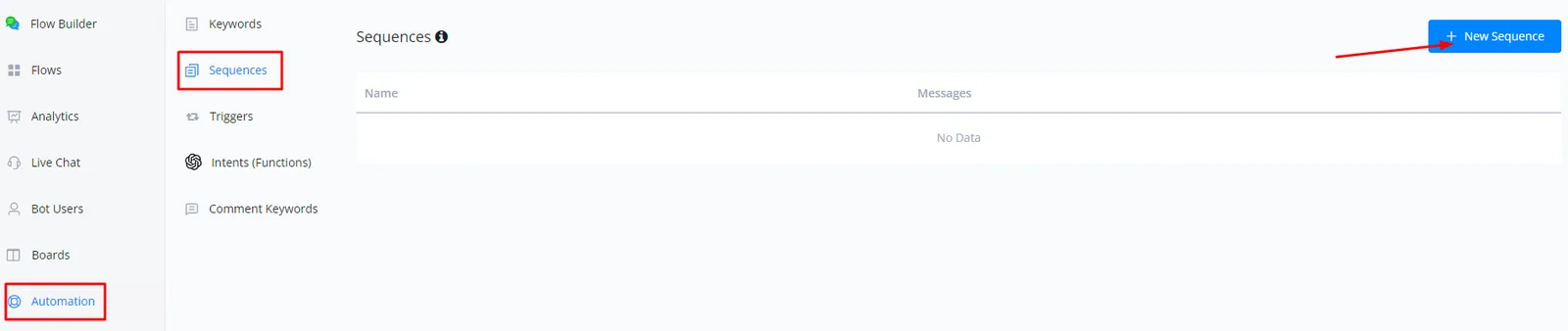
First you will have to set up your sequence by going to Automation, clicking Sequence and then + New Sequence.
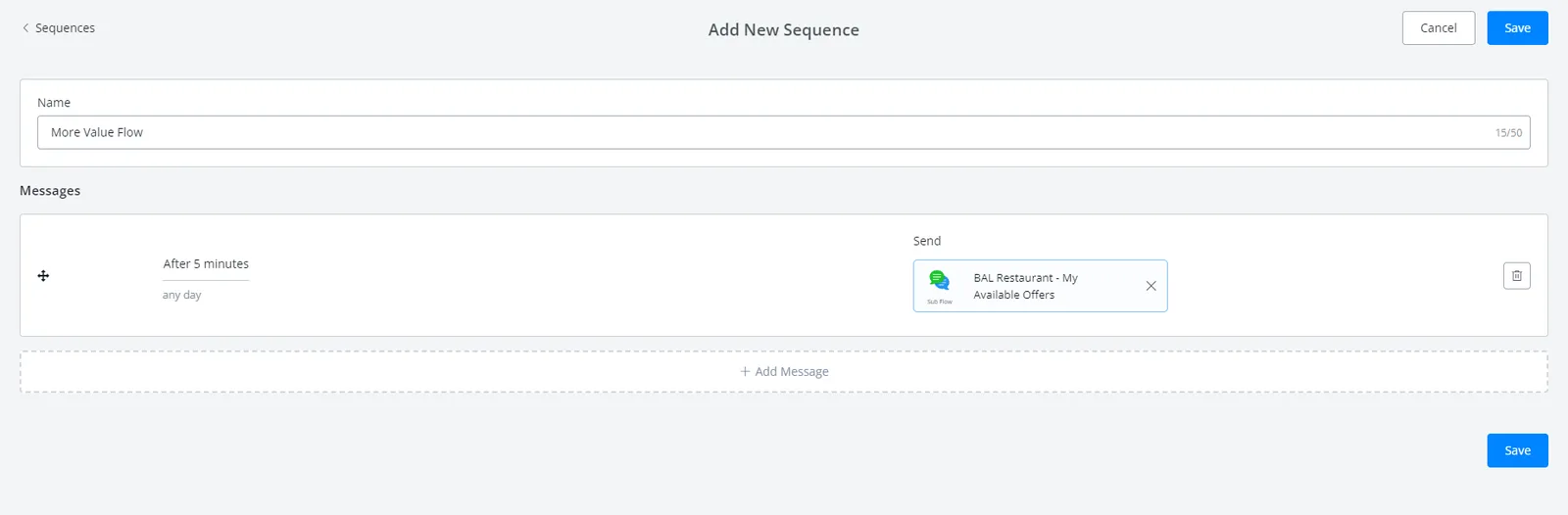
Label your sequence and choose a flow and a time range for delivery. Don't forget to click SAVE.
Note
Note the message sending limitations of the channel you are using.
This unsubscribes a user from a sequence.