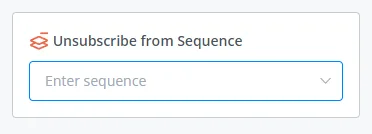
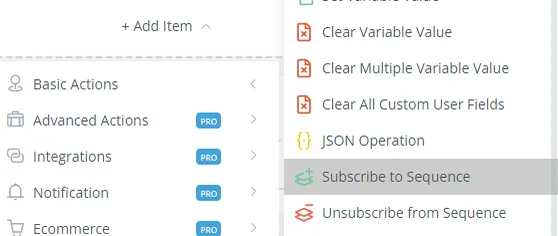
Subscribe and Unsubscribe from Sequence
The sequence automatically sends a list of messages to users. This is a good way to provide more value through scheduled messages.
The sequence automatically sends a list of messages to users. This is a good way to provide more value through scheduled messages.
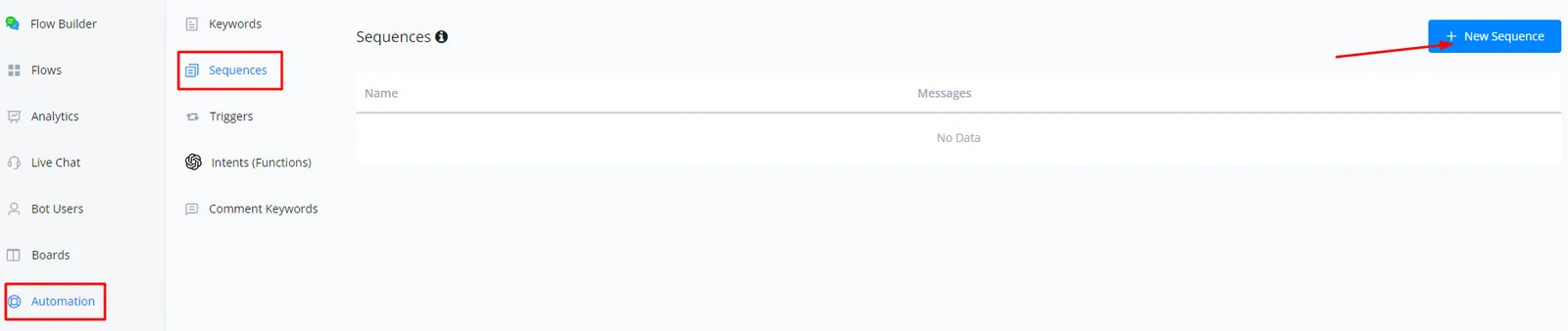
First you need to set up your sequence: go to Automation, click Sequence and then + New Sequence.
Give your sequence a name and choose a flow and a Time Range for delivery. Don't forget to click SAVE.
Note
Please note the message-sending limitations of the channel you are using.
This literally unsubscribes a user from a sequence.