Google My Business API (Advanced Actions)
This guide explores the features of the Google My Business Review Management Actions in NicoChat, allowing you to effectively manage your online reputation directly through NicoChat.
- Connecting to Google My Business
- Connect your Google My Business account in the Google channel and link it to a bot
Full connection tutorial here: ⛔Google My Business Chat
- Inserting the Action Block into your flow
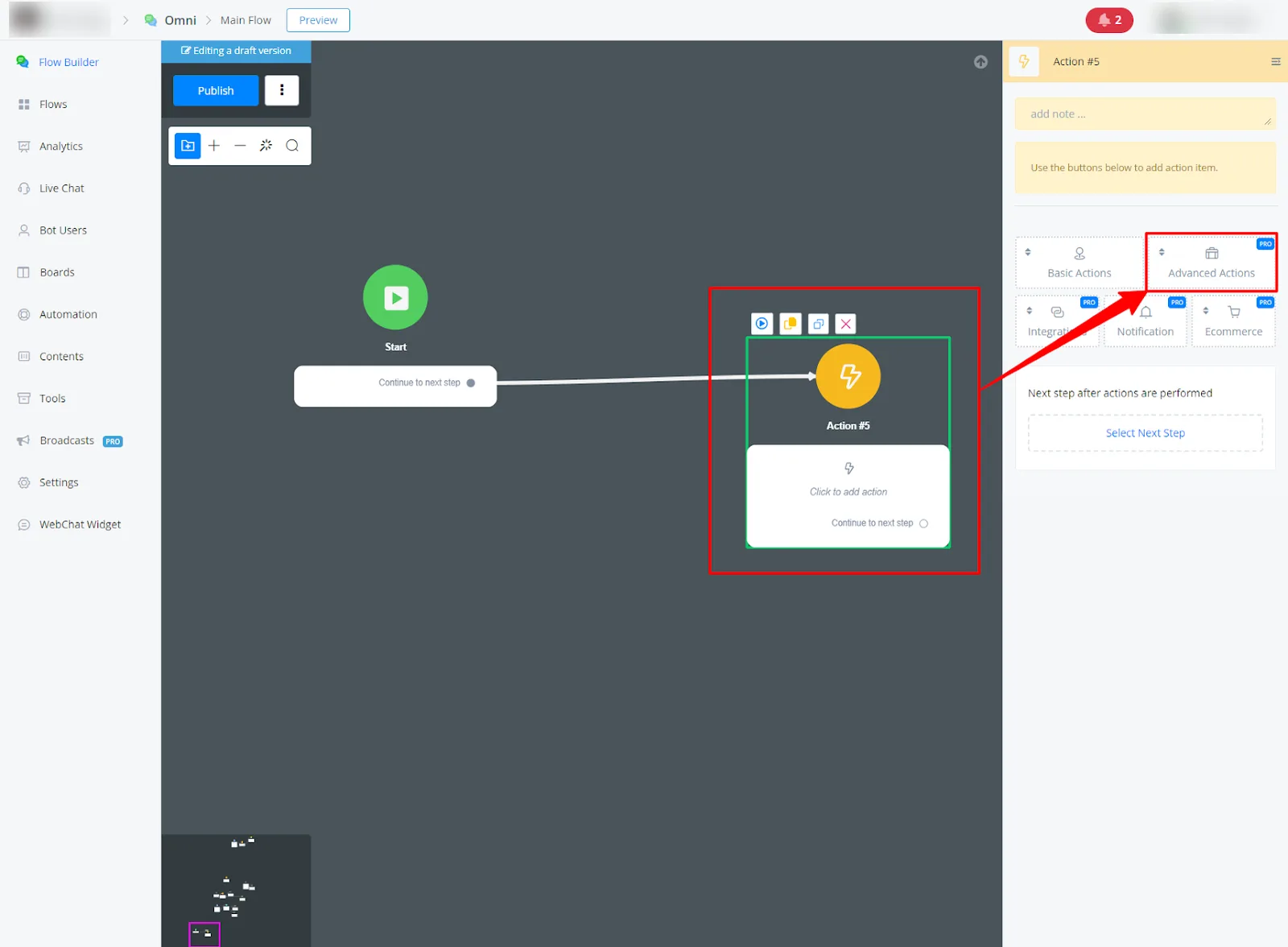
Insert an Action Block into your flow and go to Advanced Actions.
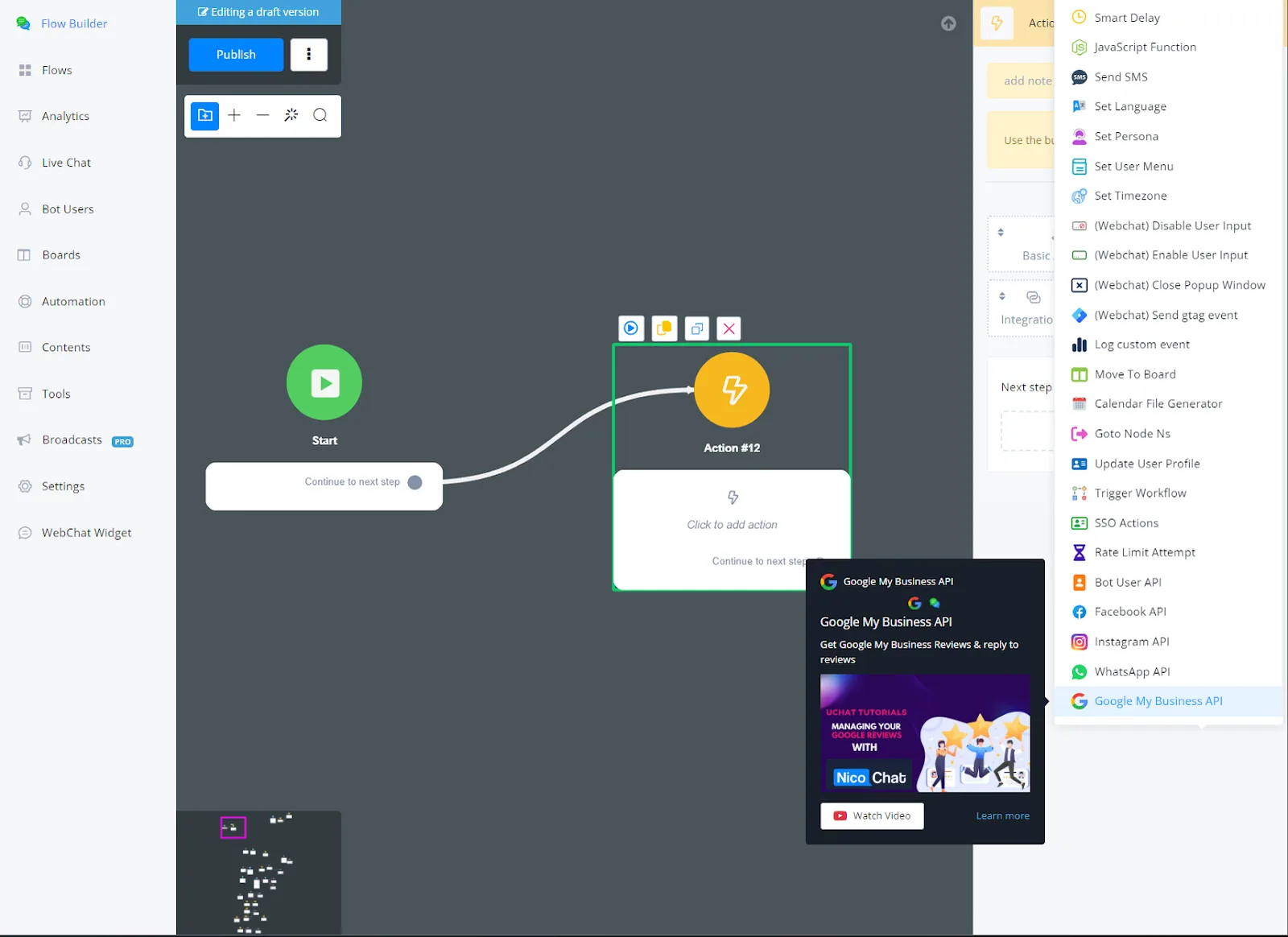
- Select the Google My Business API.
- Google My Business API features through NicoChat's Action Block
This guide clarifies the functionality of the Google My Business API actions on the NicoChat platform, providing a clear understanding of each action's purpose.
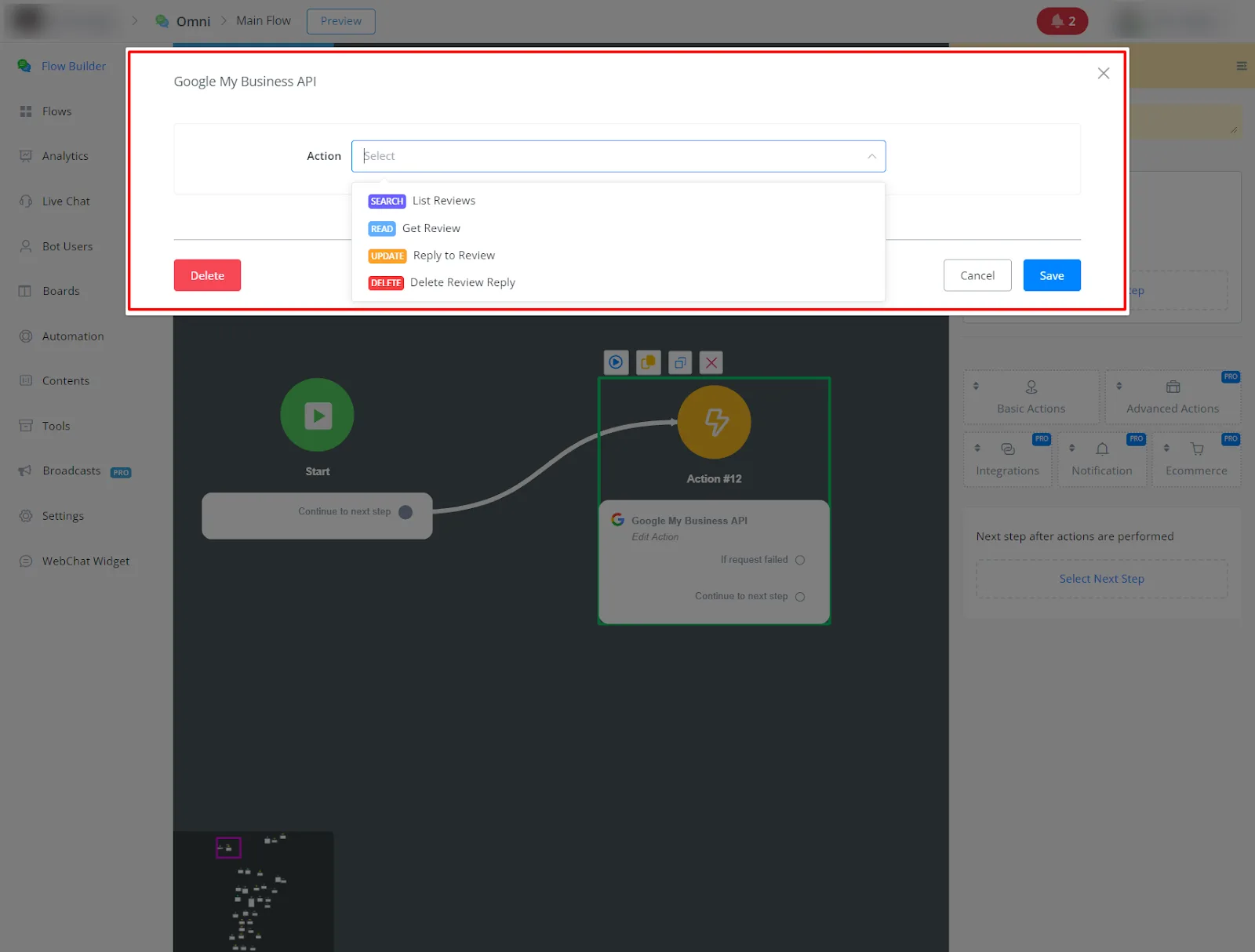
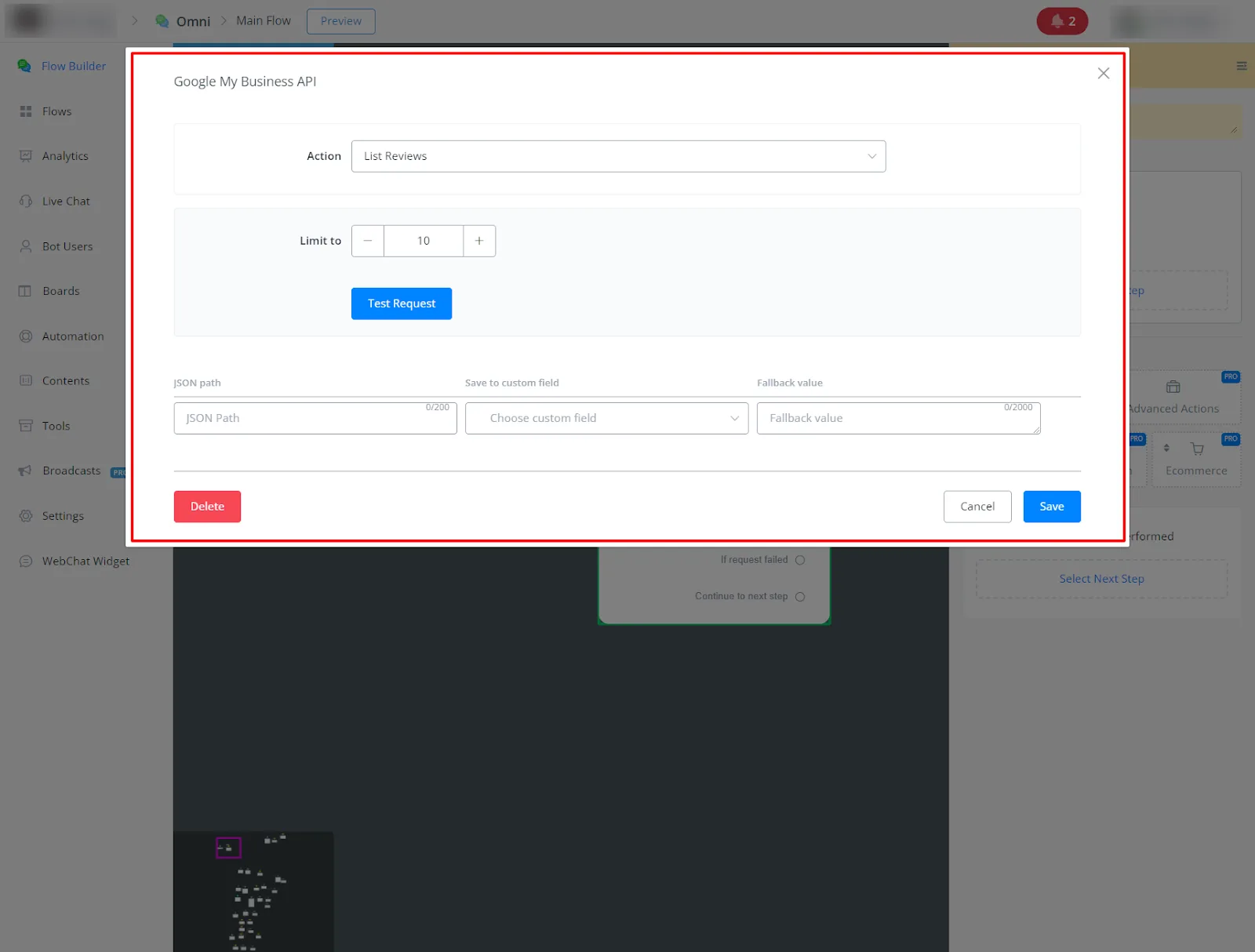
- List Reviews: get a list of up to 50 reviews associated with your Google My Business profile.
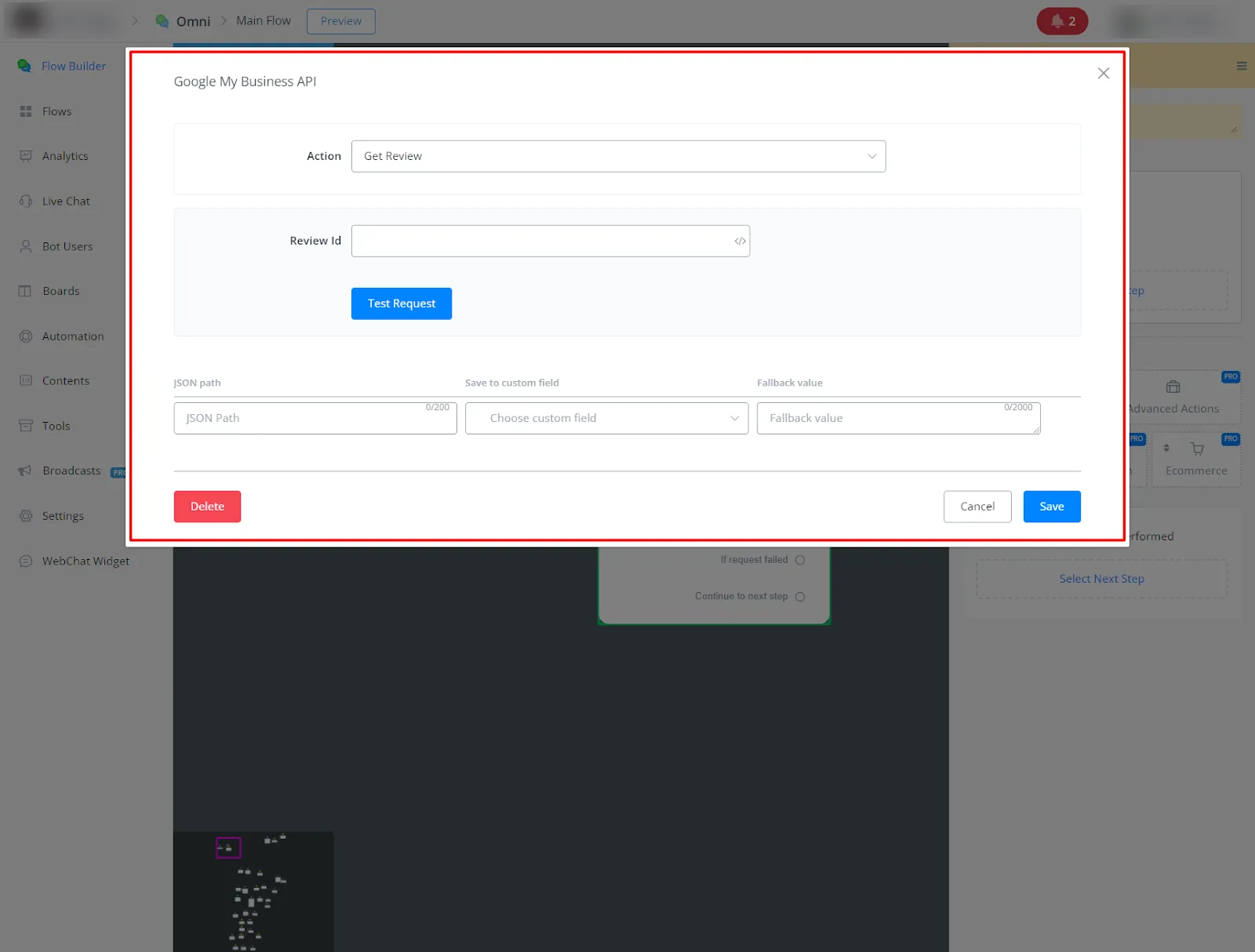
- Get Review: get the details of a specific review from your Google My Business profile.
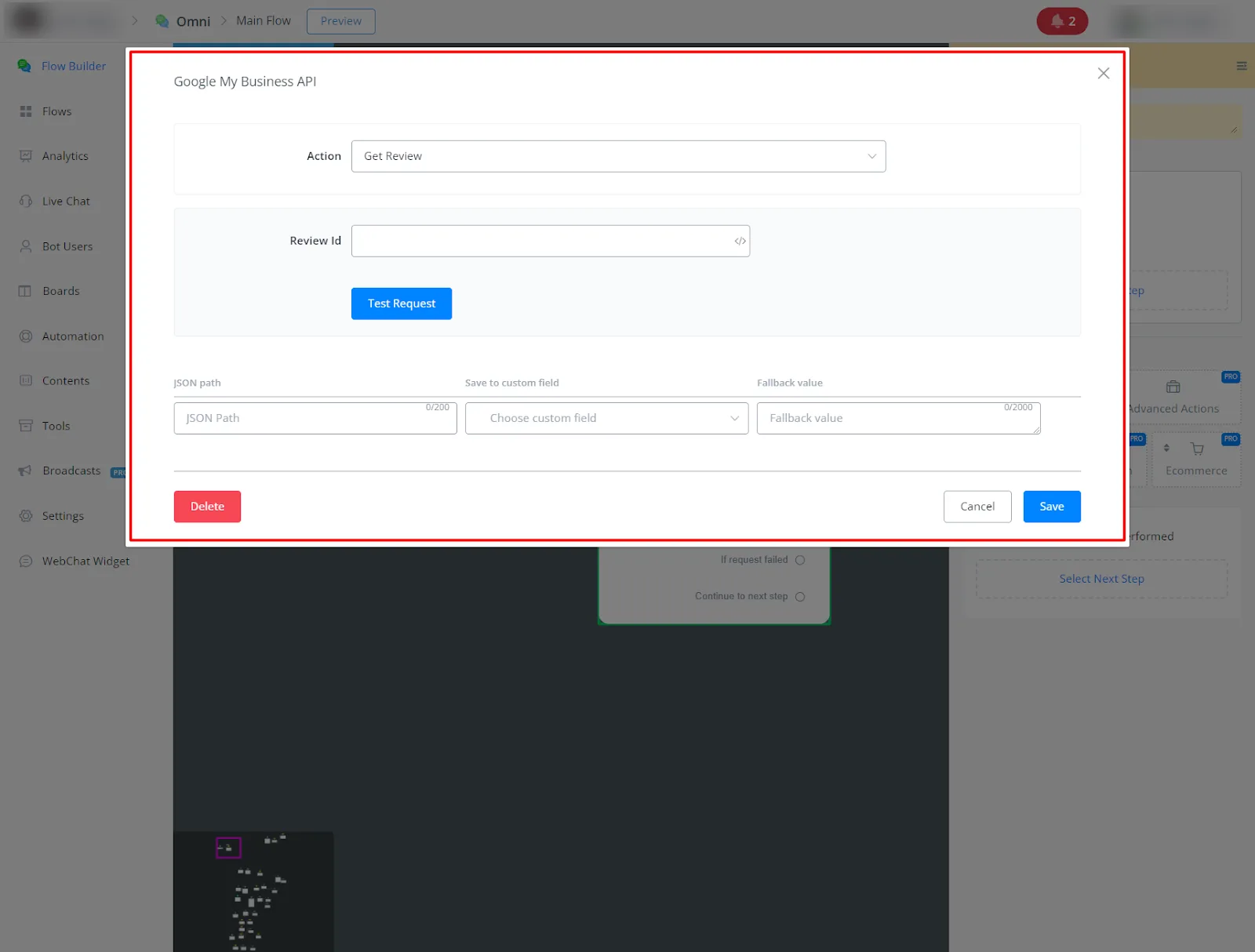
Description of the JSON fields received:
- reviewId: Unique identifier for the review.
- reviewer: Object representing the reviewer, with these fields:
profilePhotoUrl: URL of the reviewer's profile photo. displayName: Display name of the reviewer. - starRating: Star rating of the review, can be one of the following values:
ONE, TWO, THREE, FOUR, FIVE - comment: The reviewer's comment about the ad.
- createTime: Date and time the review was created.
- updateTime: Date and time the review was updated.
- name: Name of the review.
Here's a JSON example:
{
"reviews": [
{
"reviewId": "12345",
"reviewer": {
"profilePhotoUrl": " https://example.com/profile.jpg ",

"displayName": "John Doe"
},
"starRating": "FIVE",
"comment": "This is a great ad!",
"createTime": "2024-04-22T22:10:00Z",
"updateTime": "2024-04-22T22:10:00Z",
"name": "My first review"
},
{
"reviewId": "67890",
"reviewer": {
"profilePhotoUrl": " https://example.com/jane.jpg ",

"displayName": "Jane Smith"
},
"starRating": "FOUR",
"comment": "This ad is pretty good.",
"createTime": "2024-04-22T22:10:00Z",
"updateTime": "2024-04-22T22:10:00Z",
"name": "My second review"
}
],
"averageRating": 4.5,
"totalReviewCount": 2
}
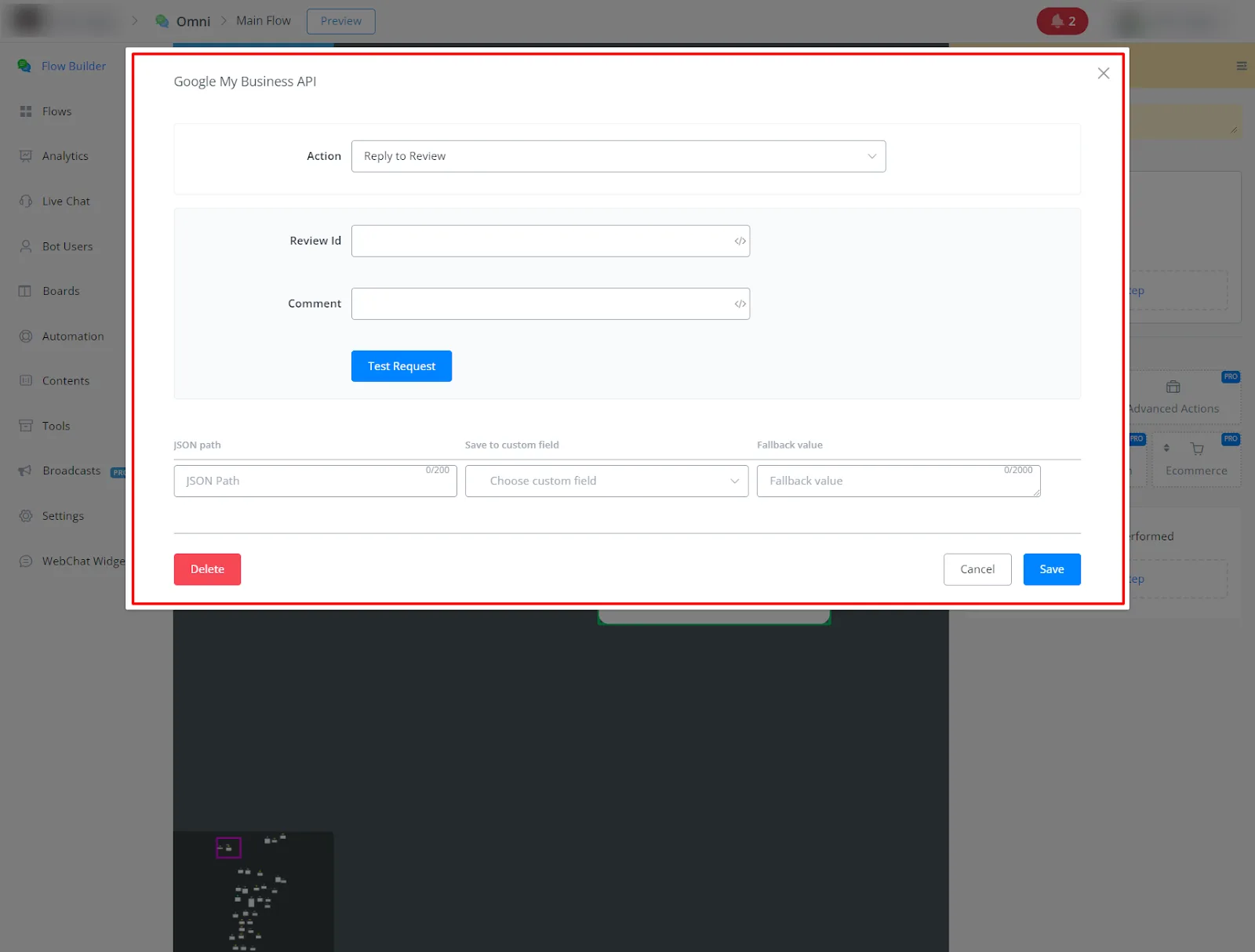
- Reply to Review: reply directly to reviews left on your Google My Business profile.
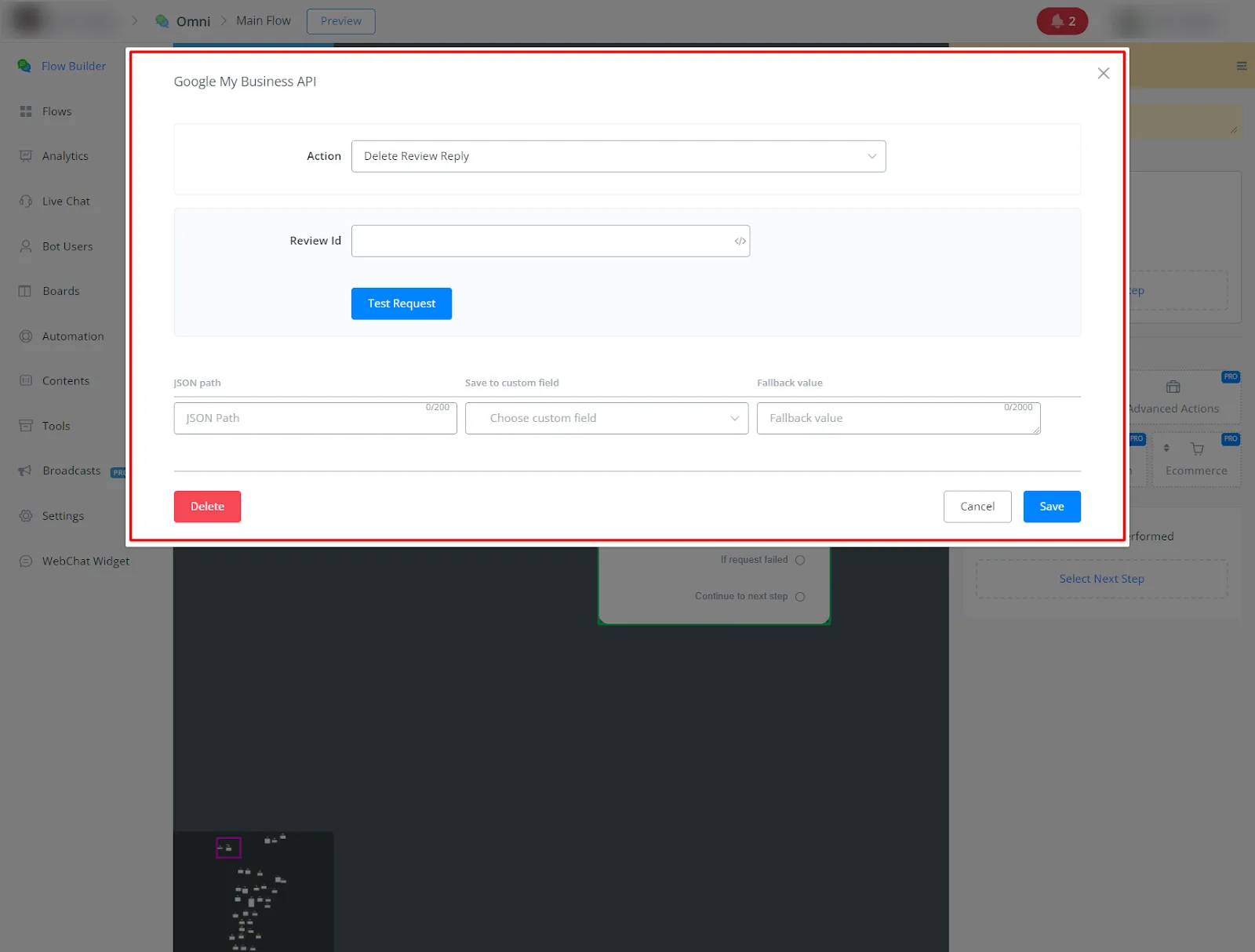
- Delete Review Reply: removes a reply you previously posted to a Google My Business review.