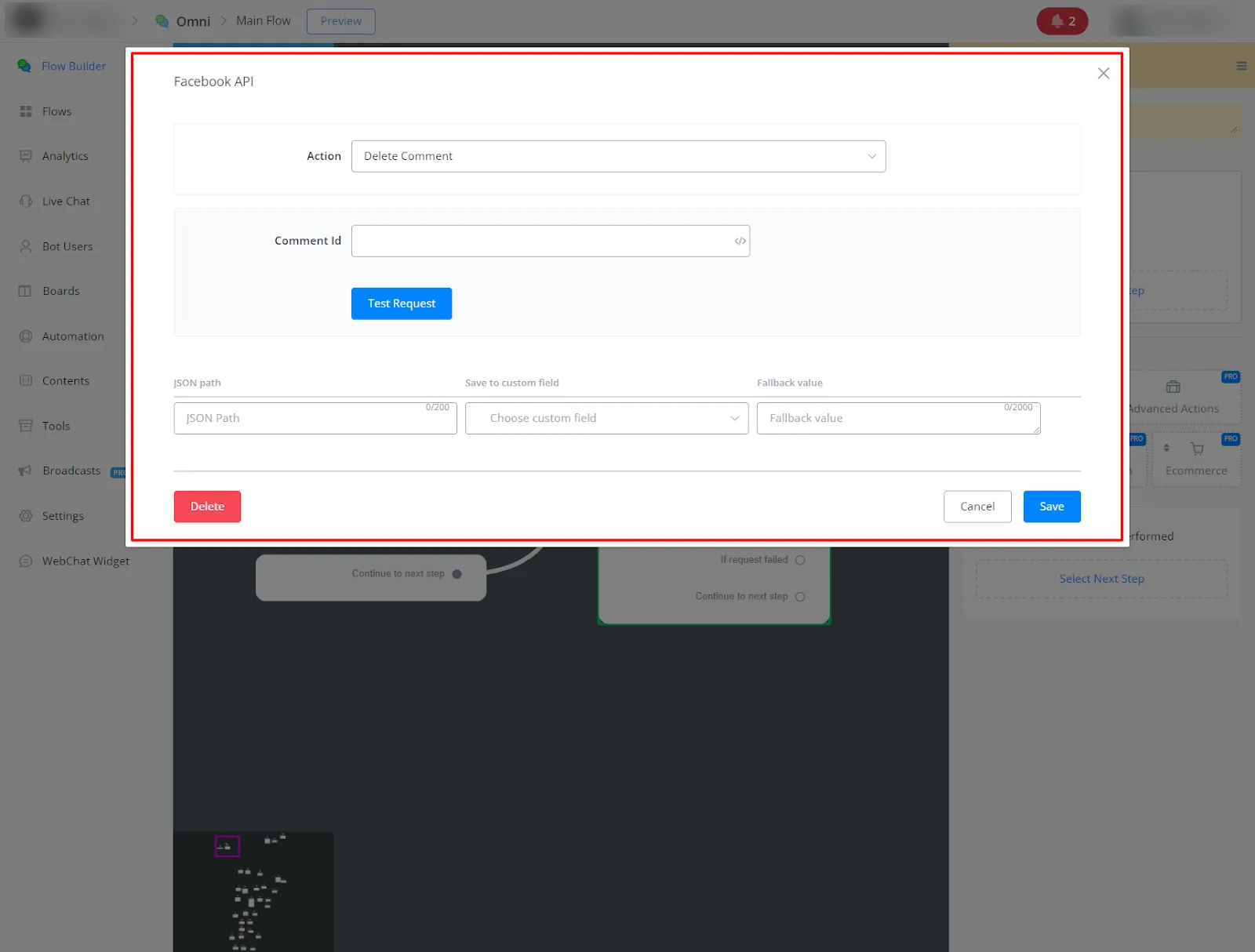
Facebook API (Advanced Actions)
This complete guide explains in detail the features of the Facebook Page Actions in NicoChat, making it easy to manage your Facebook page content directly through NicoChat.
- Connect your Facebook Business Manager account in Integrations;
- Connect your Facebook account in the Facebook channel and link it to a Channel.
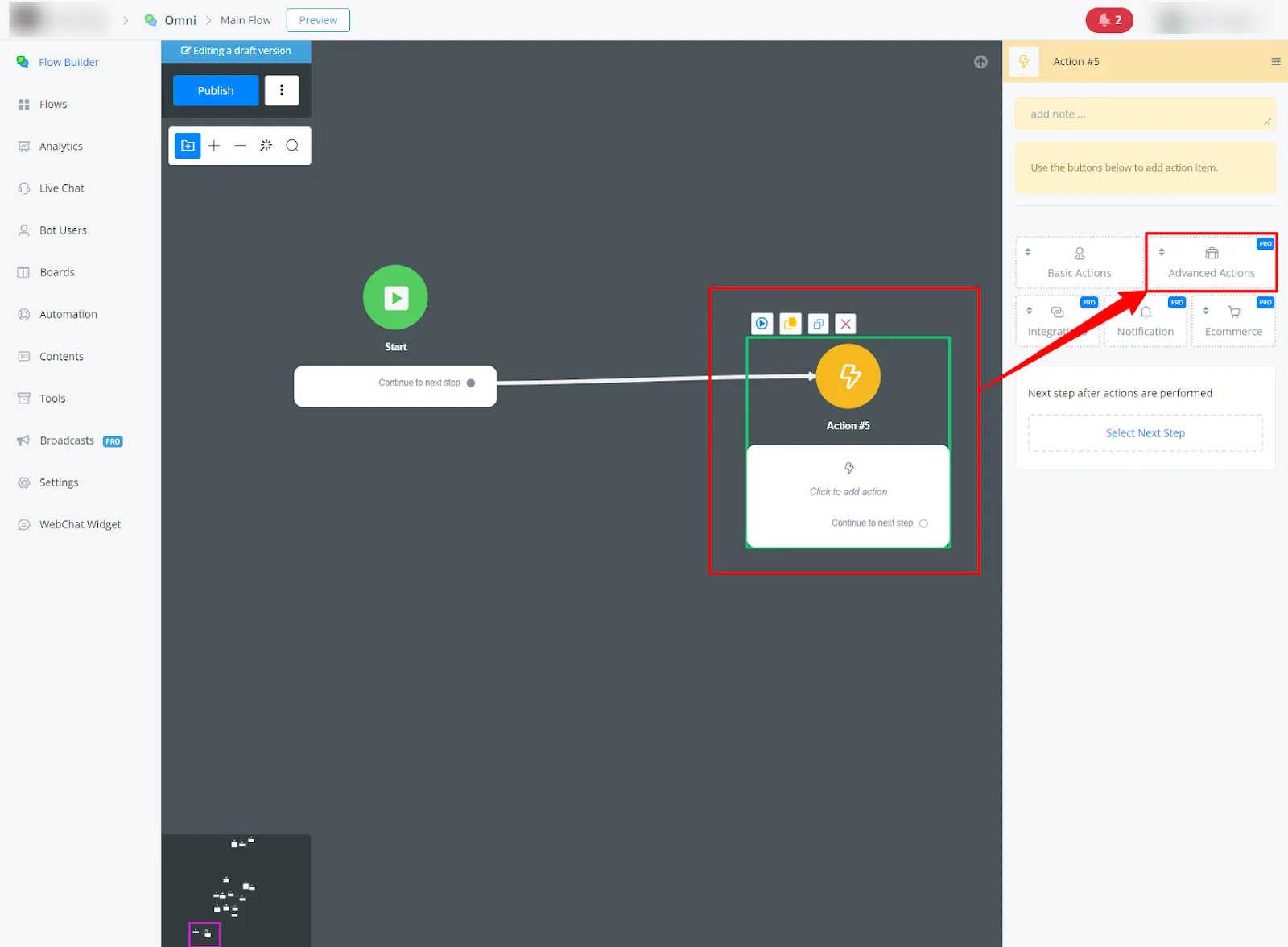
Insert an Action block into your flow and go to Advanced Actions.
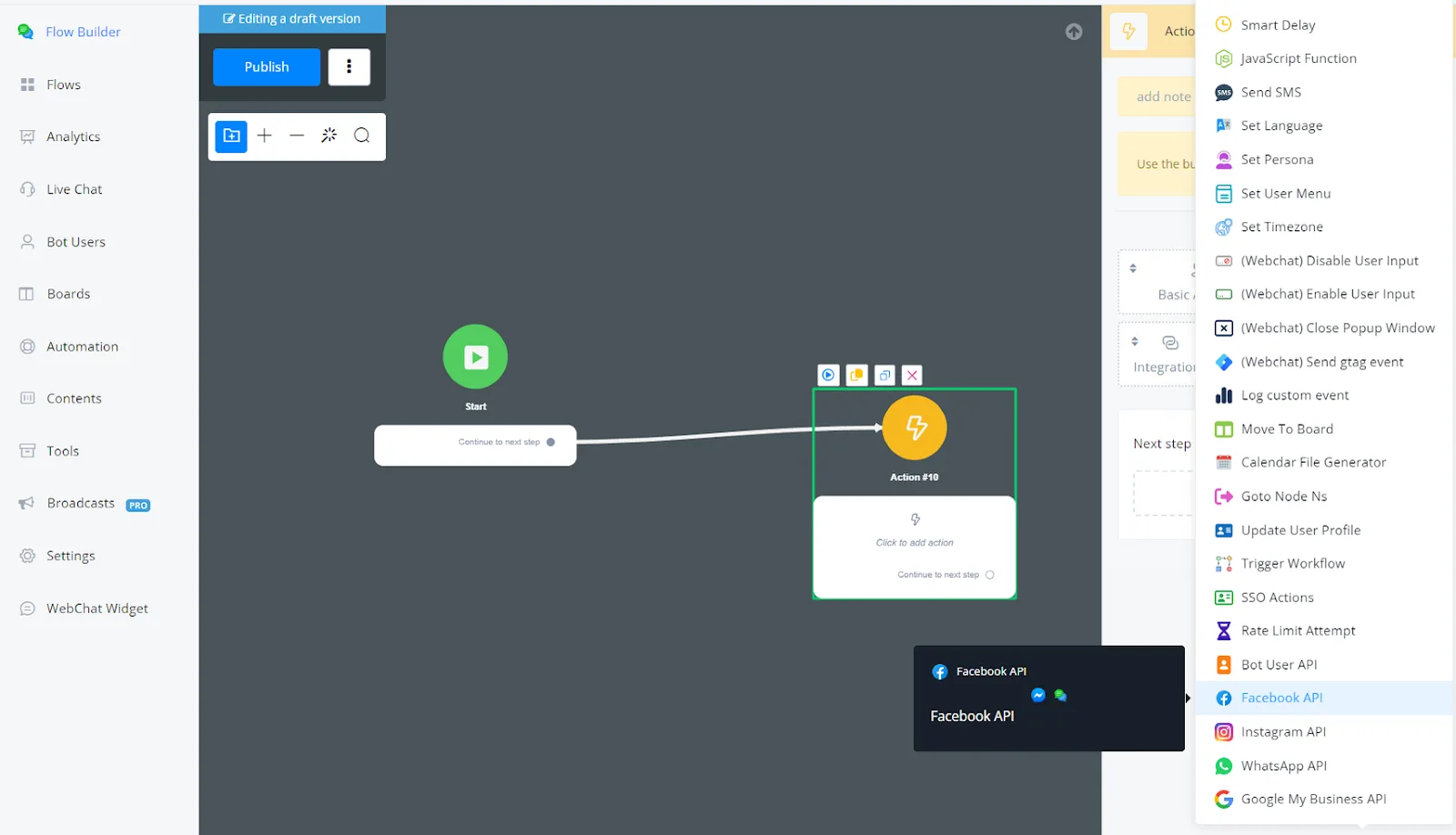
Select Facebook API
This guide explains in detail the features of the Facebook page API actions on the NicoChat platform, providing a clear understanding of the purpose and use of each action.
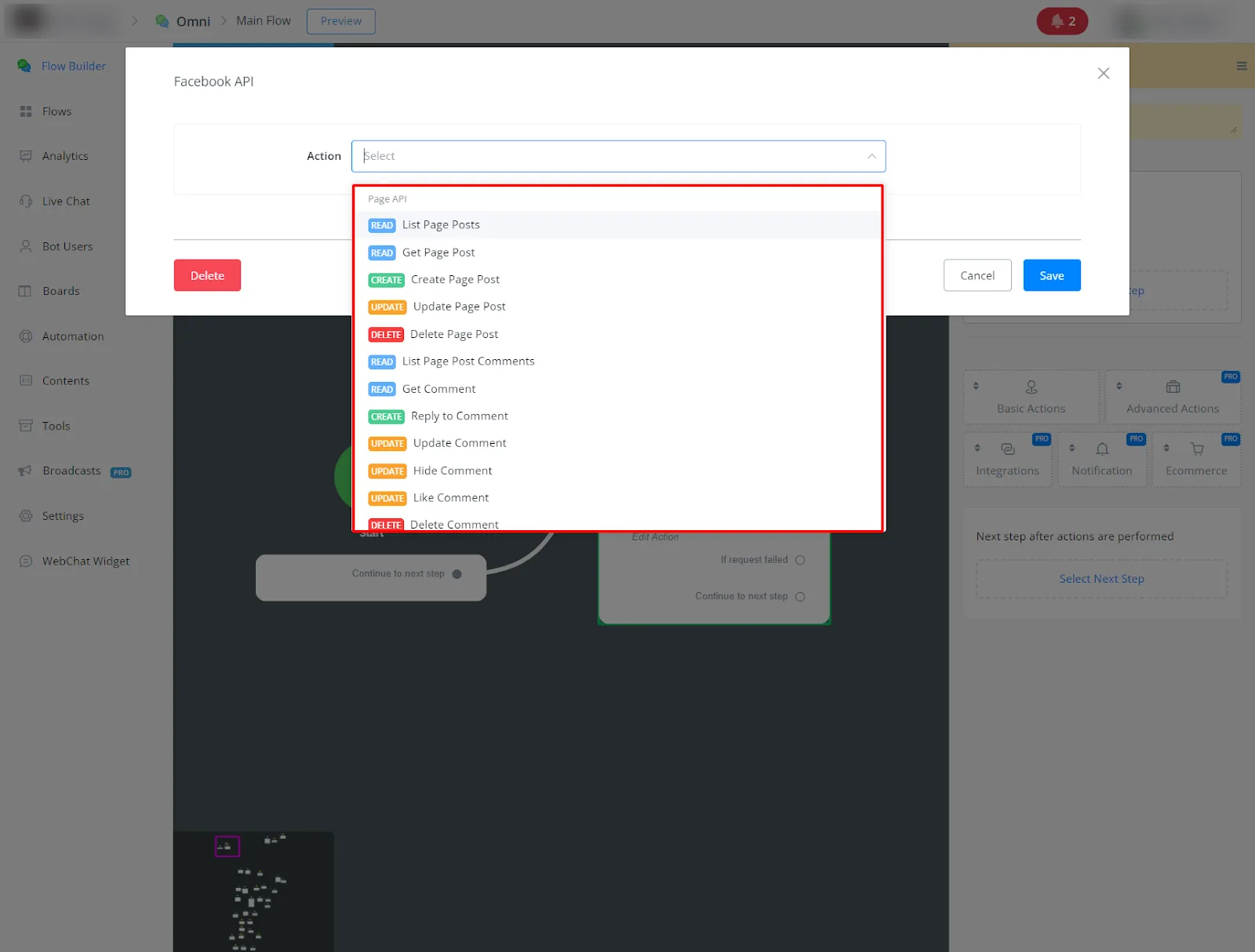
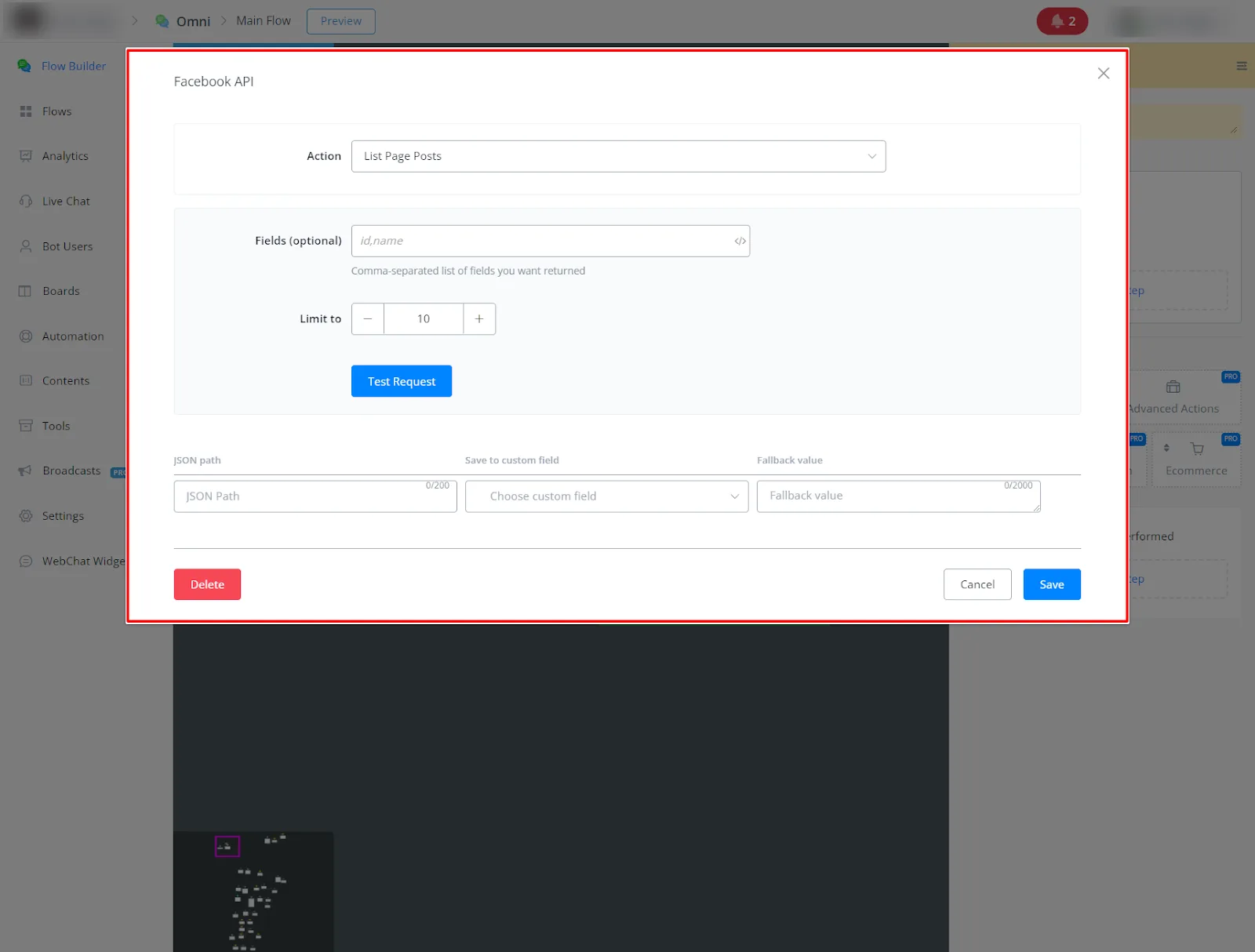
- Access the list of posts currently published on your Facebook page.
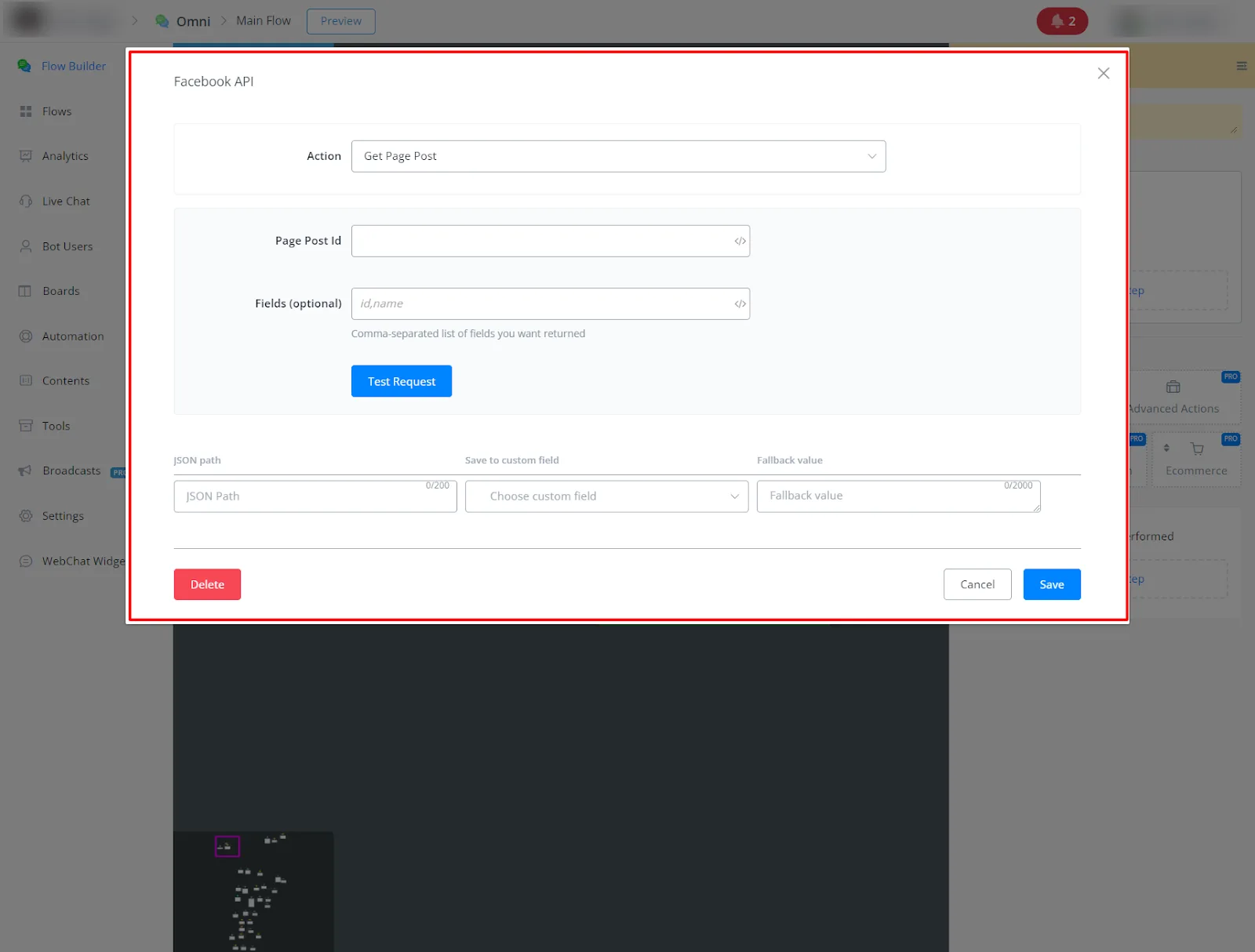
- Get the details of a specific post from your Facebook page.
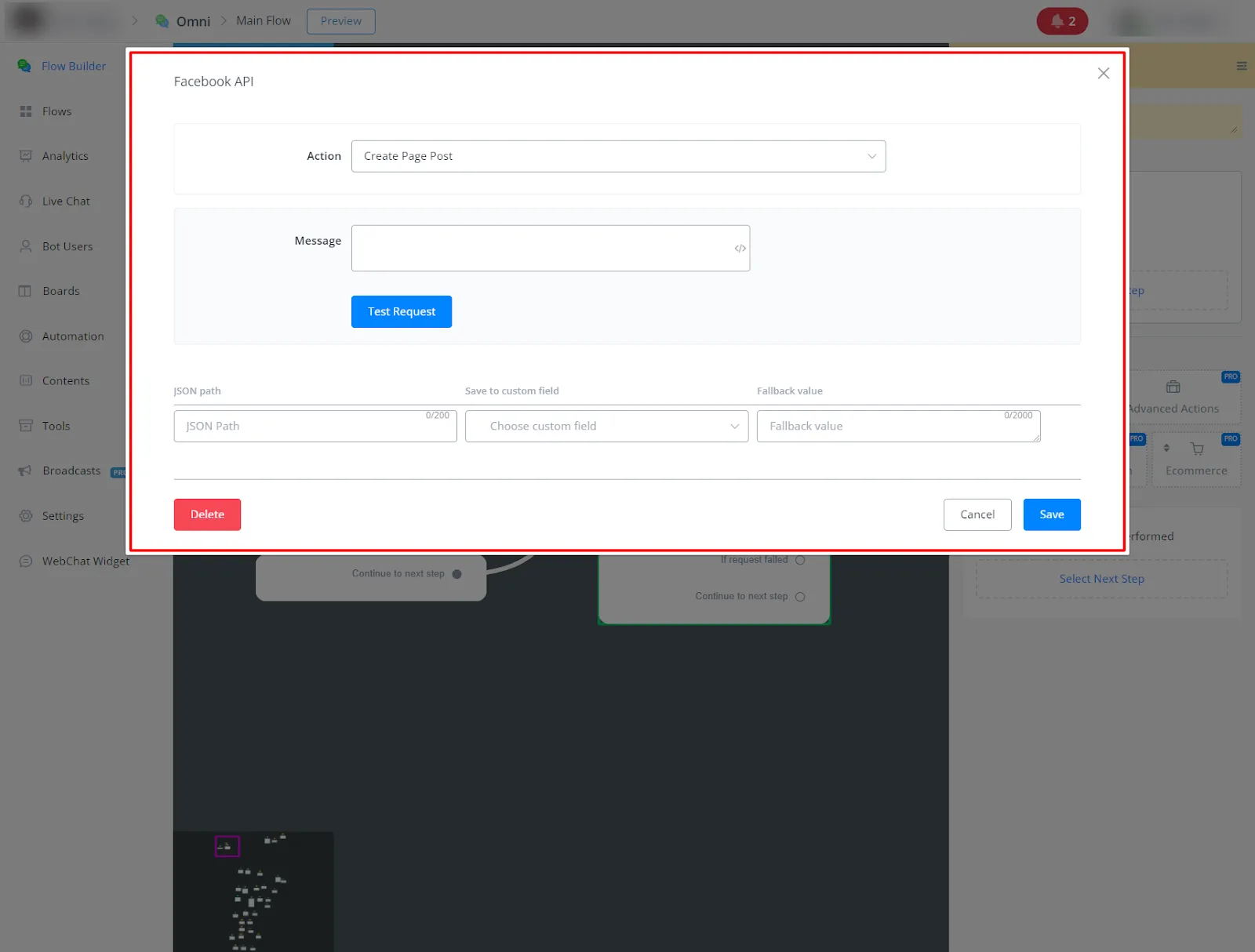
- Publish new content to your Facebook page directly from NicoChat.
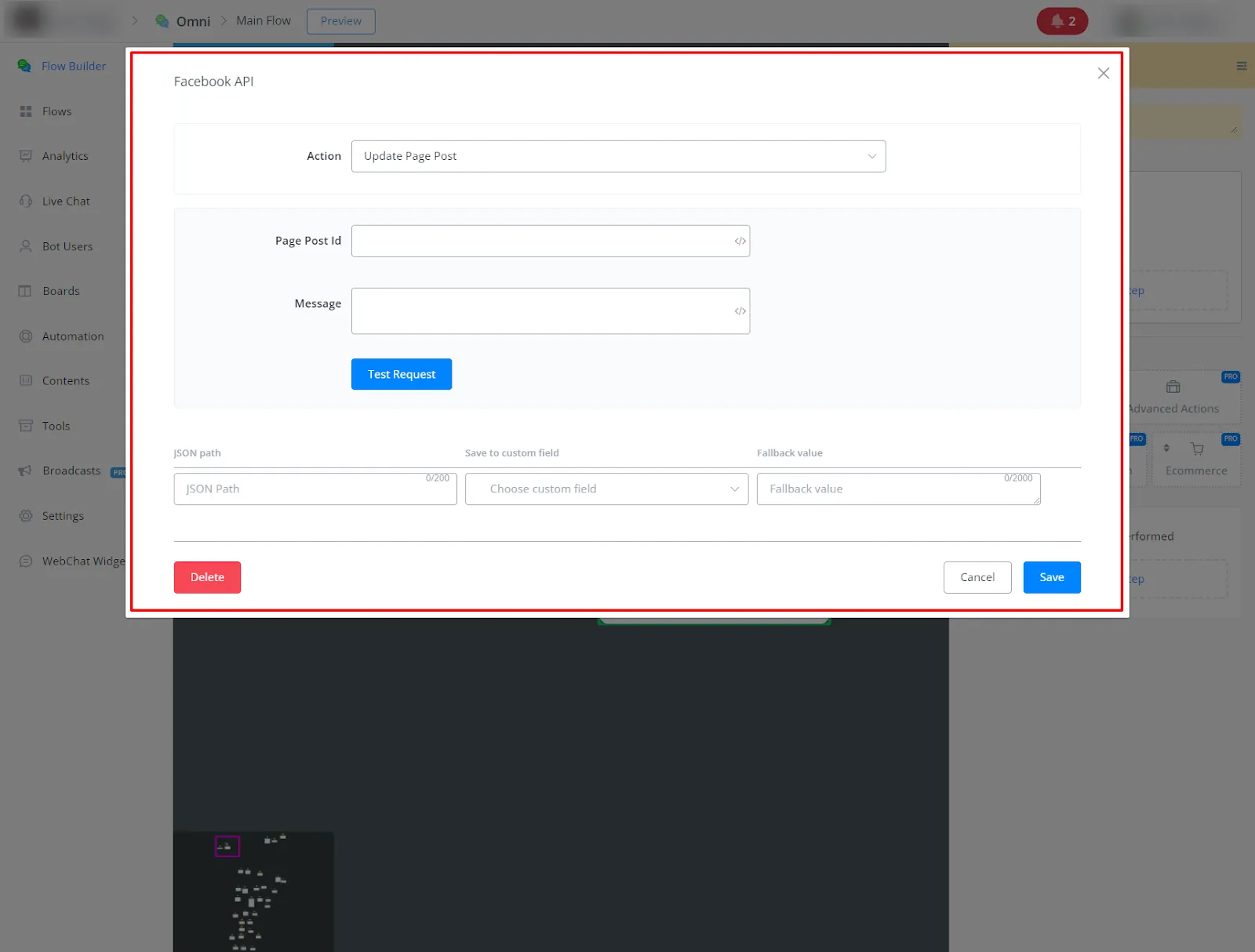
- Update an existing post on your Facebook page.
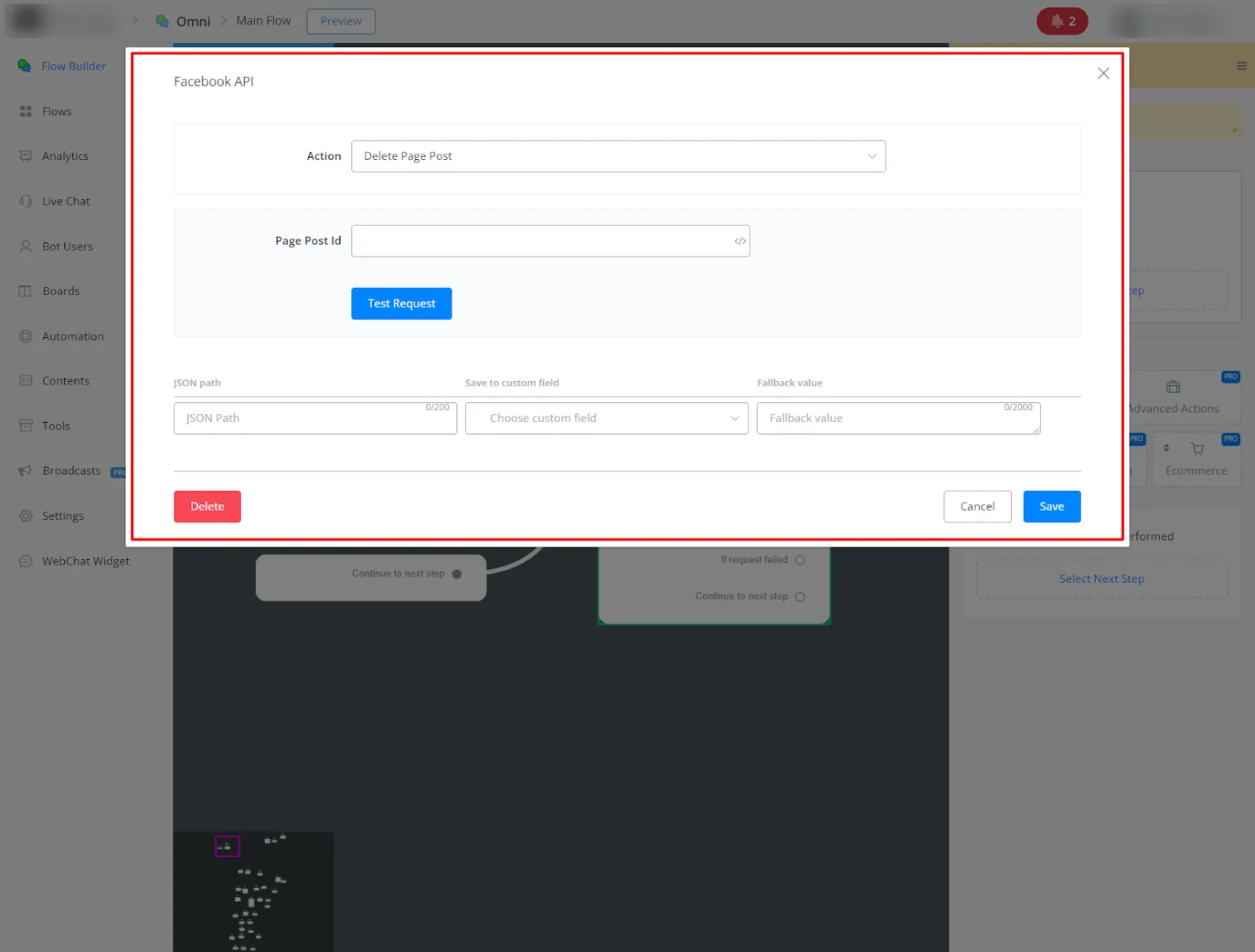
- Delete an existing post from your Facebook page.
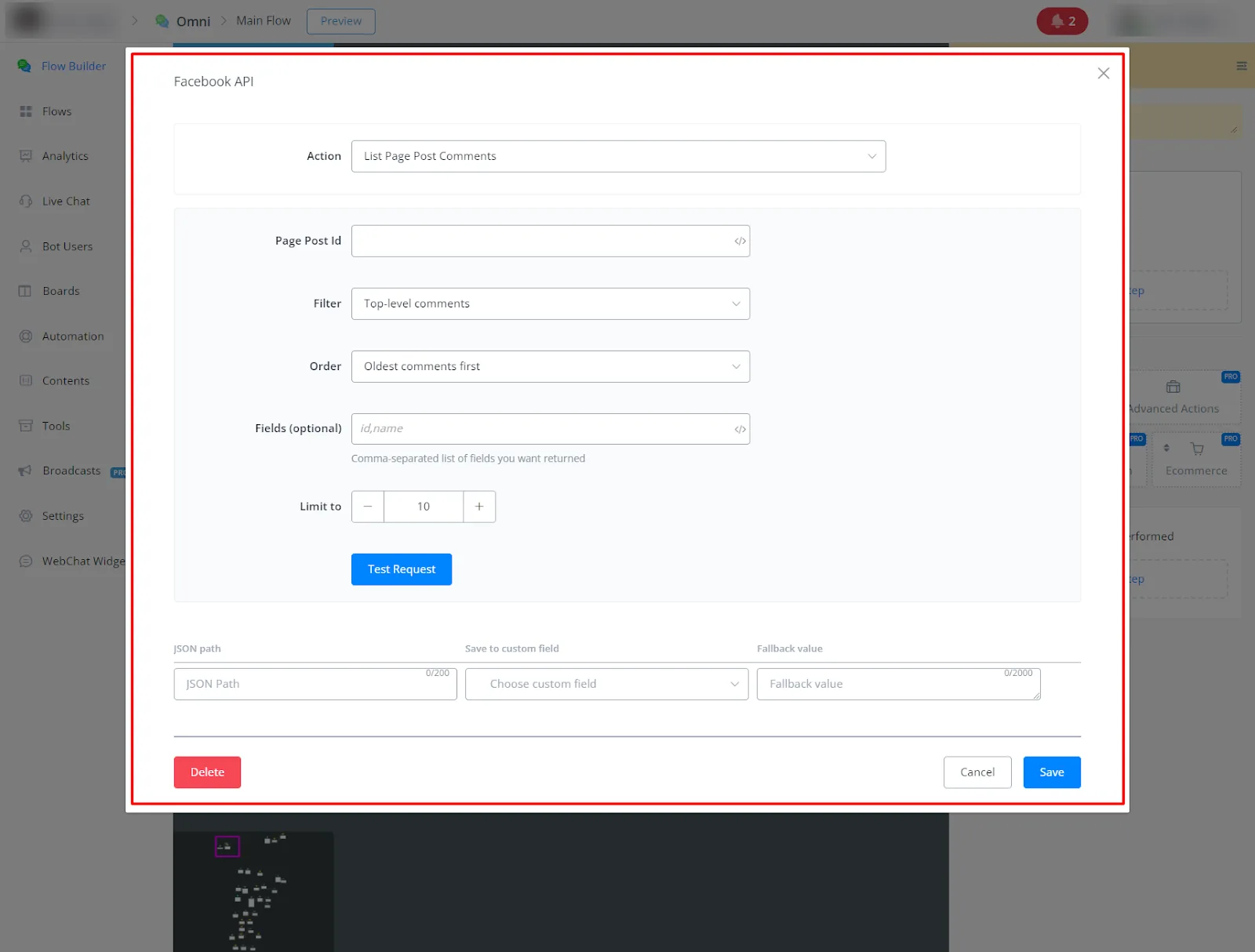
- Retrieve the list of comments on a specific post on your Facebook page.
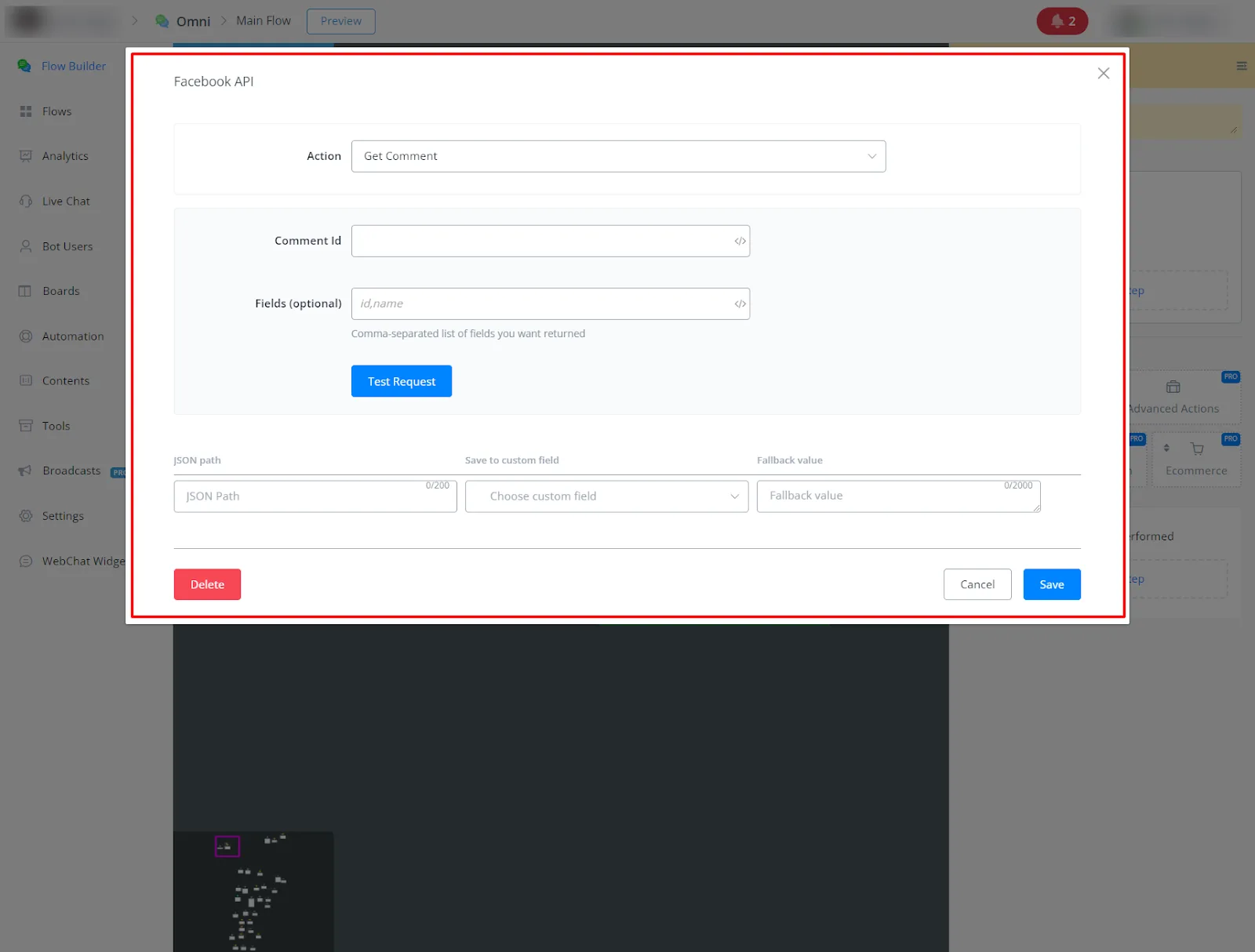
- Get details of a specific comment from your Facebook page.
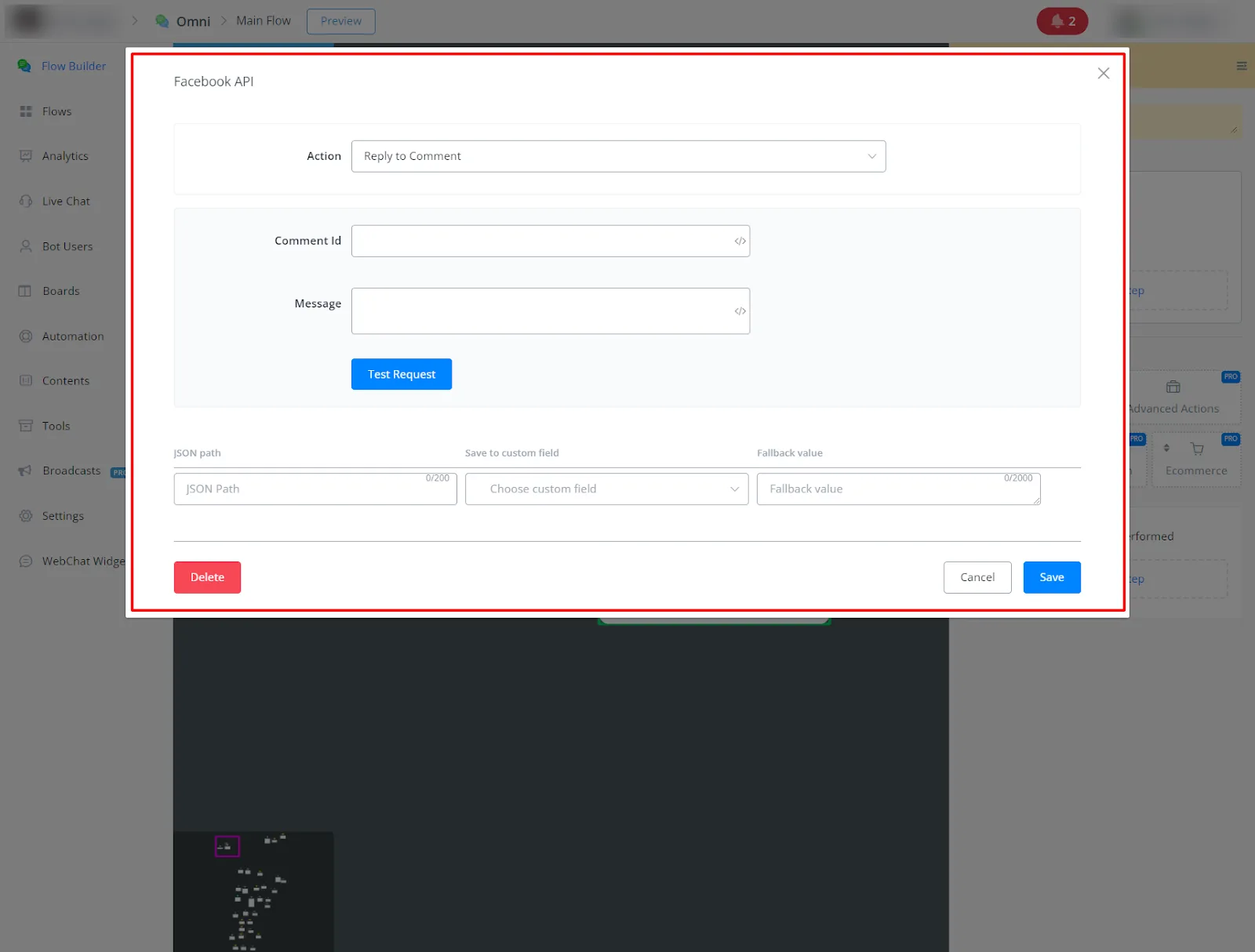
- Reply to a comment on a post on your Facebook page.
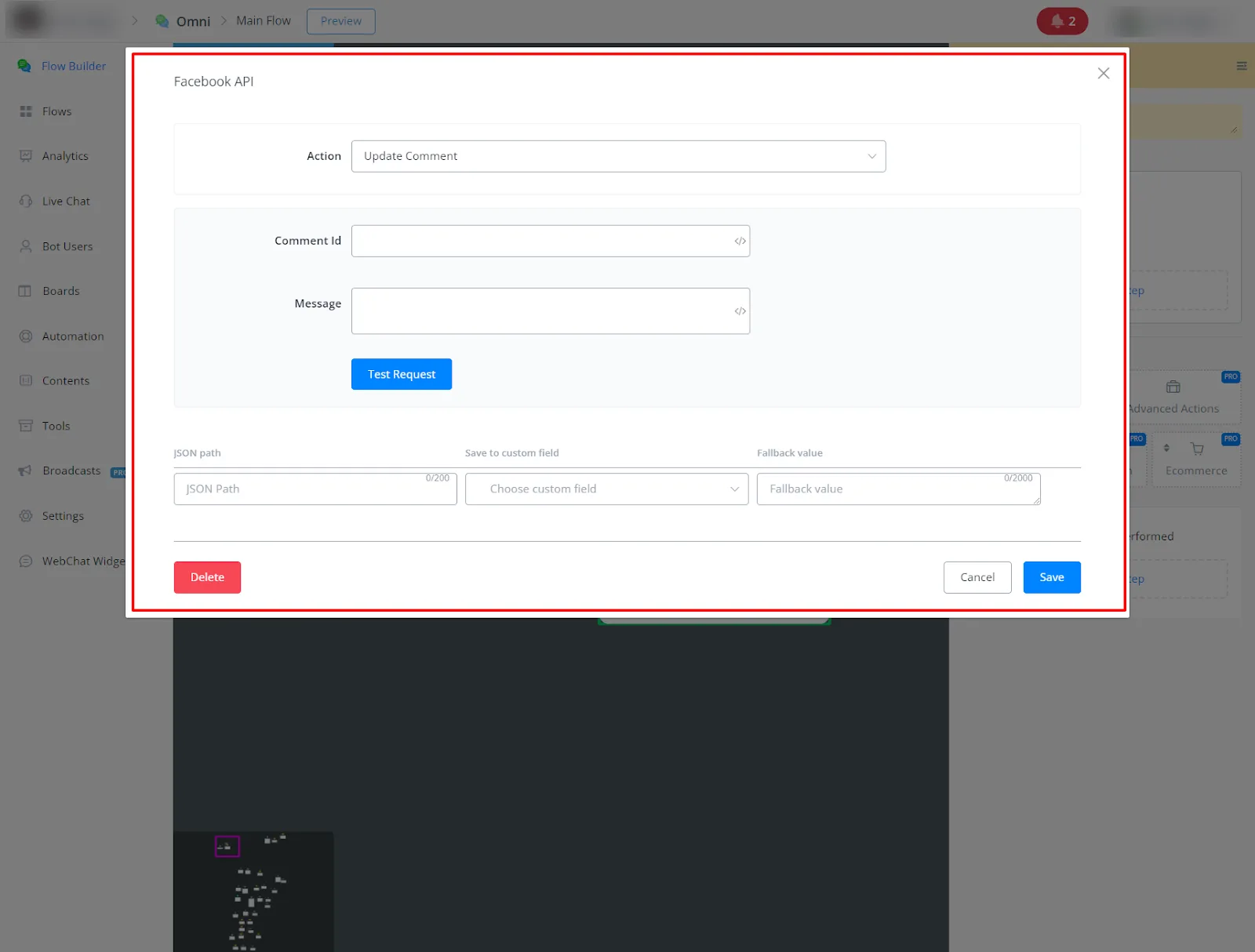
- Edit an existing comment on a post on your Facebook page.
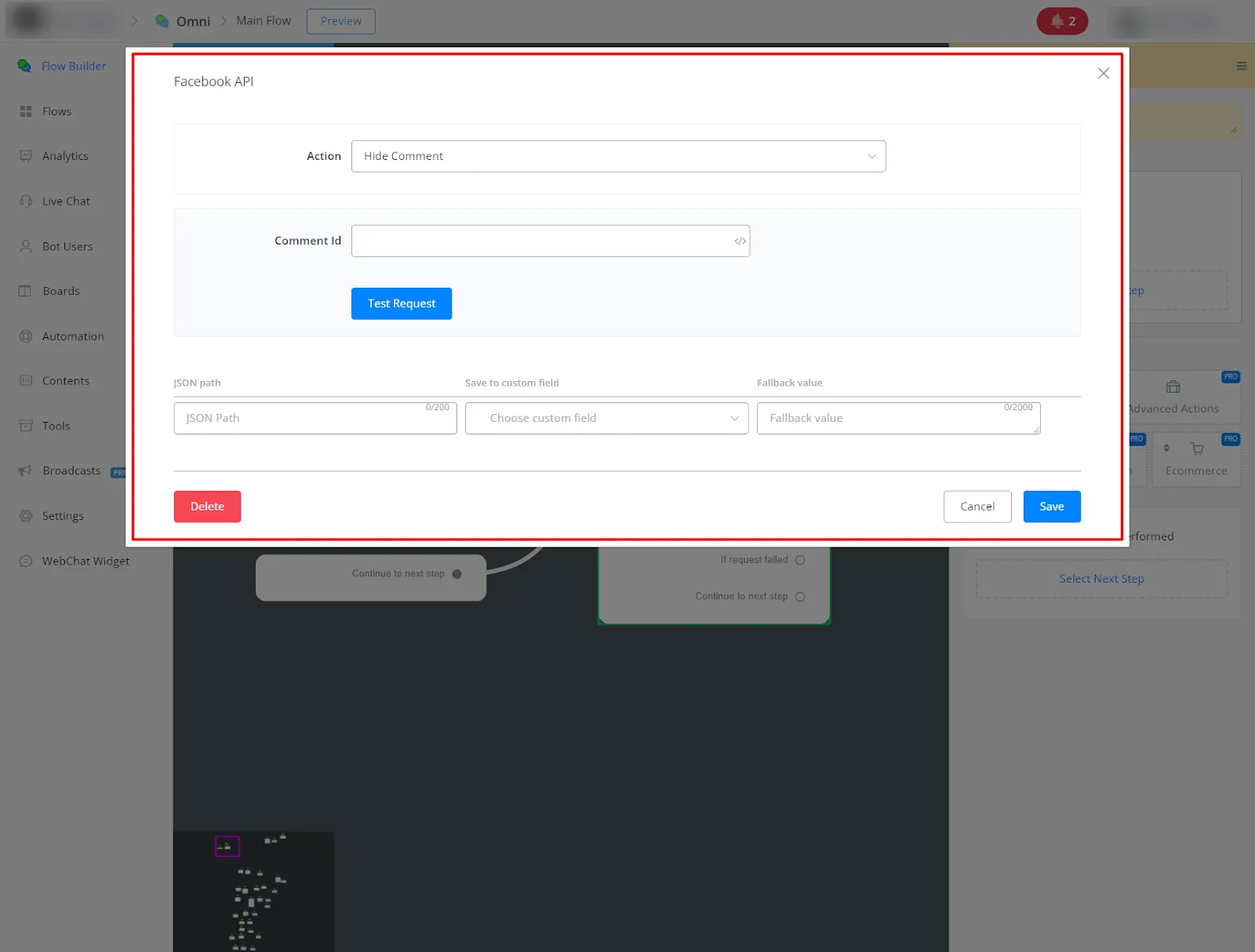
- Hide a comment on a post on your Facebook page.
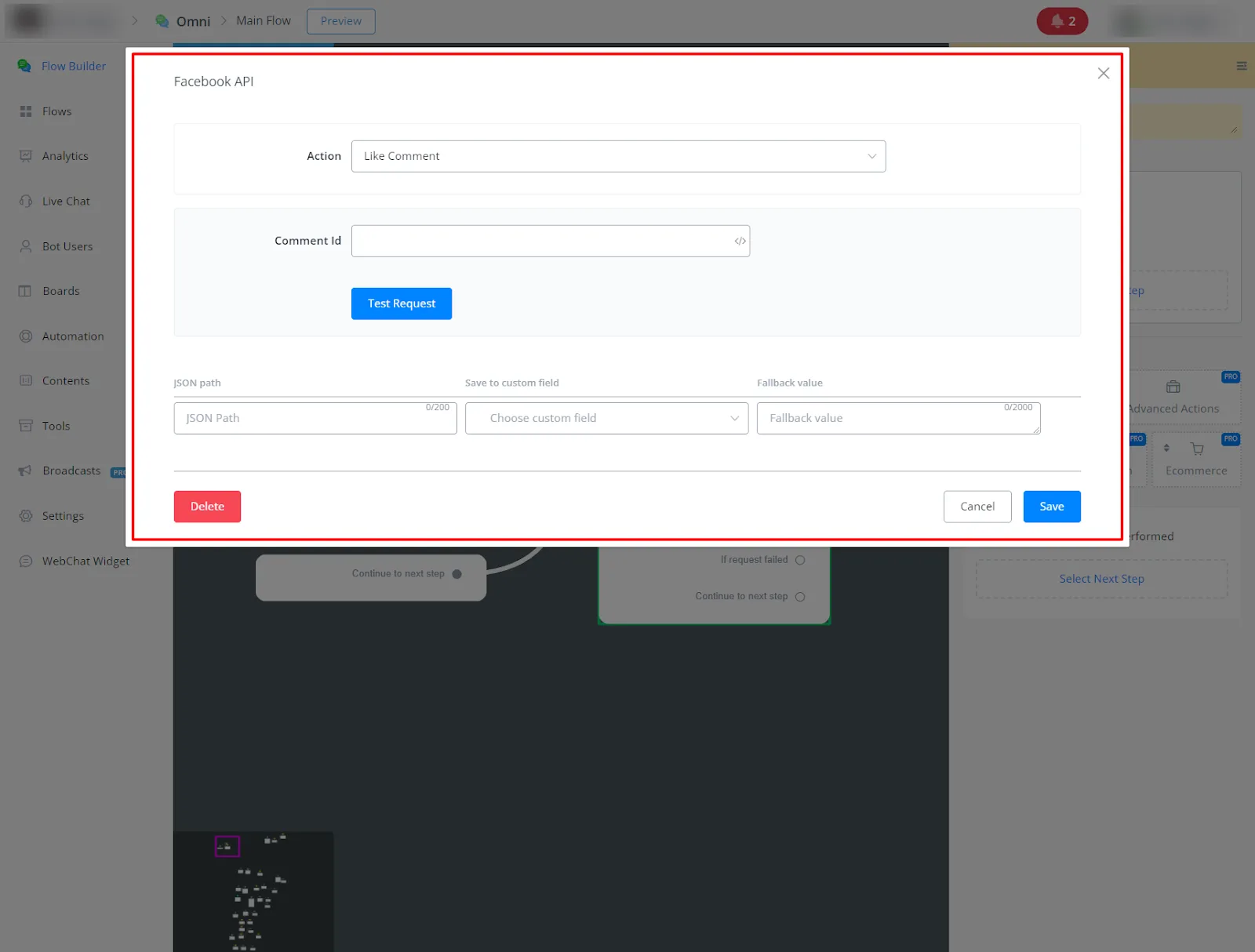
- Like a comment on a post on your Facebook page.
- Delete a comment on a post on your Facebook page.