Set Persona
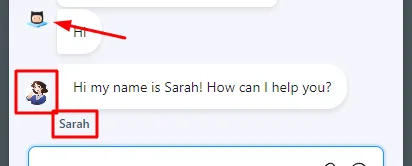
Setting a persona is basically allowing your chatbot to have different characters. Imagine talking to one person in the billing flow, another in sales and another in support. This gives your chatbot much more personalization.
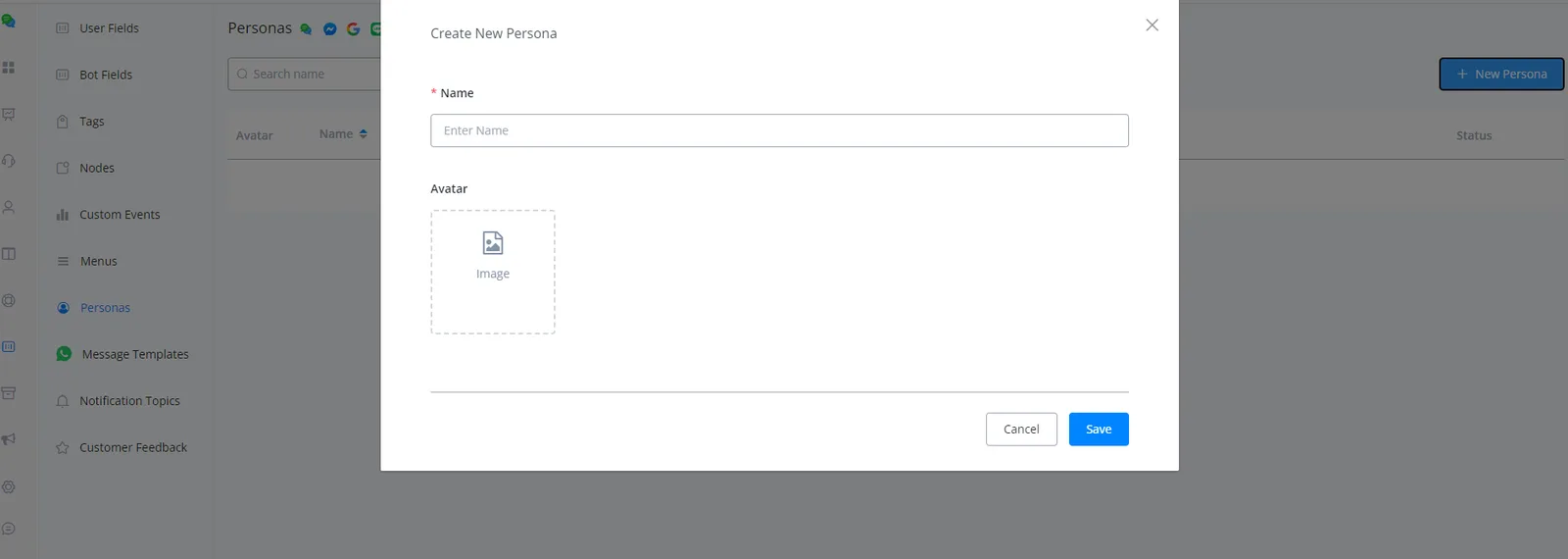
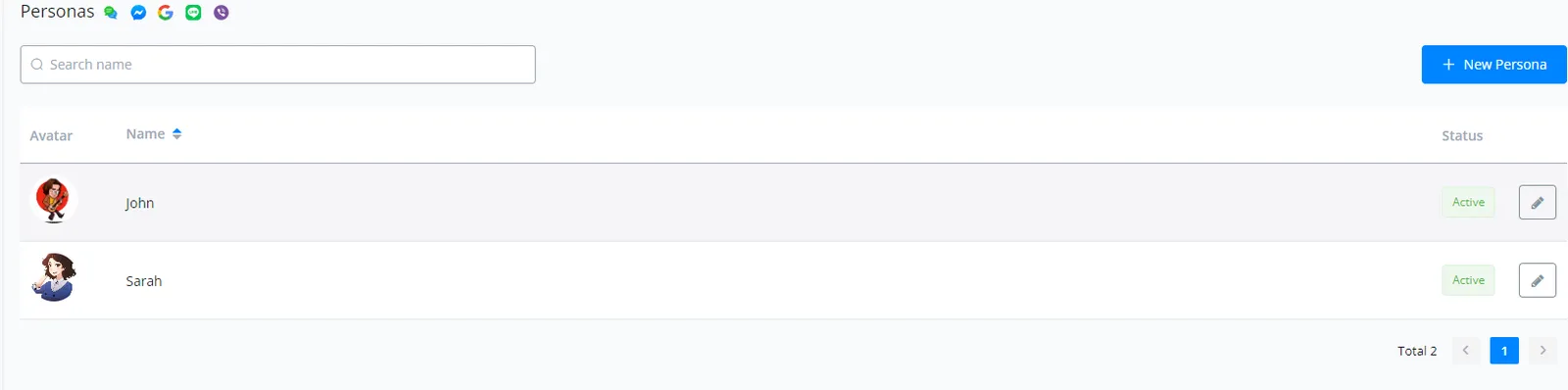
Go to Content > Personas and click “+New Persona”; then enter a name and an avatar (optional).
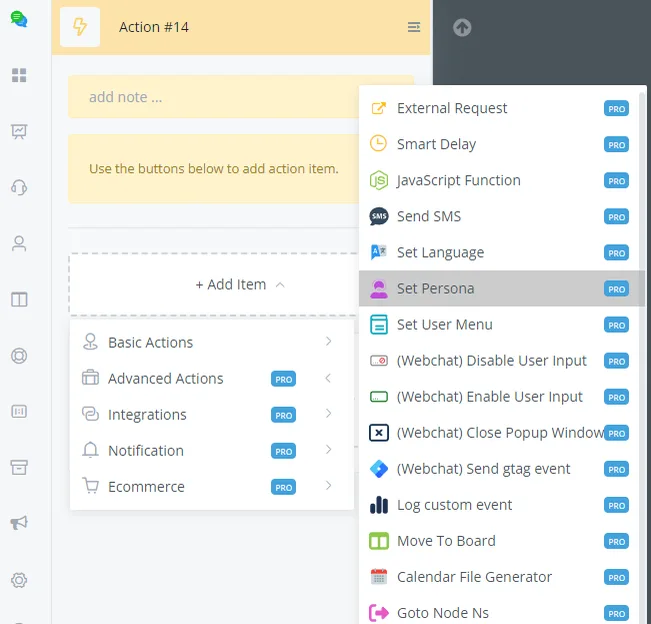
Set up the persona in the flow builder.
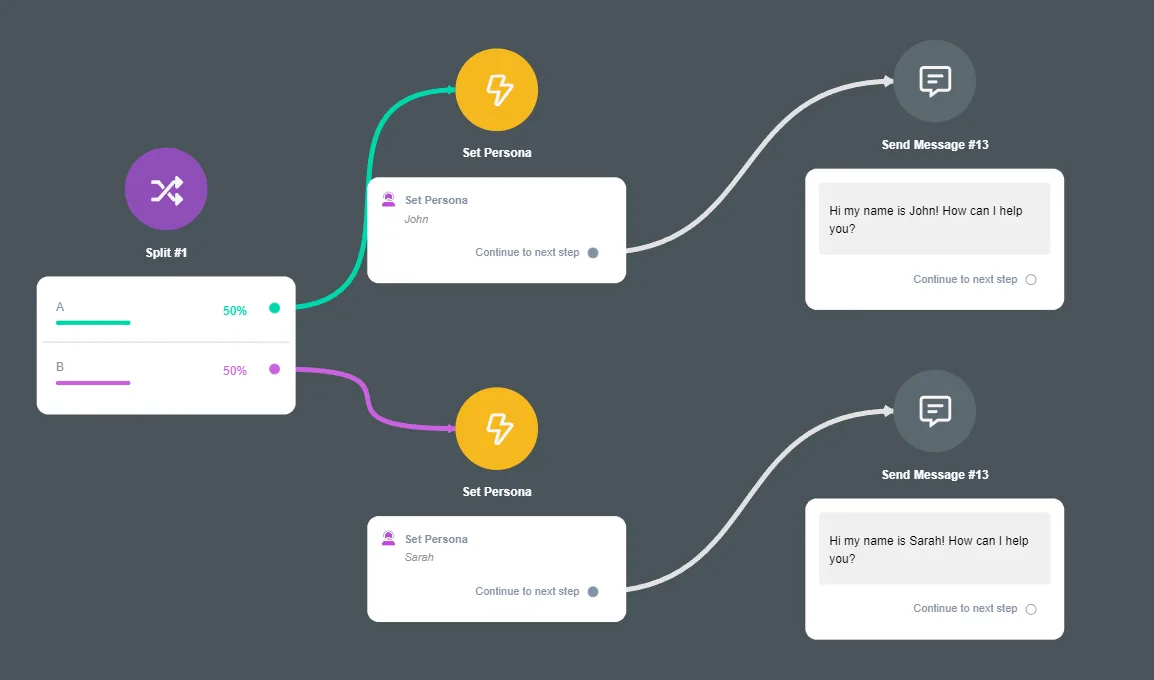
Notice that the avatar has changed and the conversation is now handled by the persona “Sarah”.