

Set Language
This action allows you to change the language of our flows to the language you want.
This action allows you to change the language of our flows to the language you want.
Go to TOOLS > Multiple Languages > New Language.
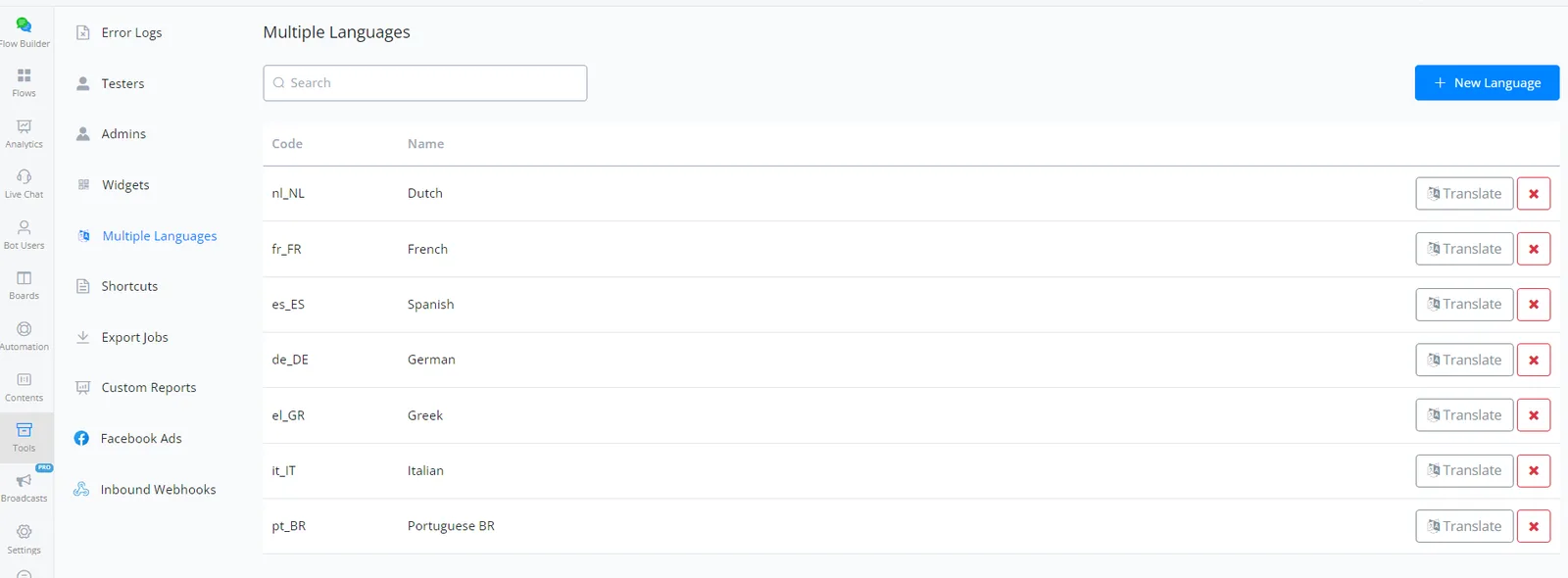
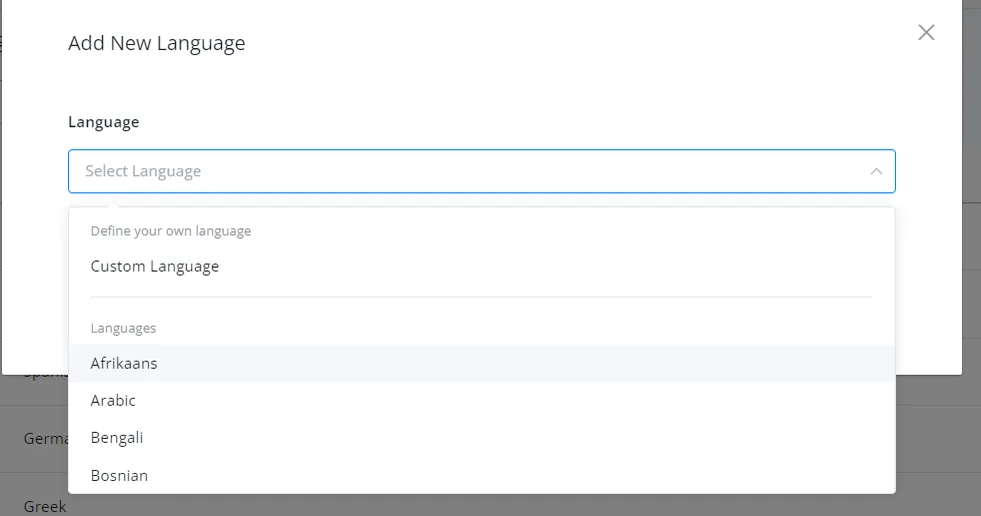
You can choose the language you want or add a custom language if you don't find one in the list available.
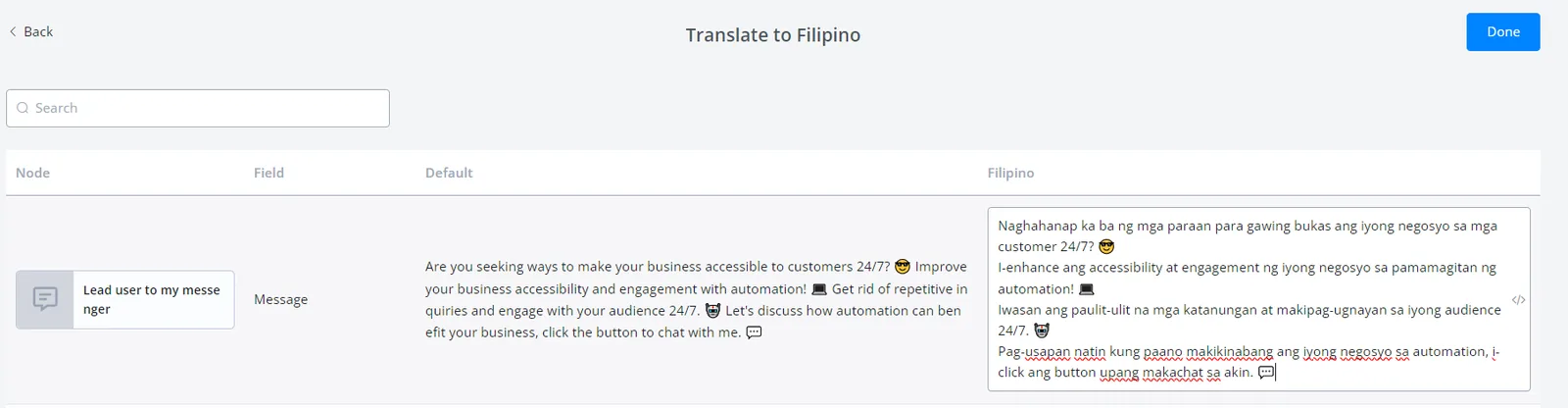
Do some translations.
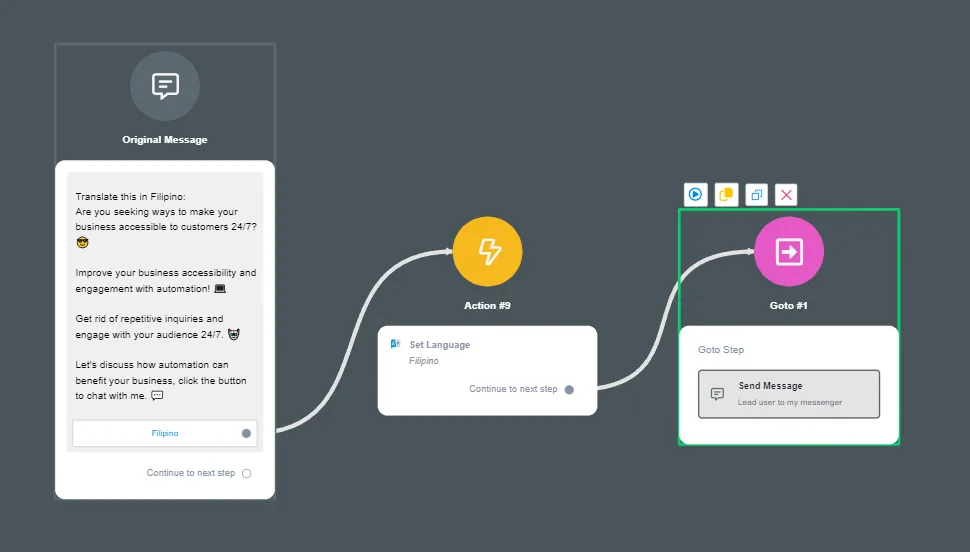
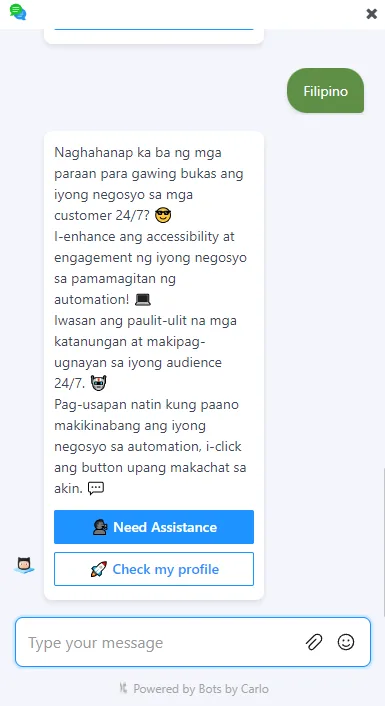
Here is a sample setup.
Learn more here: Multiple Languages