

User data in Live Chat
A new feature connected to the Live Chat section, for user data.
A new feature connected to the Live Chat section, for user data.
Now the Live Chat agent can see user data in a more structured way.
This feature shows a lot of data for each user.
User data is now divided into sections, by type of data.
Now let's go to the Live Chat section of the Dashboard, as shown in the image below.
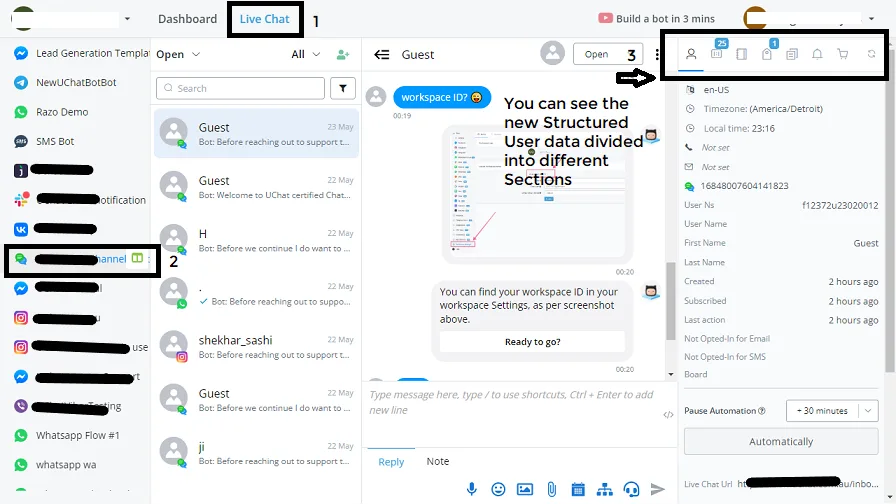
On the right-hand side you see the Overview section, with user data divided into several sections:
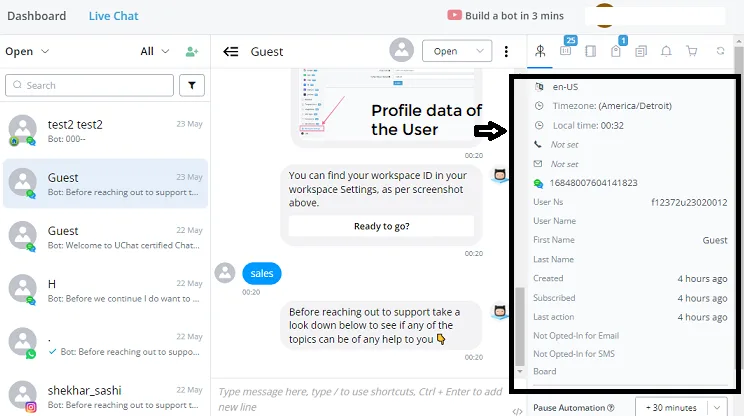
- Profile data
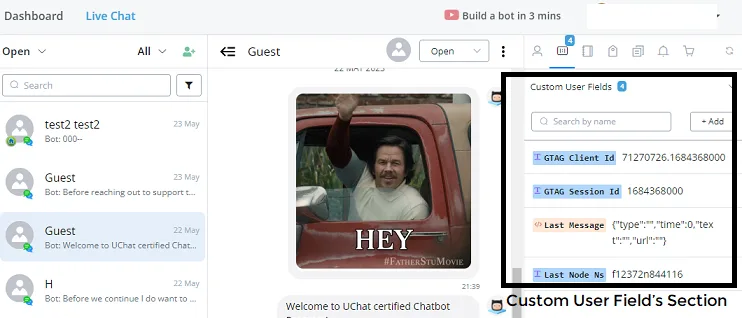
- Custom User Fields (CUFs)
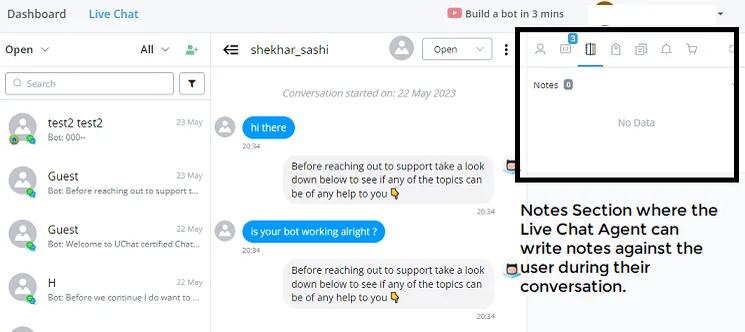
- Notes section
- Tags
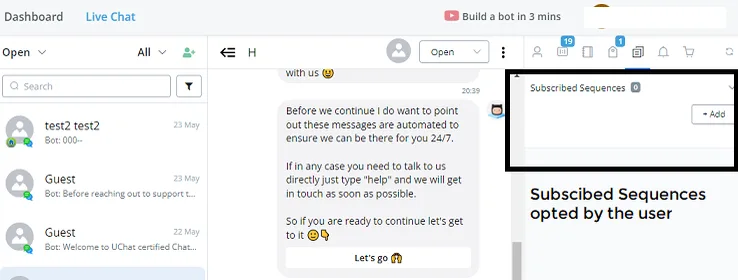
- Subscribed Sequences
- Notification Topics
- Shop Orders
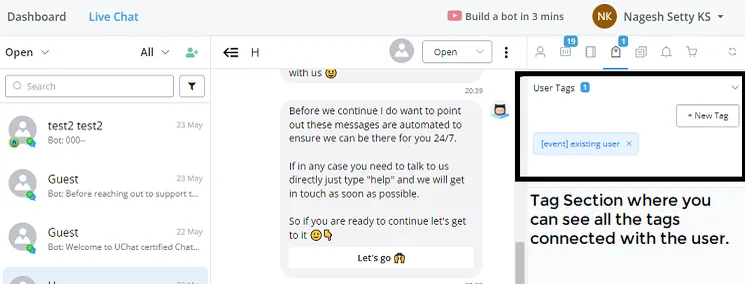
User data shows the Subscribed Sequences the user may currently be in.
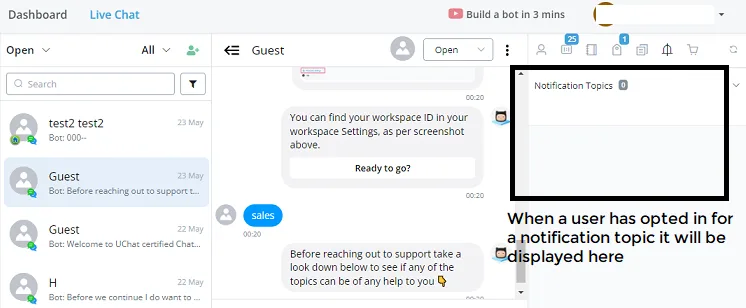
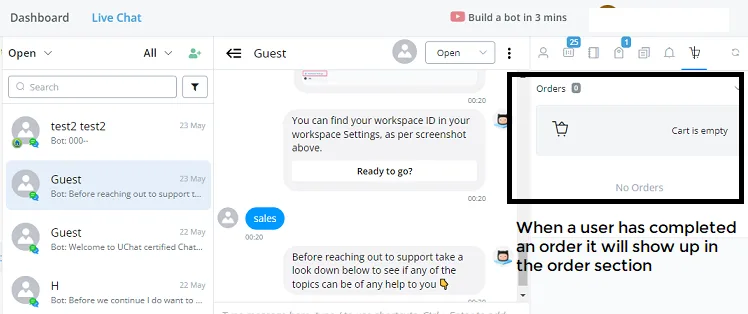
This feature makes the Live Chat agent's work a bit more structured, instead of forcing them to scroll endlessly when the user has many tags and CUFs.
You can now switch between these several sections easily, with a single click, in a single window.