

Channels/WhatsApp/WhatsApp API/WhatsApp API Help/How to verify your business?/My business verification request was rejected. What to do now?
My business verification request was rejected. What to do now?
If your business verification request was rejected by the Facebook team, you should receive an email notification stating that the documents you attached did not pass the verification process.
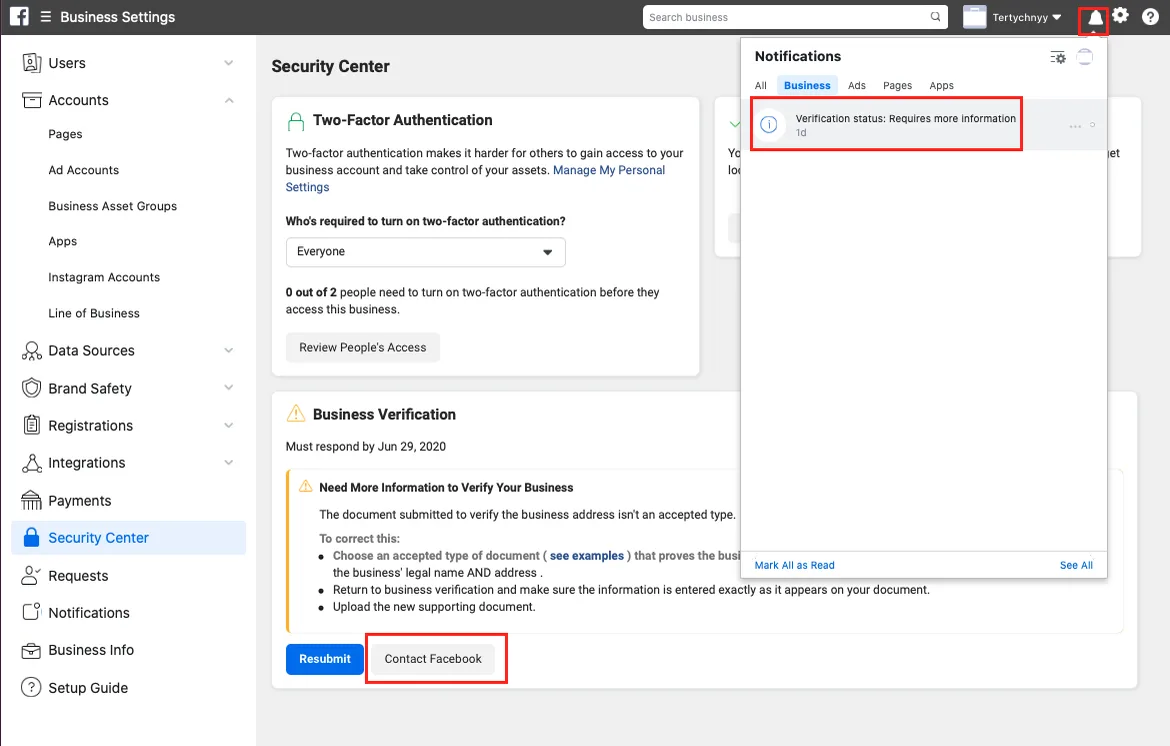
On the new page, you will see your ticket/case number.
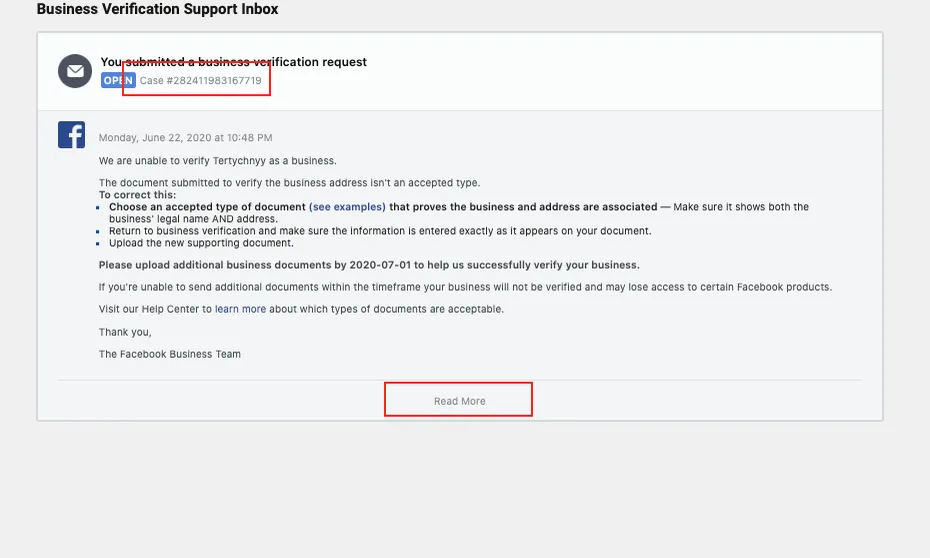
If you click the ‘Read More’ button, you can start interacting directly with Facebook Support to find out what is missing or which documents are not correct.