

Create a bot by testing the WhatsApp number
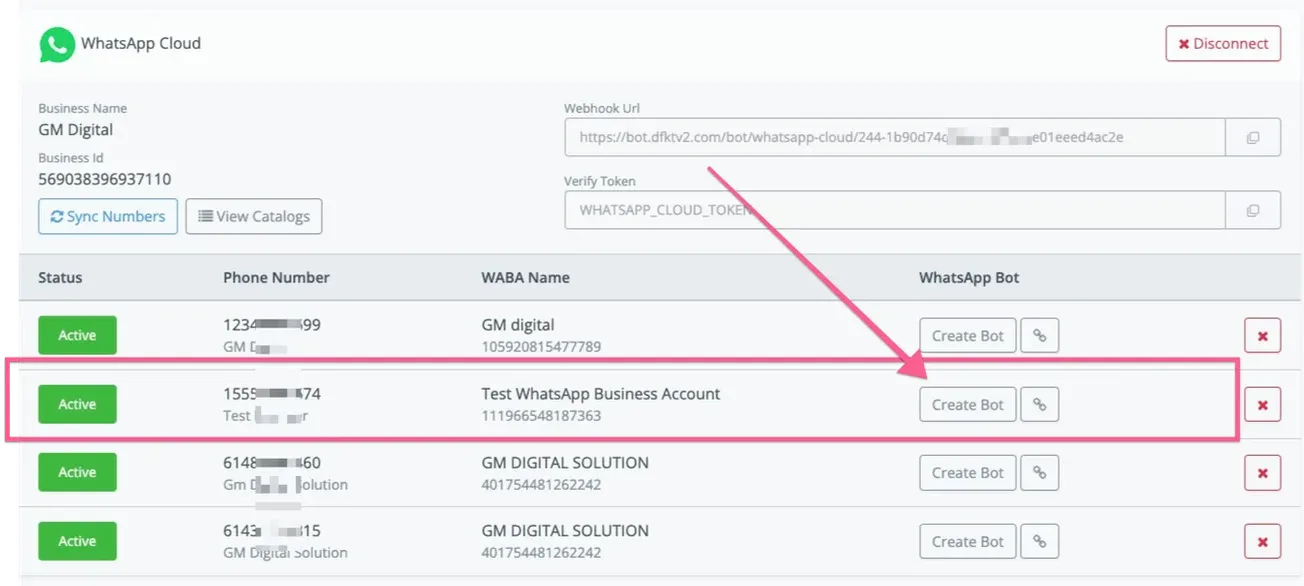
In NicoChat, if you have already synced your numbers, you will see the screenshot below; by selecting the test number provided by Facebook, you can start building your first chatbot.
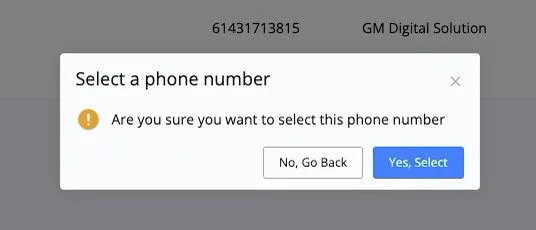
Next, confirm the selection.
Then create the bot to test the connection.

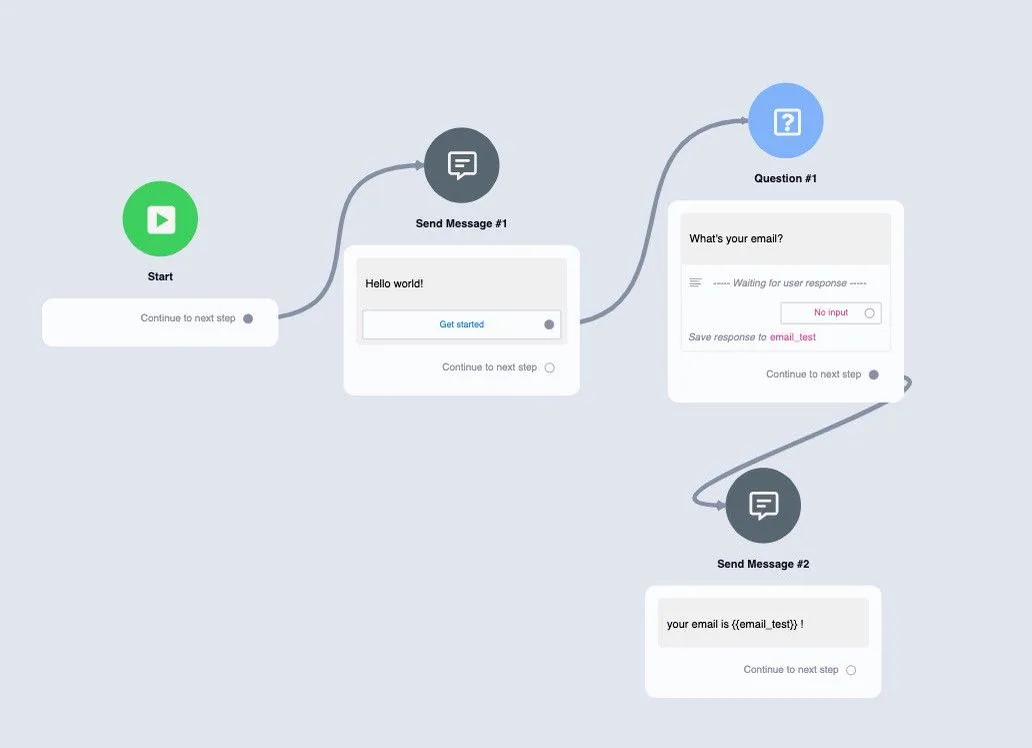
You can create a simple flow like the one below to test sending a message and also the question block.
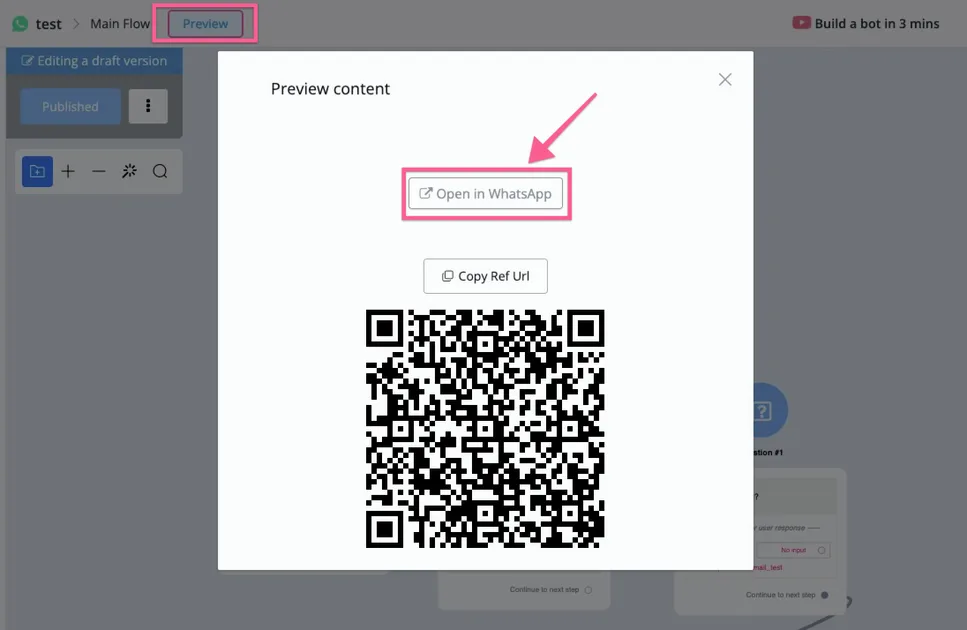
After building this simple flow, click “Preview”, select “Open in WhatsApp” and test whether the bot replies.
Next, follow the instructions and you will see that WhatsApp is working correctly.
You can build your automation with the test number and, after all the tests, if you are ready to move the bot to a real WhatsApp number, follow the instructions below.
If you do not receive messages, you may not have added your phone number as a verified phone number in the app.
With test phone numbers, you can send unlimited messages, but only to the verified phone numbers you have added.