Sources
The sources section helps you prepare an option list for an input. There are 2 types of sources:
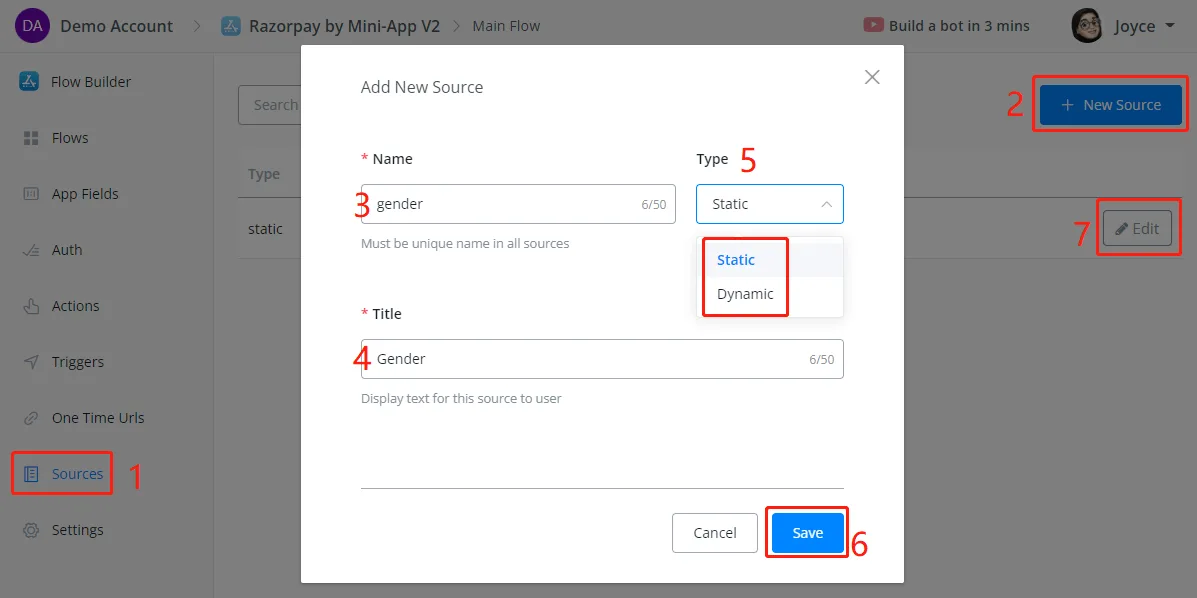
Follow steps 1 to 7 in the screenshot above to create a source and start editing. Once the source type is selected, you will not be able to change it.
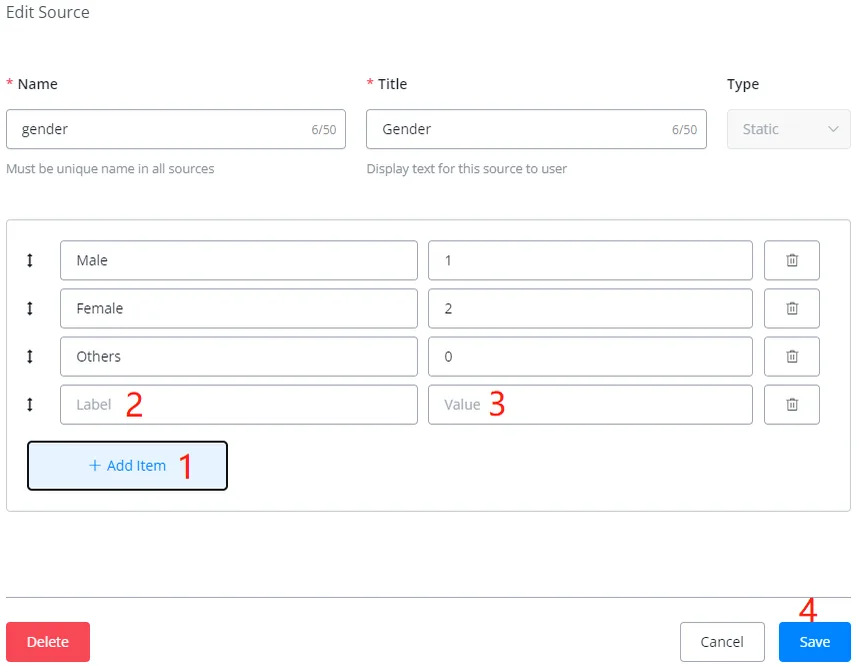
Click Add Item to add as many options as needed. The label is what will be displayed to users and the value is what will actually be stored in the app field.
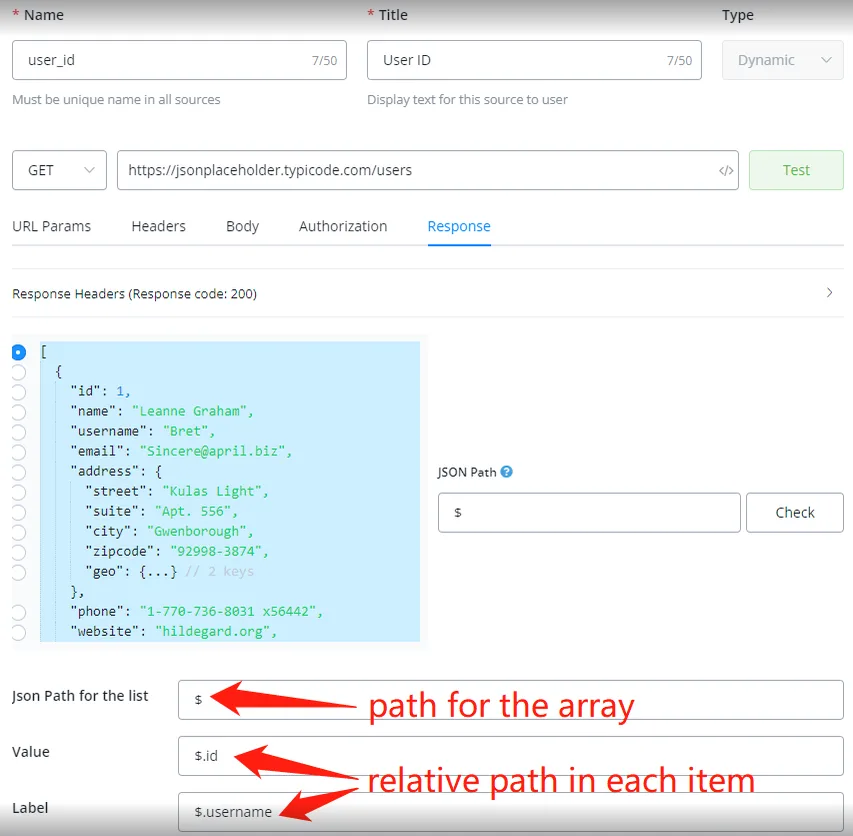
Configure the external request to get the option list.
Specify the path for the whole list first, and the relative paths for getting the value and the label of each item in the list.
Sources can be used wherever you edit an input item:
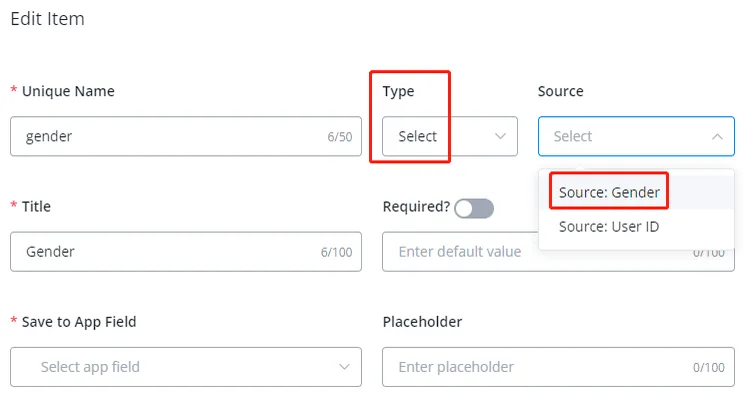
In Input Type, choose Select and pick a source in the drop-down list.
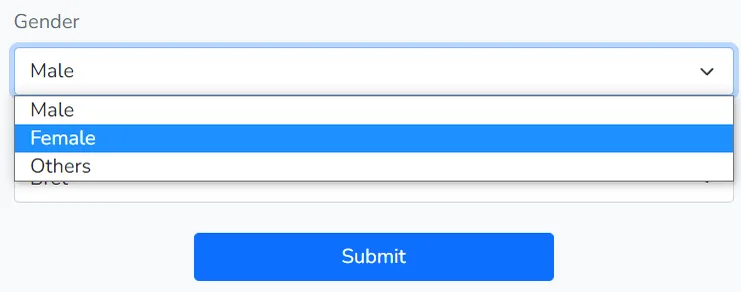
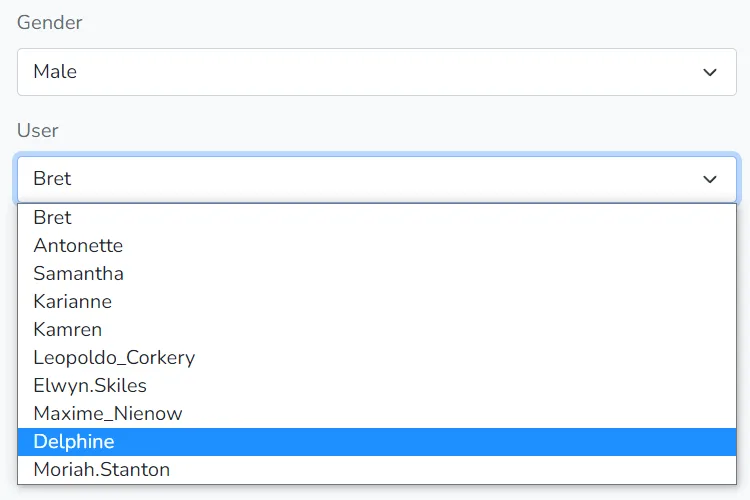
This is the user interface for a static source and a dynamic source in a web form: