

Overview
YouTube video (embedding not available)
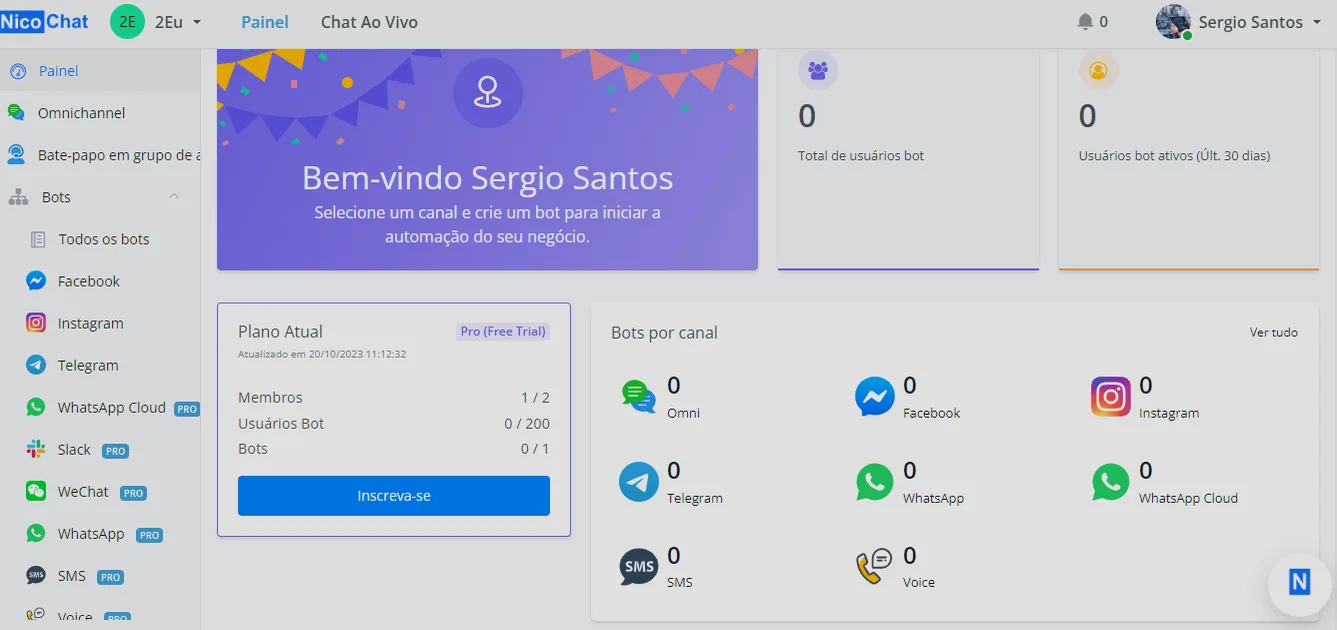
After you log in, your dashboard will look like the image above. Feel free to explore it! 😆
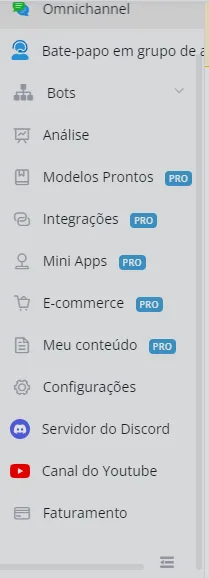
The dashboard shows an overview of your workspace (team). Click the three buttons at the bottom to open our Discord community, our YouTube channel and our documentation.
NicoChat currently supports 12 channel types: Facebook, Instagram, Telegram, Slack, WeChat, WhatsApp, SMS, Voice, Google, Line, Viber and Vk. Click one of them to watch video guidance on how to set up the channel. You can also check the documentation.
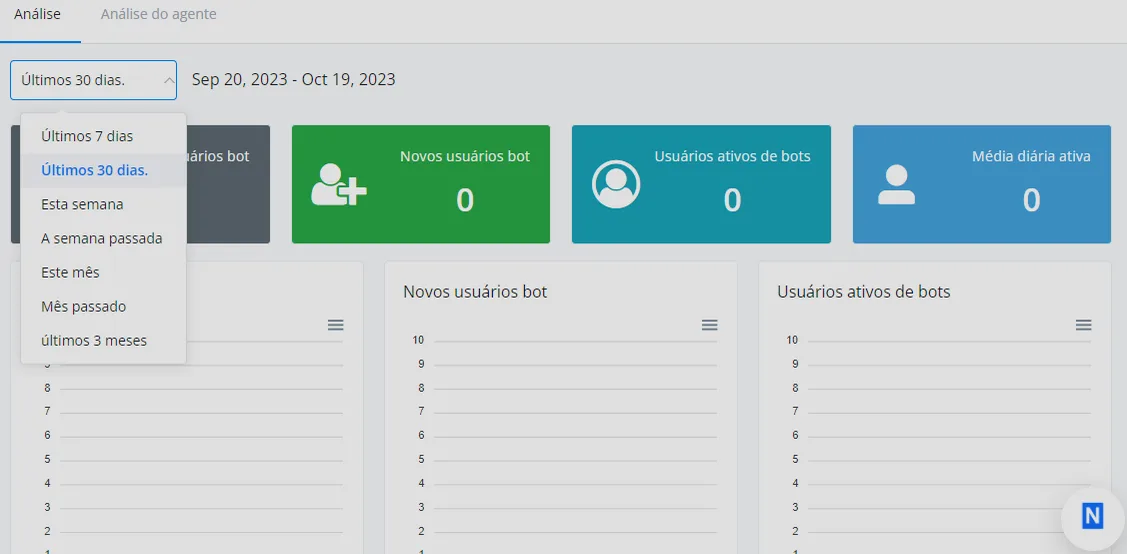
Check your statistics data here. You can click the "Last 30 days" dropdown to adjust the period.
The template store lists every template shared publicly in the system. All NicoChat users can publish their templates and install other people's templates here.
This is where you manage all your integrations, including phone numbers, NicoApps Installed and other third-party services. See the "Integration" document for detailed guidance.
The NicoApps store lists every NicoApp shared publicly across the system. All NicoChat users can publish their NicoApps and install other people's NicoApps here.
The e-commerce section is used to manage an e-commerce system for the whole workspace. Your product information can be used across all channels and all chatbots. In addition, orders coming from any channel and any chatbot are listed here.
Under "Content" you can manage all the templates, NicoApps and email templates you created.
Workspace settings let you edit the workspace profiles and manage all its members, as well as the channel settings.
The "Billing" page is where you manage your subscription. Here you will see the current status of your subscription and a usage rate bar.