

Zapier
Zapier is a fantastic automation platform that lets you connect with thousands of third-party software tools.
To add NicoChat to your Zapier account, it takes just a few steps.
From the main dashboard, go to Integrations in the left-hand menu and select Zapier from the list.
Press the Start Zapier Integration button.
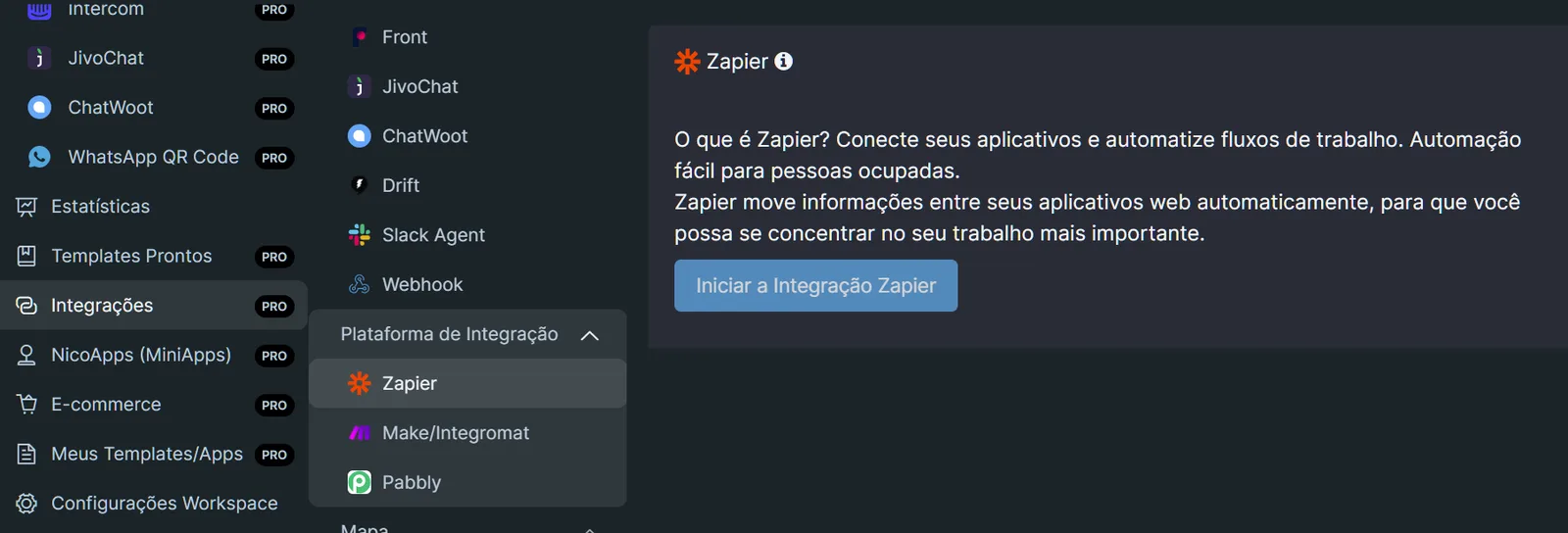
When you press the button that starts the Zapier integration, you will be taken to a page where you are invited to try out the Chatbot App.
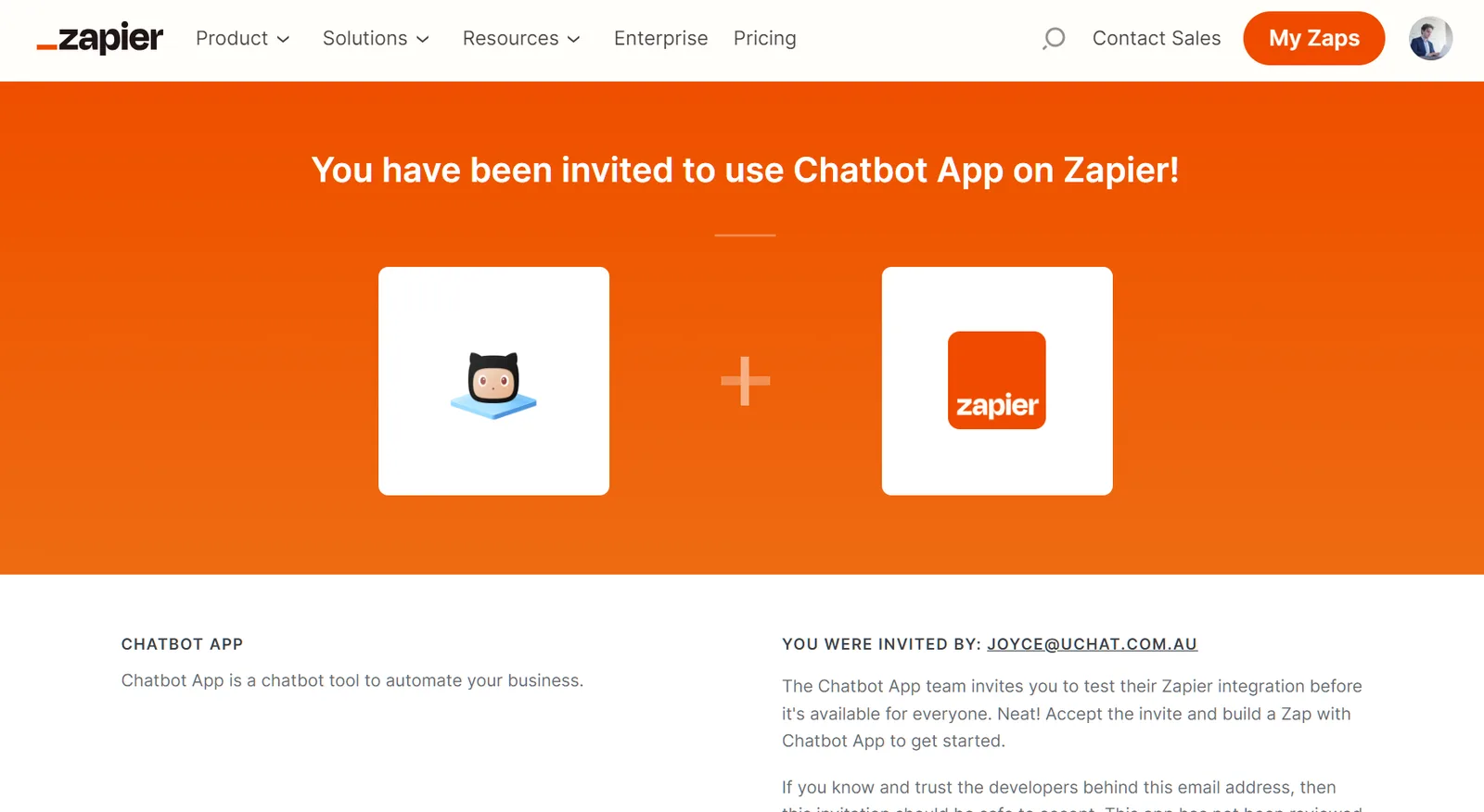
Press the button to add the app to the custom integrations section in your Zapier account.
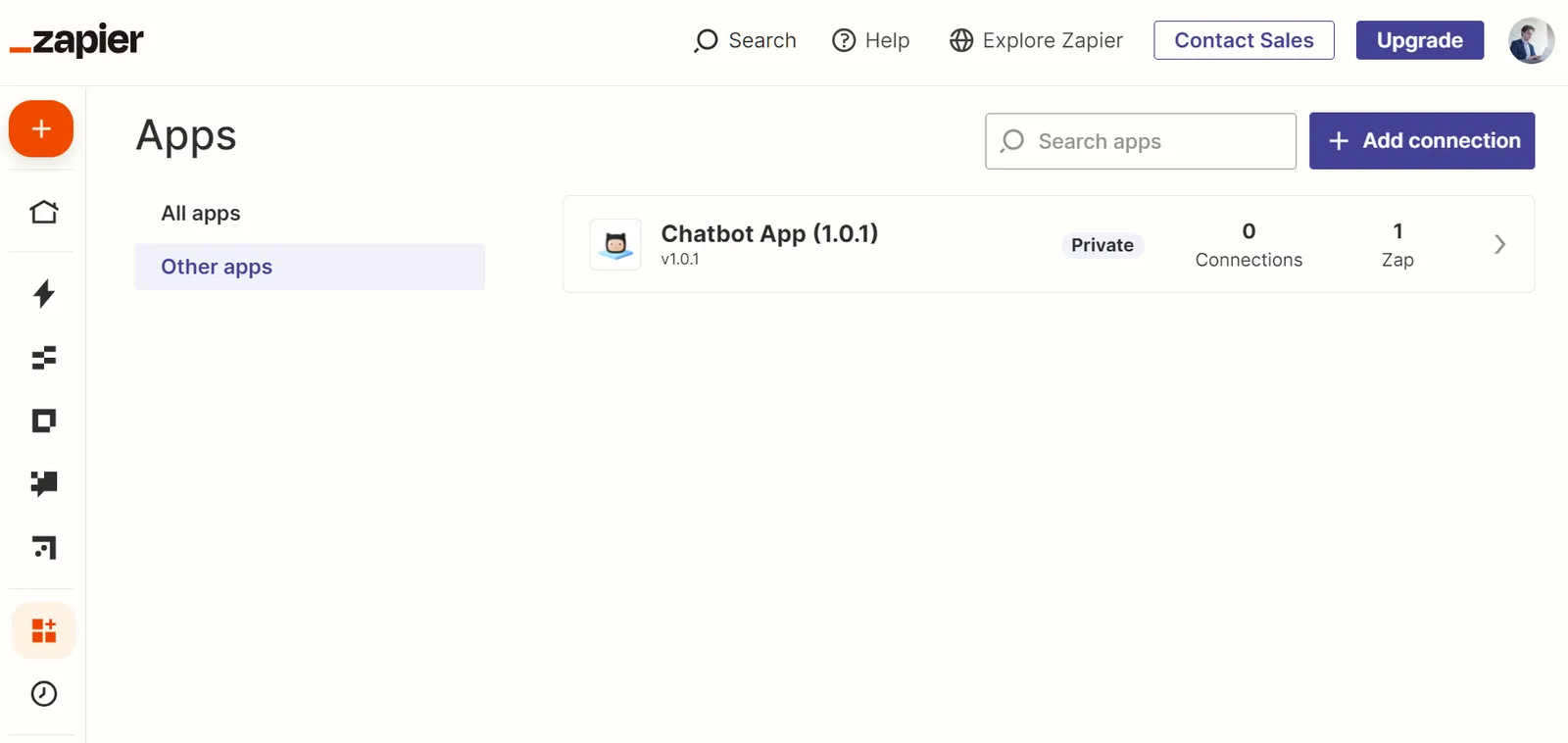
You will be taken to another page, where you must press the Add connection button.
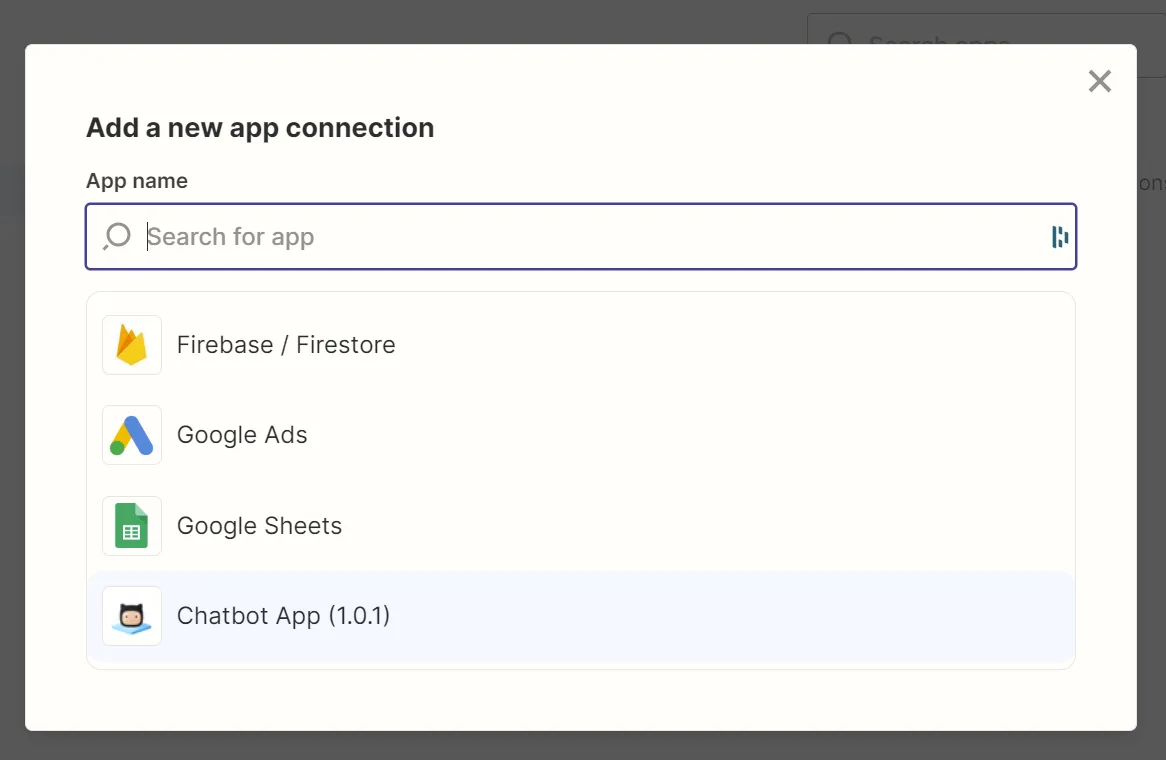
Here you will need to enter your API Key.
Once you have pasted your API Key, press the Yes, Continue button. Zapier will connect to the NicoChat channel you choose and, once that is done, it will appear in your connections overview.
Once connected, you can use Zapier directly in your flows. In any flow, create an action block, select Integrations and choose Zapier. Here you will need to enter the “event name” that you use in your zap in Zapier.
The name must be exact for the connection to work.