

Scraptio
Capturing information from the web can be a hard, technical task, but with the Scraptio integration in NicoChat, this process becomes "automagic". If you are looking for a simple way to collect text, links or emails, Scraptio is the right choice.
Capturing information from the web can be a hard, technical task, but with the Scraptio integration in NicoChat, this process becomes "automagic". If you are looking for a simple way to collect text, links or emails, without slow data scraping, Scraptio is the right choice. Connected directly to your NicoChat, Scraptio automates data collection from websites and saves time and resources. This documentation guides you through the steps to set up Scraptio in NicoChat and start scraping websites easily.
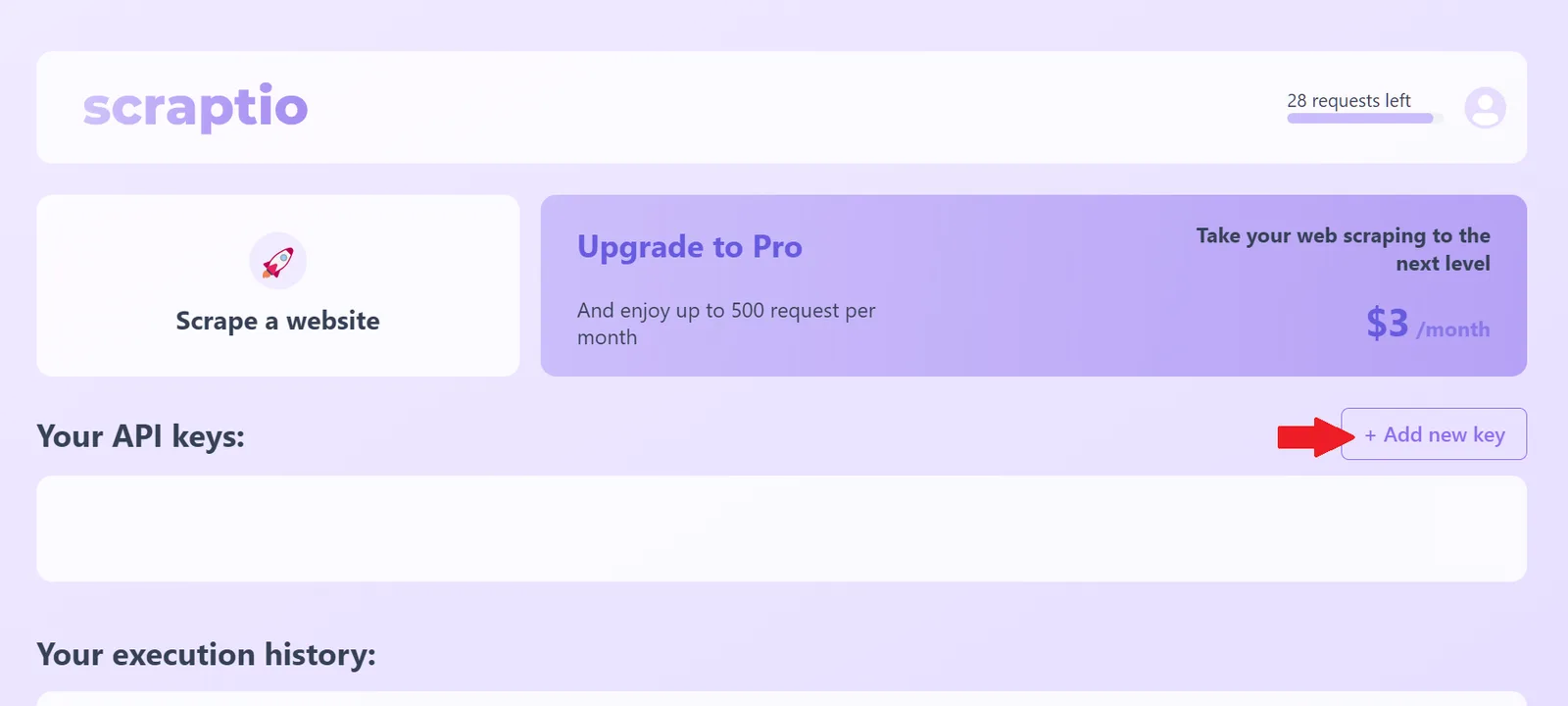
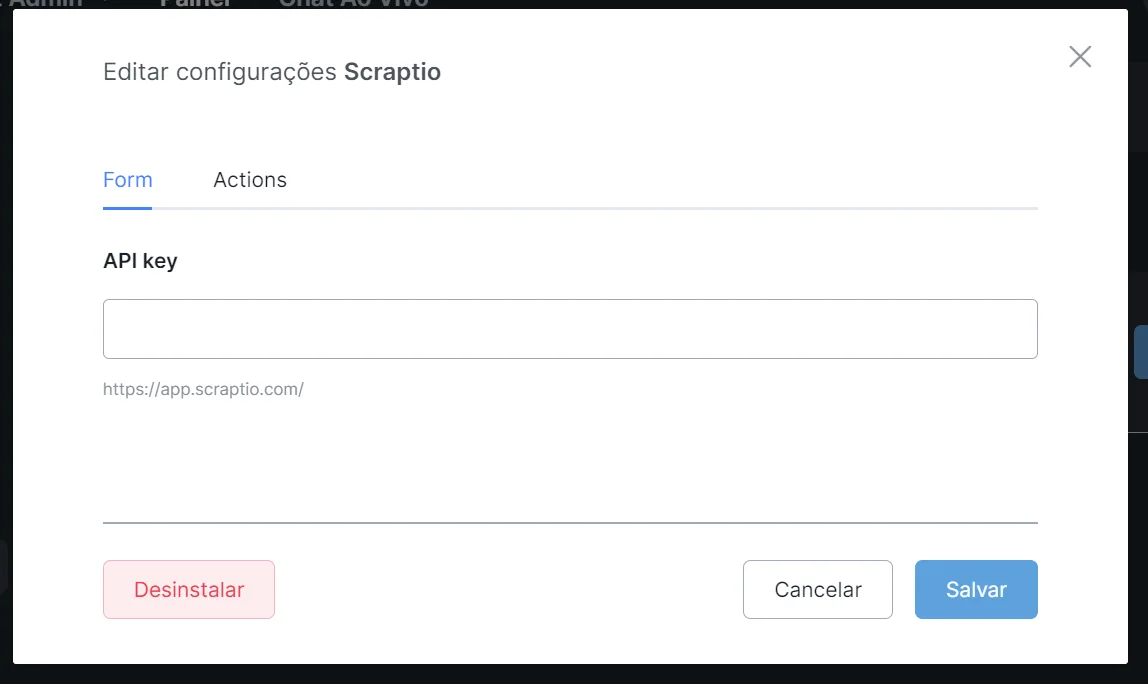
- After the setup, you can already use Scraptio inside NicoChat. Depending on your Scraptio plan, you will have a set number of requests to collect data.
- Data collection serves several purposes, from enriching your customer database to feeding marketing automation systems with up-to-date information.
- If your data collection needs are more extensive, consider upgrading to Scraptio's Pro plan, which offers a higher number of requests per month.
By following these steps, you get all the benefits of Scraptio's automated data collection, integrated with NicoChat's features. This integration is a significant advantage for businesses that want to optimize web data collection and focus on the more strategic aspects of digital marketing and CRM.