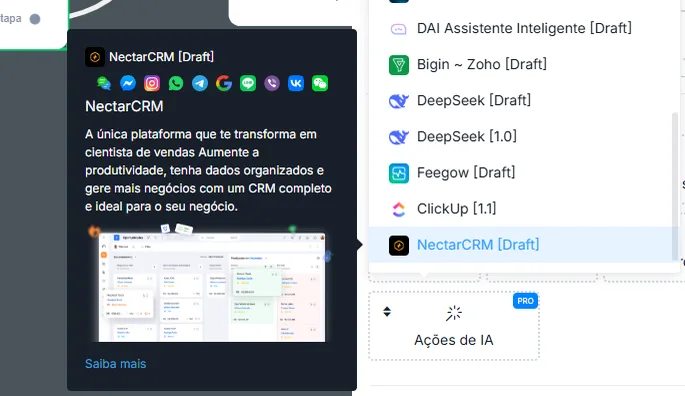
NectarCRM
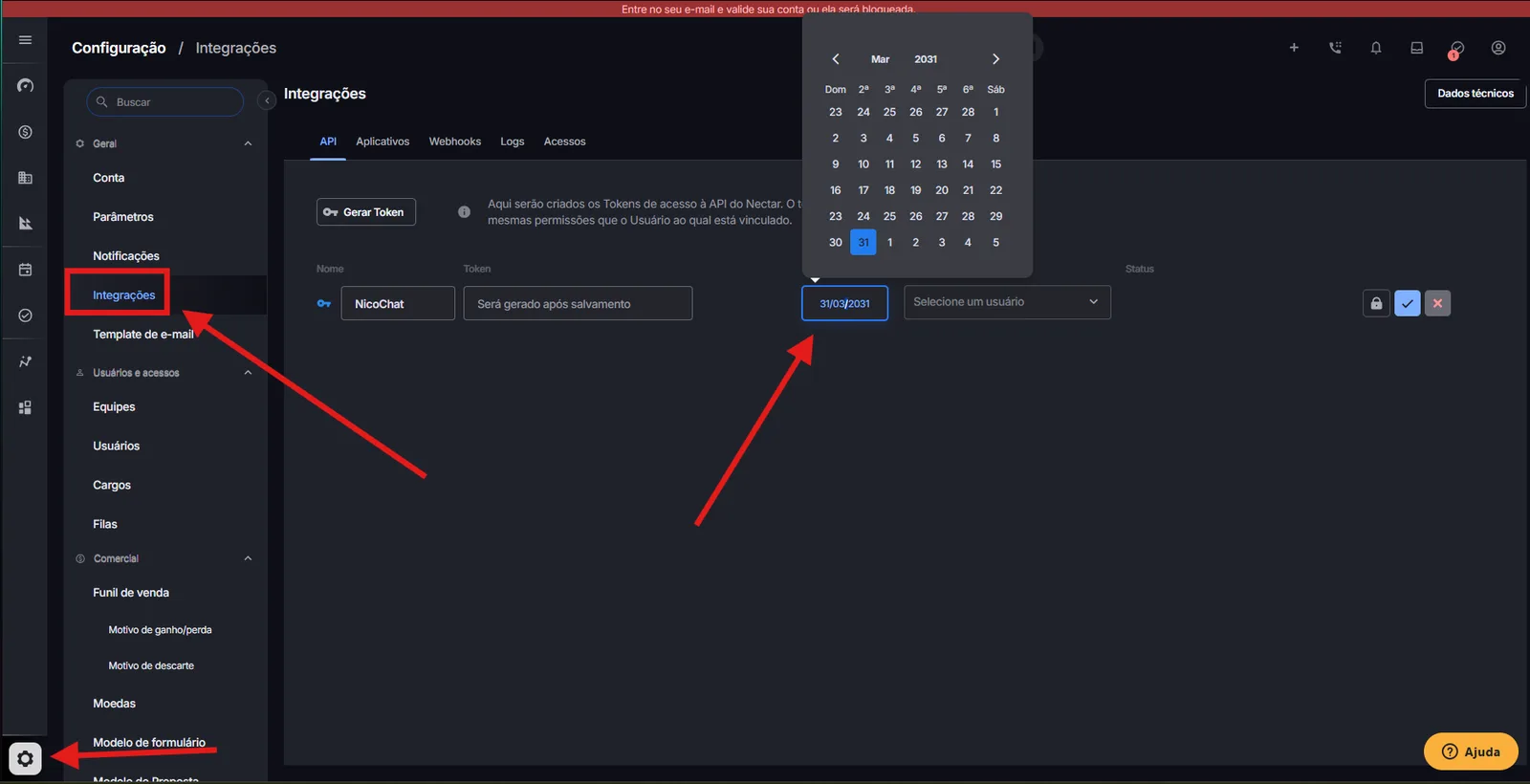
To authenticate, you must provide the private authentication token to perform the operations. To get this token, go to the Settings section in NectarCRM ->
Attention
Remember to set a reasonable expiration date for the access token! Do not choose a date that is too close, to avoid errors in your integration.
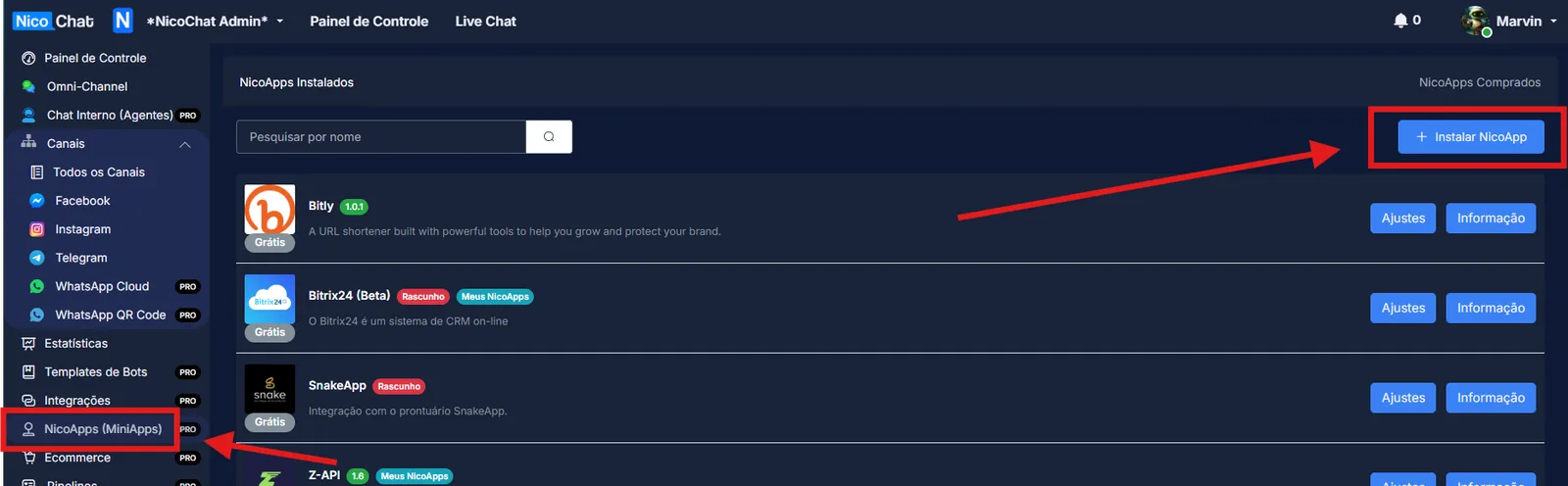
Then go to NicoApps > Install NicoApp
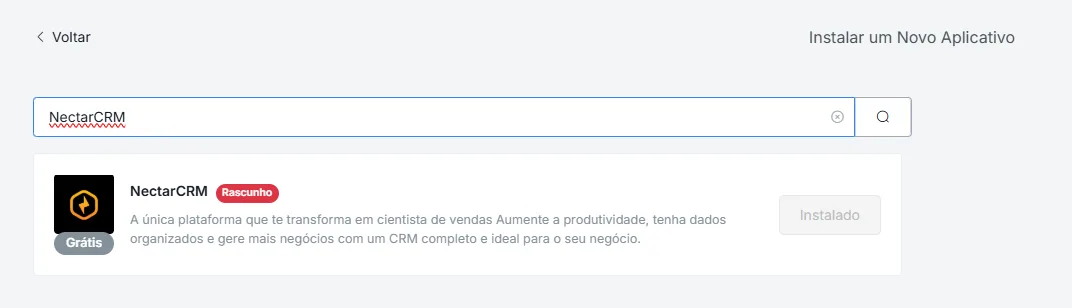
Search for “NectarCRM” and click Install
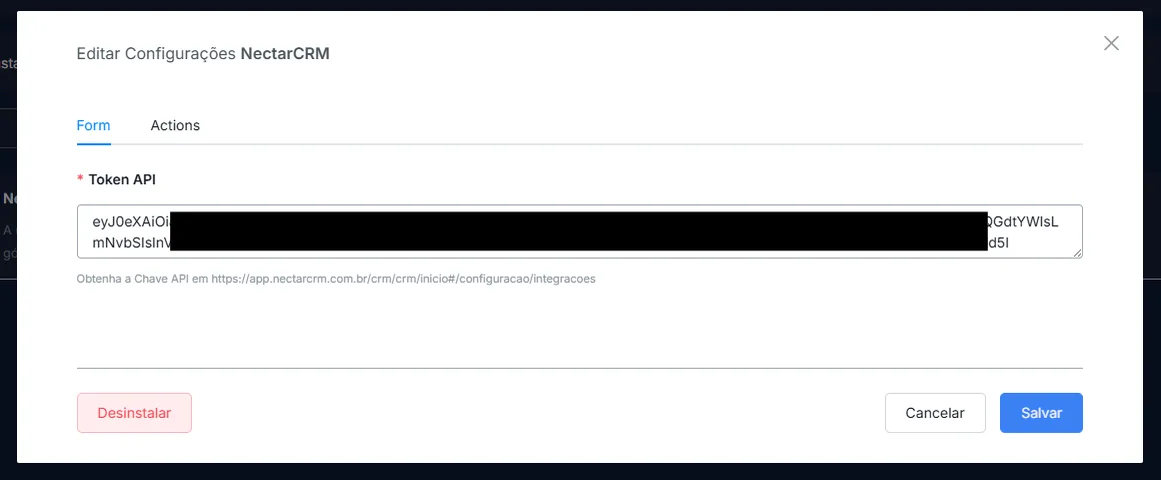
Then paste your API Key and click “Save”
Then, in your flow, just go to Actions > Integrations and search for NectarCRM