Google Sheets
With Google Sheets, you can add, update and look up your data in a spreadsheet, as well as process the data with various tools built into Google.
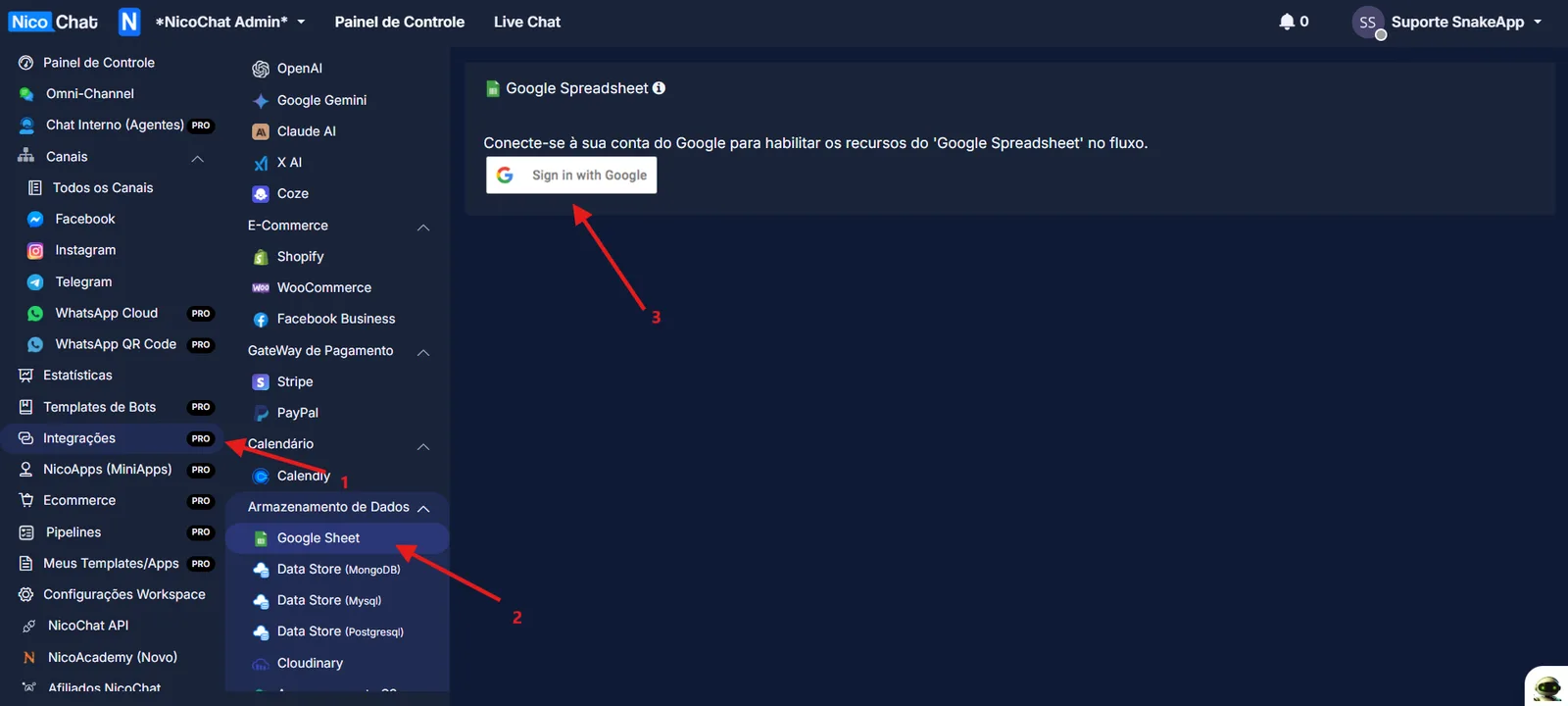
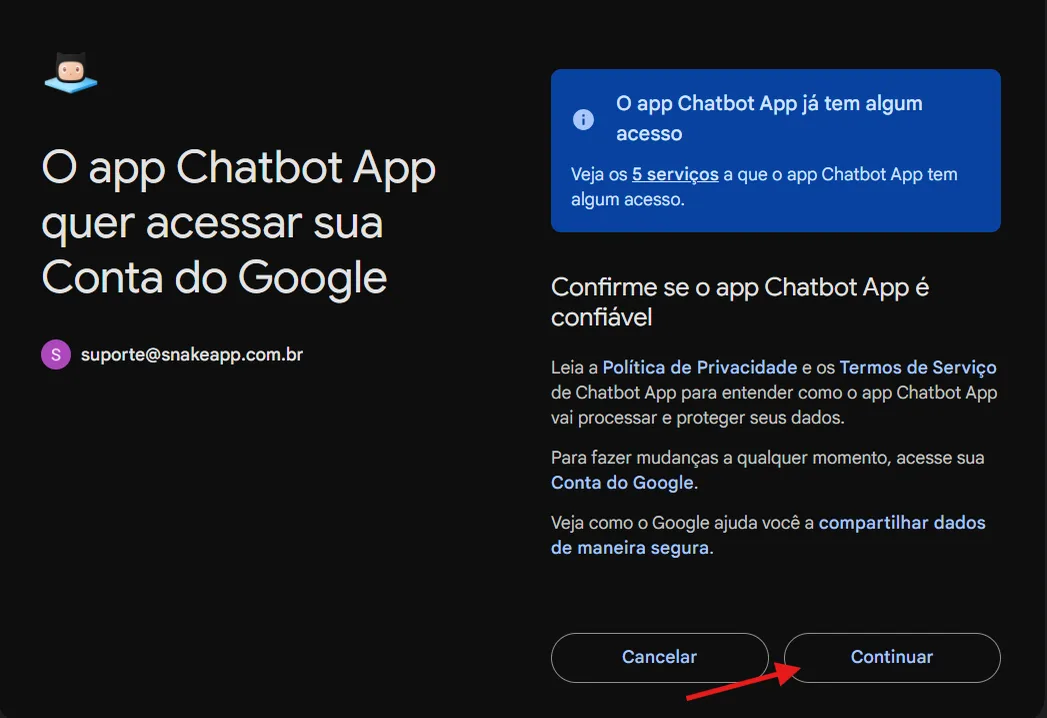
Follow steps 1 to 3 to connect to your Google account. Allow NicoChat to access your Google spreadsheet.
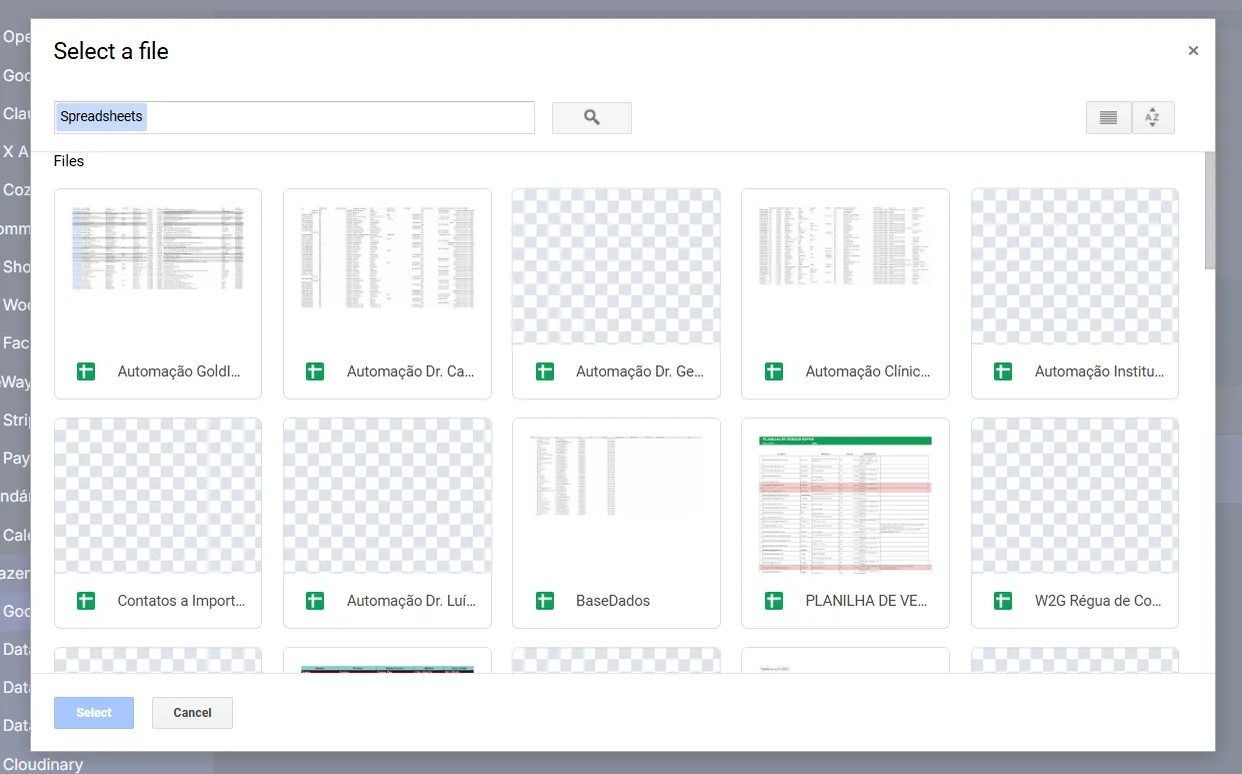
Create a new spreadsheet or make sure you have one in the Google account you have just connected to.
Attention
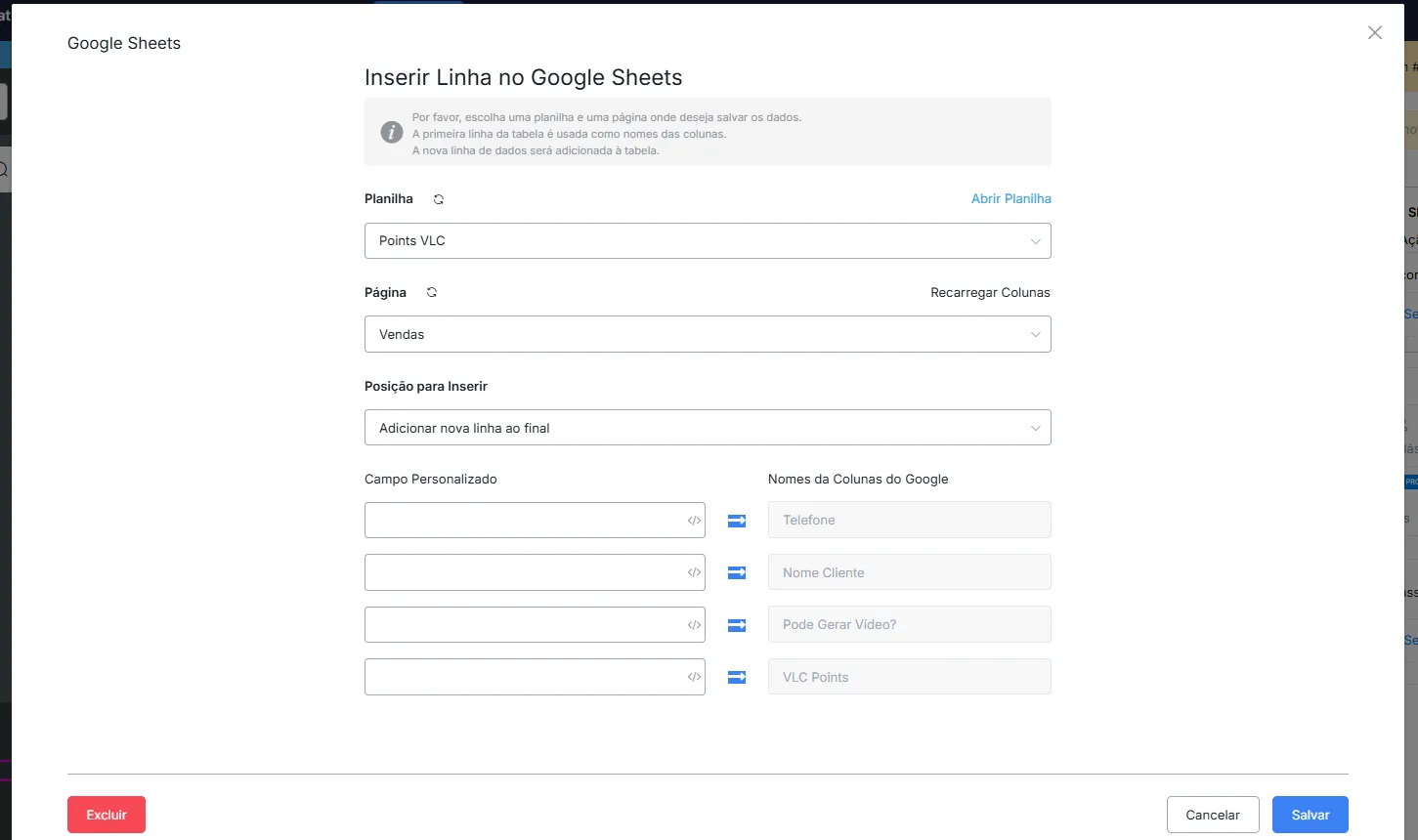
WARNING - It is important to remember to enter the column names in the first row of the spreadsheet (see area 3 in the picture above). You must manually type the fields you need. For example, this is a product spreadsheet, and each product has a name, a price and a description.
When you manage the data, the column names appear like this inside the spreadsheets:
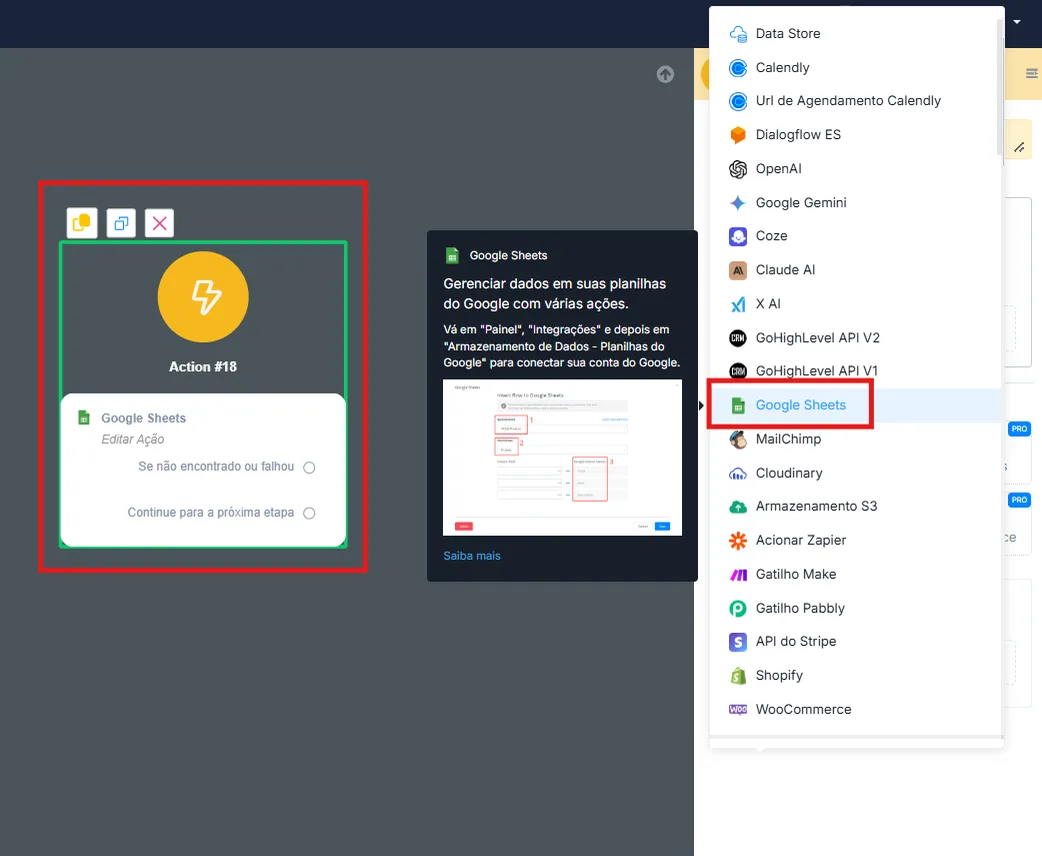
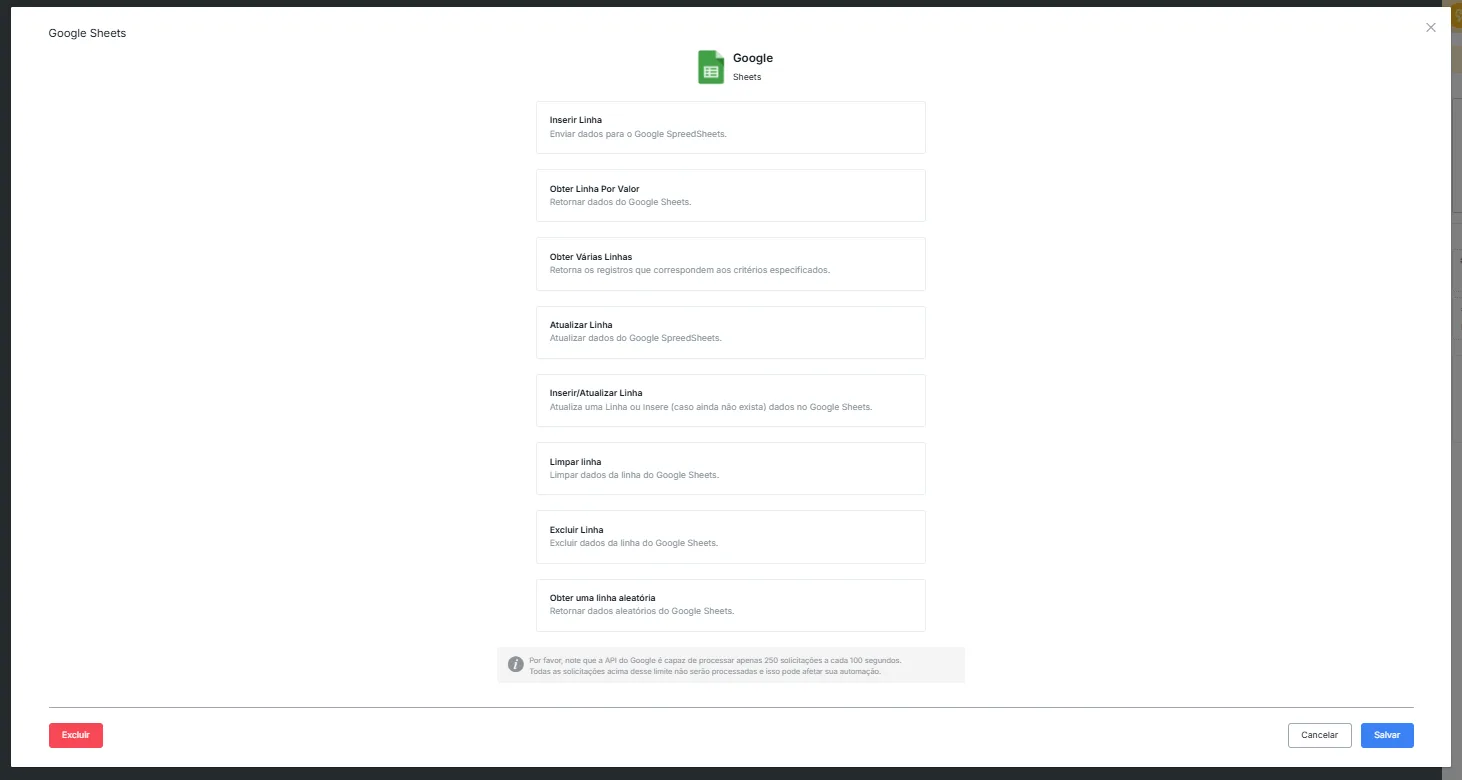
In an Action step, follow the steps highlighted in the picture above. Then you will see a list of functions.