

Front Live Chat
NicoChat now allows your users to integrate the Front platform as a live chat integration option, and lets their agents chat with customers without leaving the Front platform they are already familiar with.
On the NicoChat dashboard, click the Integrations tab and scroll down until you see “Front” in the Live Chat section
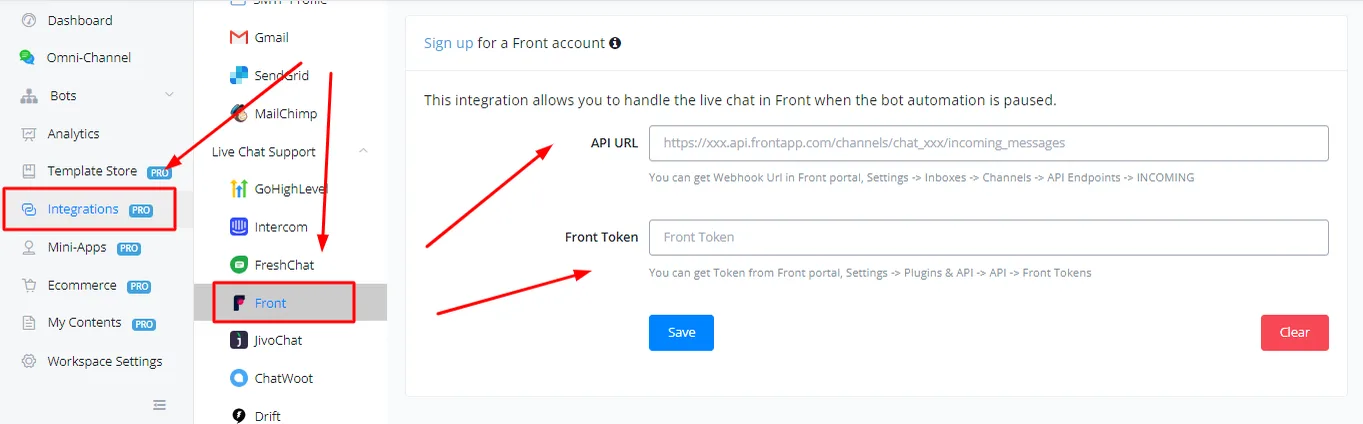
To get the API URL and the Front Token, log in to your Front account.
On the Front dashboard, click the gear icon and type “api” in the search bar. Click “See all plugins and API”
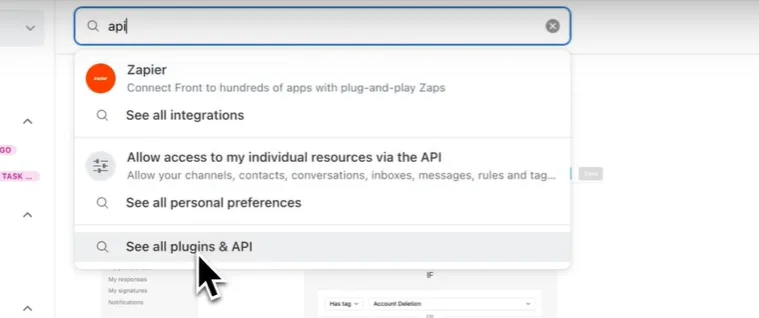
Click API Tokens and “Create a new token”
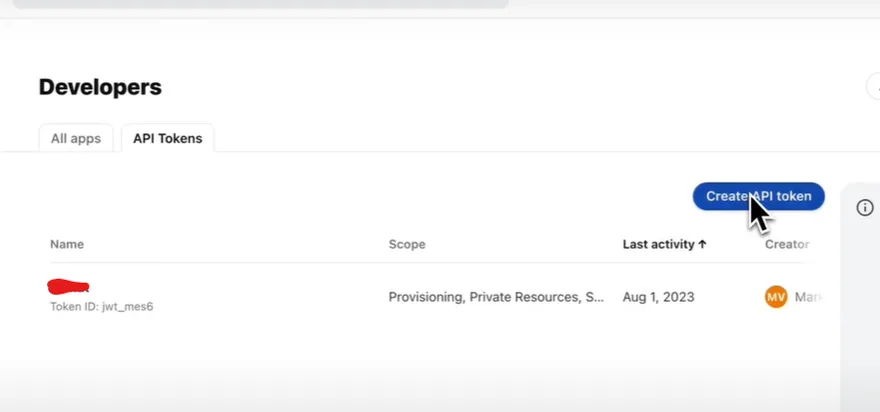
Select your scopes and create the token. Copy the token by clicking the copy icon and paste it into the NicoChat dashboard. Copy the token ID as well.
As the API URL, copy the following URL into your NicoChat
However, this URL is missing a channel ID. That channel ID is the token ID you copied earlier. Replace {channel_id} in the URL with your token ID and click save.
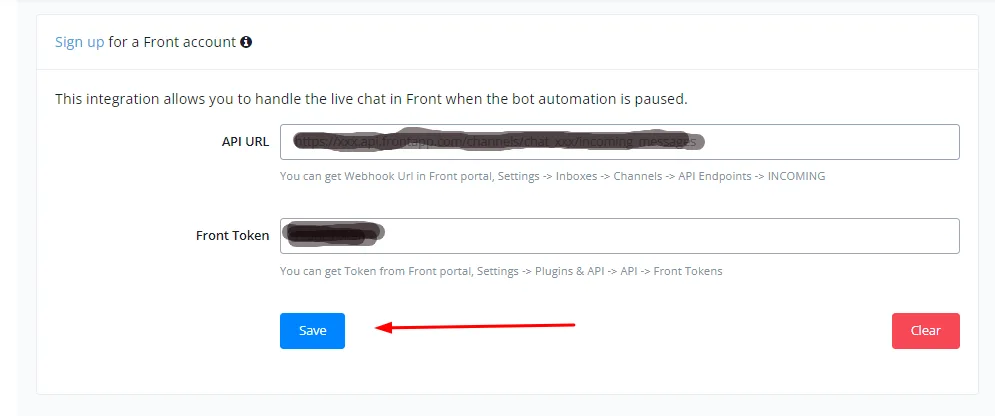
After verification, you need to embed the webhook in the Front platform.
In Front, click the gear icon, type “webhook” in the search box and click the Webhooks option.
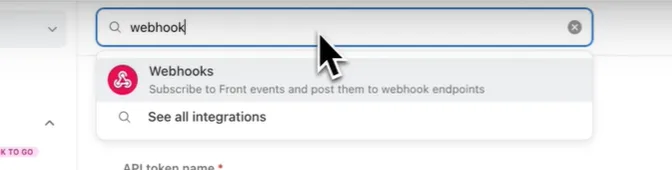
Click “Enable app”
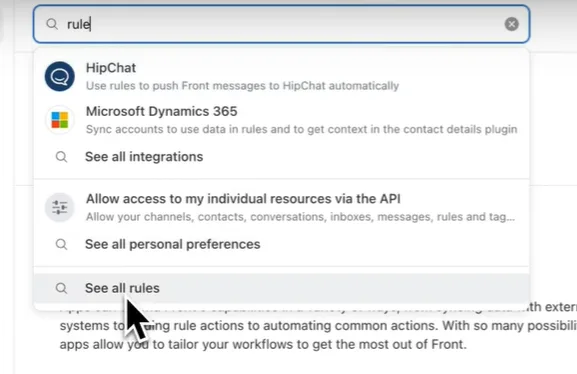
Once done, type “rule” in the search box and select “See All rules”.
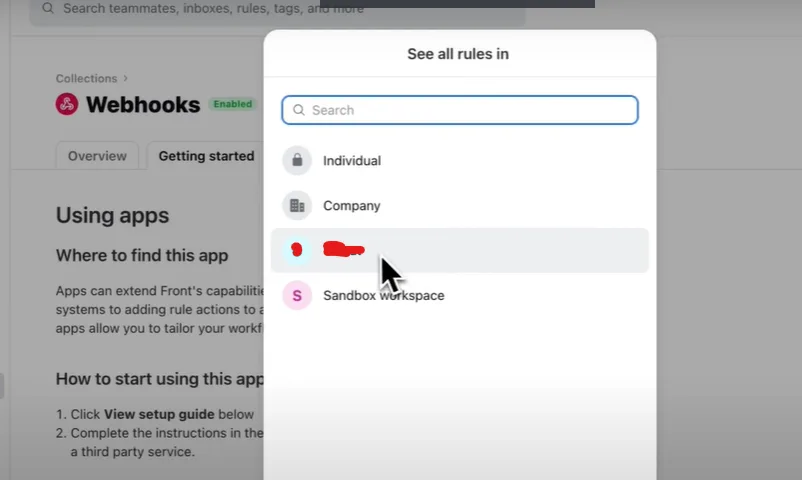
Select your preferred inbox in the window that appears.
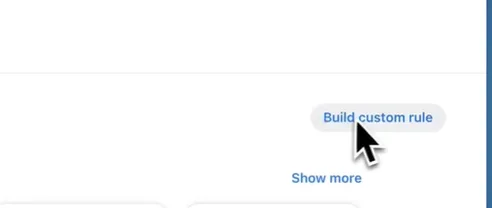
Then click “Add rule” and then “Build Custom Rule”
Select the trigger “Inbound Message is received” and choose your inbox from the drop-down menu.
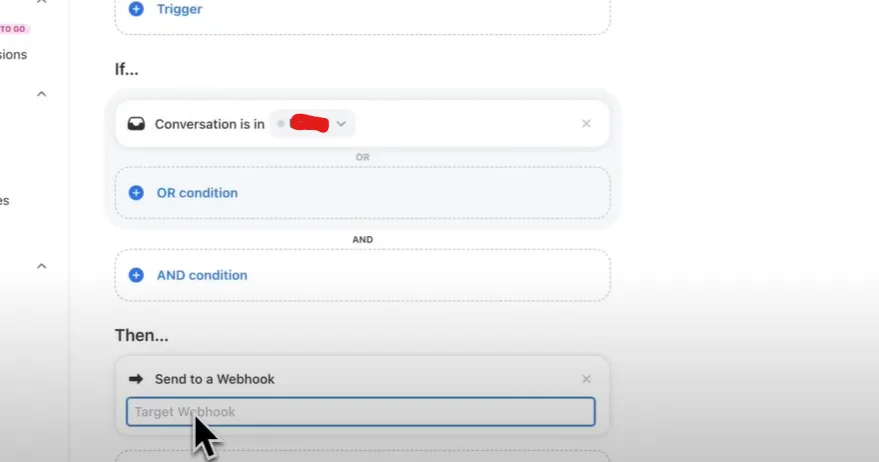
Then select the “Send to a webhook” option and paste your NicoChat webhook into the field.
Click “create rule” and your Front channel will be integrated with NicoChat.