

DeepSeek
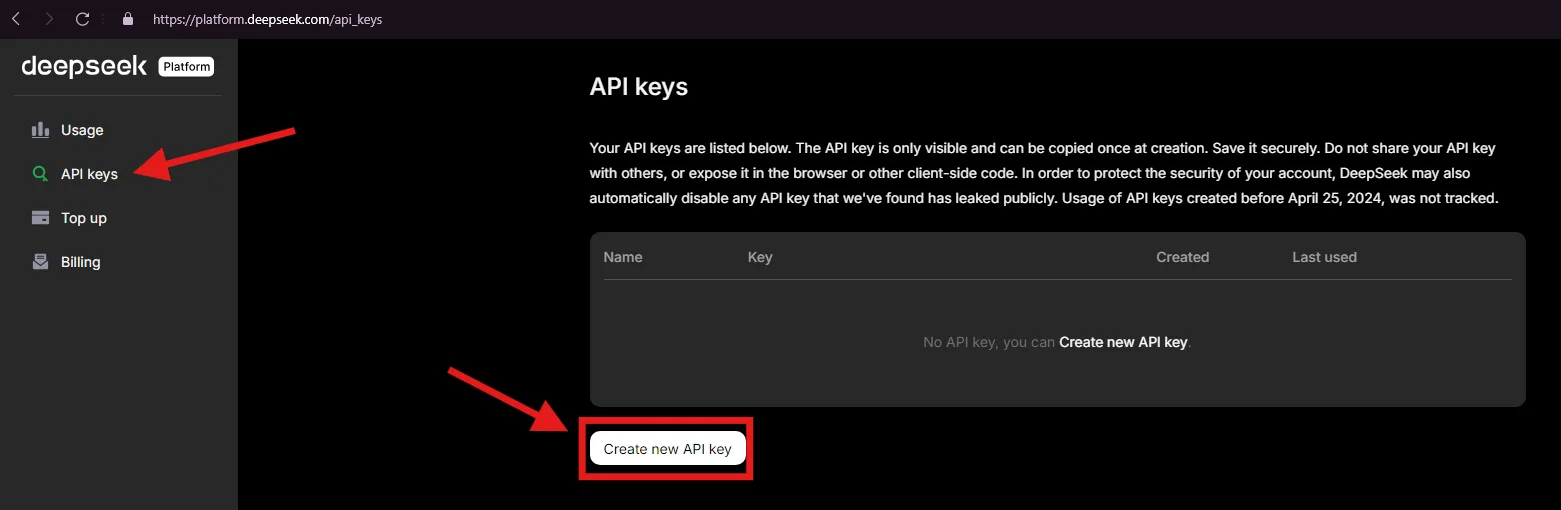
Go to platform.deepseek.com/api_keys and click “Create new API key”
Go to platform.deepseek.com/api_keys and click “Create new API key”
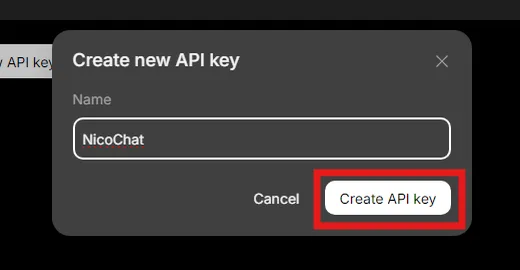
Give the API key a name and click “Create API Key”
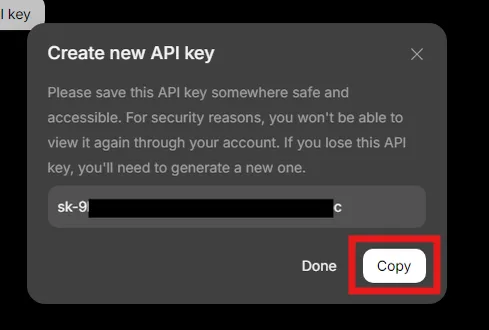
Click “Copy”
Go to Integrations > Artificial Intelligence > DeepSeek
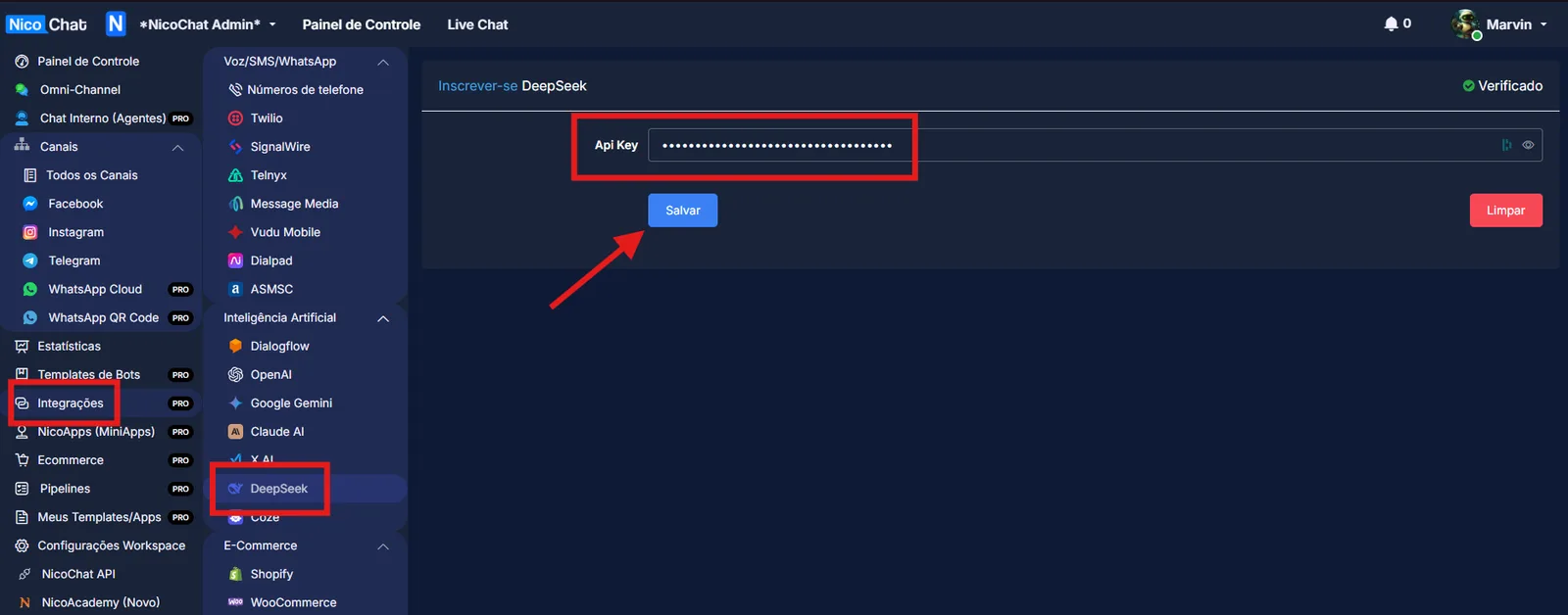
Paste the API Key and save
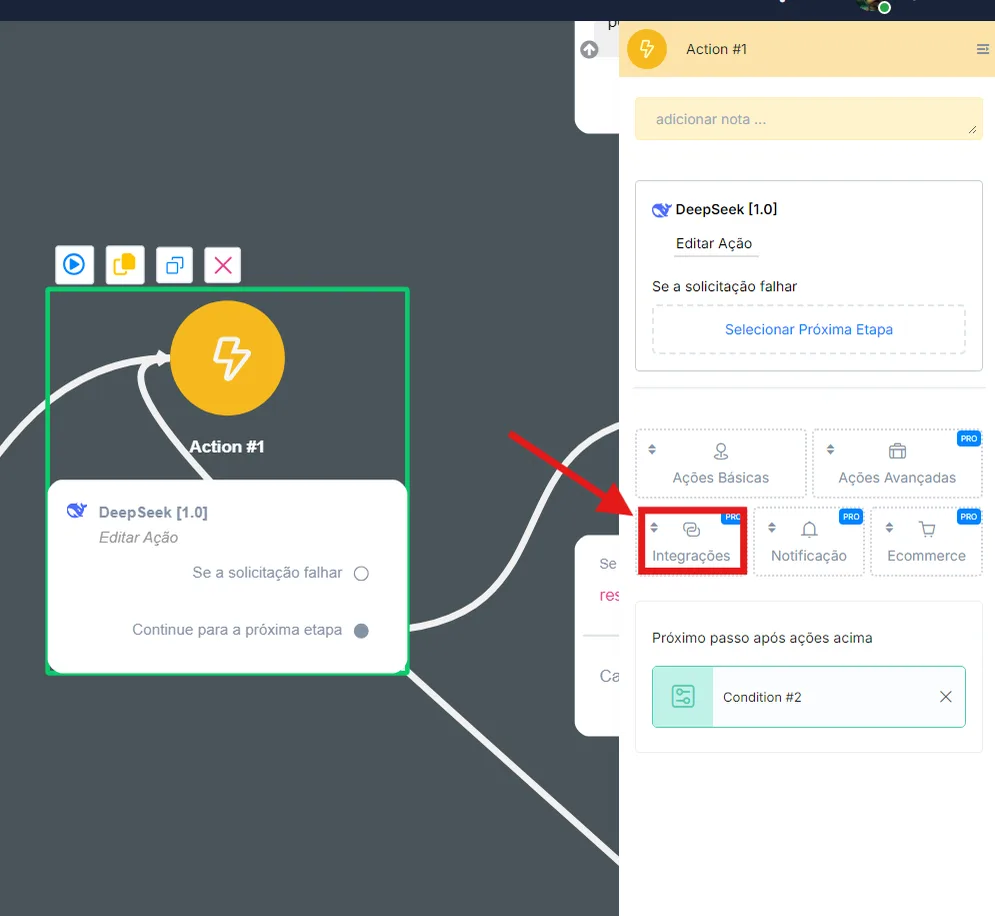
Once installed, to use it in NicoChat, the DeepSeek actions are in the Action block > Integrations > DeepSeek
To install this app's template, click the link below: