

CloudConvert
In today’s digital age, the ability to convert, optimize, and handle files in various formats is essential for operational efficiency and business flexibility. The CloudConvert integration with NicoChat removes the need for manual processes by automating file conversions directly on the chat platform.
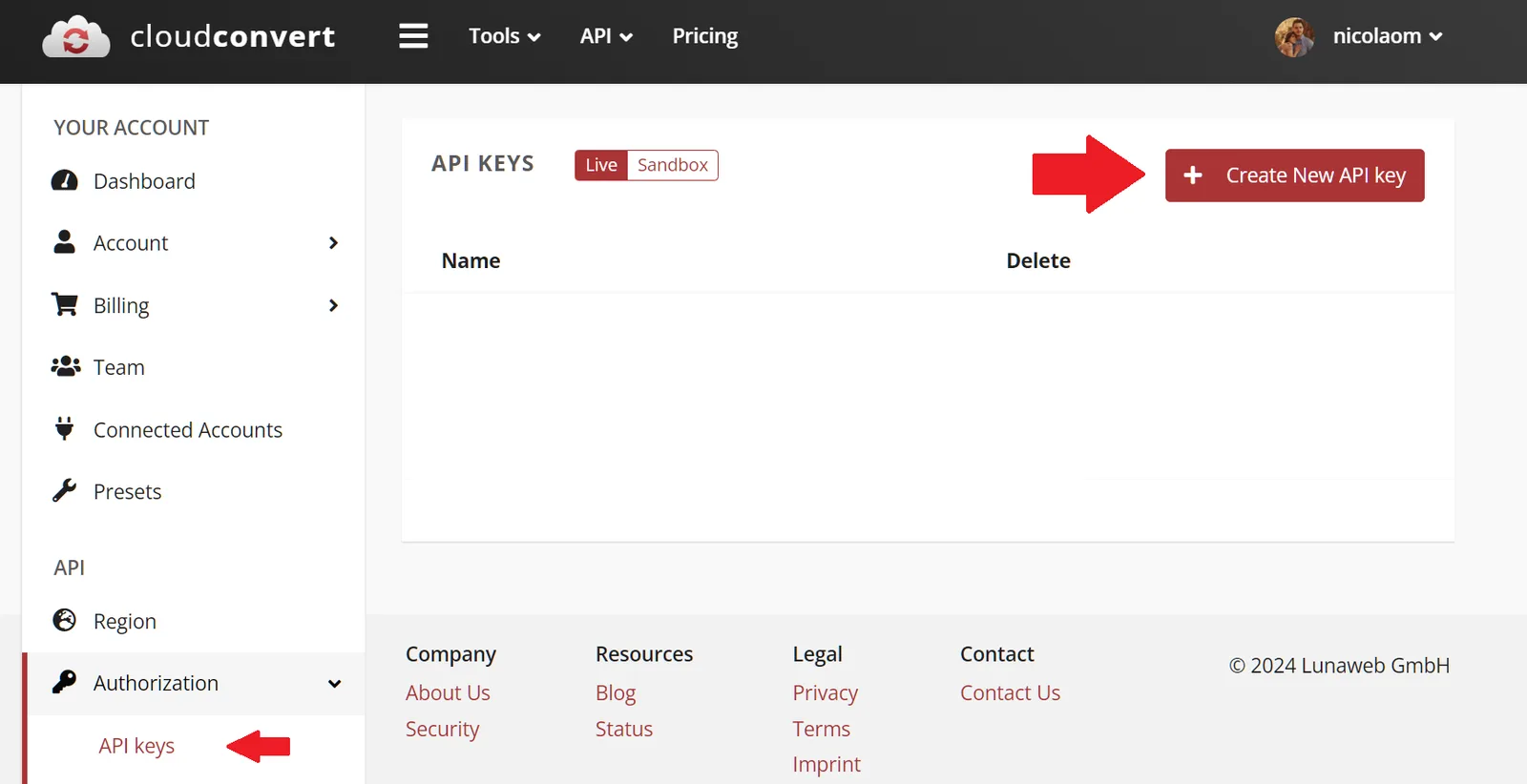
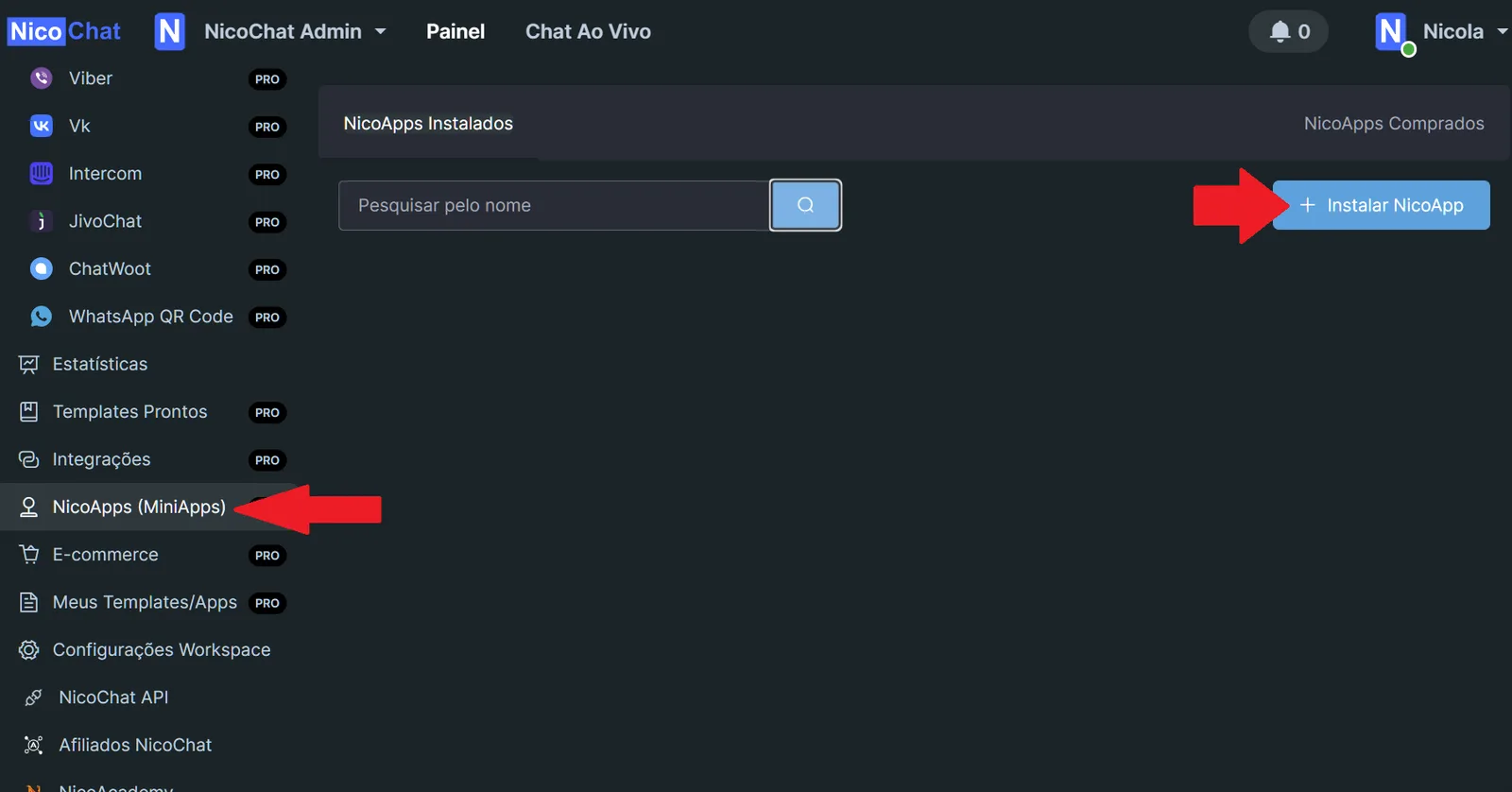
In today’s digital age, the ability to convert, optimize, and handle files in various formats is essential for operational efficiency and business flexibility. The CloudConvert integration with NicoChat removes the need for manual processes by automating file conversions directly on the chat platform. This not only saves time, it also preserves the integrity and the quality of the documents and media that are processed. In this document, we will see how to take advantage of the CloudConvert actions available in NicoChat to improve your workflow without having to set up a Webhook, since it is established automatically during installation.
- Convert and Optimize:
Capture a Website (CREATE): Captures the appearance of a website and converts it into an image or PDF file.Convert File (CREATE): Transforms a file from one format into another.Convert Base64 File (CREATE): Converts Base64-encoded files into other formats.Get Video Cover Image (Video to PNG) (CREATE): Extracts the cover image from a video.Optimize File (CREATE): Reduces the file size without significant loss of quality. - Watermark:
Image watermark (CREATE): Adds an image as a watermark to another image or document.Text watermark (CREATE): Applies a text watermark to an image or document. - Merge:
Merge Files into PDF (CREATE): Combines several files into a single PDF document.Overlay Audio (Background Music) (CREATE): Overlays one audio track on another.Merge Videos (CREATE): Joins multiple videos into a single file.Merge Audio (CREATE): Merges several audio tracks into one. - Custom Commands (Advanced):
Custom Command (1 file) (CREATE): Runs a custom command with ffmpeg, imagemagick or graphicsmagick on one file.Custom Command (2 files) (CREATE): Applies a custom command to two files with ffmpeg, imagemagick or graphicsmagick.
- Job Completed Successfully: Notifies you when a conversion or processing job is completed successfully.
- Job Failed: Alerts you when a conversion or processing job is not successful.
These automated actions and triggers bring efficiency and agility to your digital workflow, reducing the operational load and allowing you to focus on more strategic tasks. The CloudConvert integration with NicoChat represents a leap in the way companies manage their data and their digital media, using cutting-edge technology to improve document management and communication with customers.
By using CloudConvert in NicoChat, you are ready to meet a variety of file conversion and optimization needs quickly and reliably, making sure your business stays agile and adaptable to the demands of the digital market.