

ADVBOX
ADVBOX is a management and CRM software for lawyers. This tutorial shows how to connect the two systems quickly and easily.
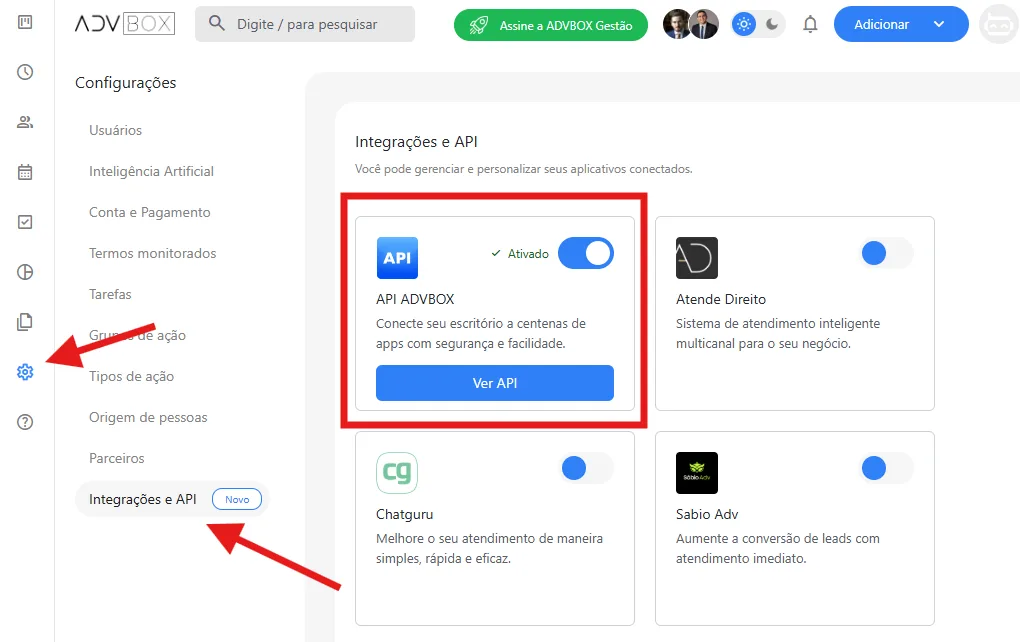
In the ADVBOX app, click "Configurações".
Go to the "Integrações e API" section.
Find the "API ADVBOX" option in the list.
Turn on the switch for the ADVBOX API integration.
Attention
You may need to contact ADVBOX to purchase this add-on.
After activation, a unique token will be generated.
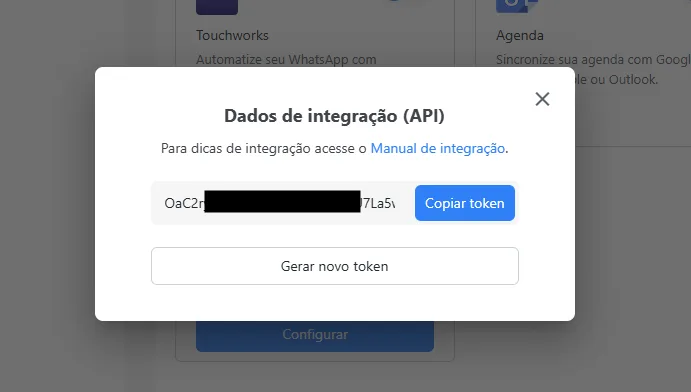
⚠️ IMPORTANT: Copy and store this token securely, as it is the key for the whole integration to work correctly.
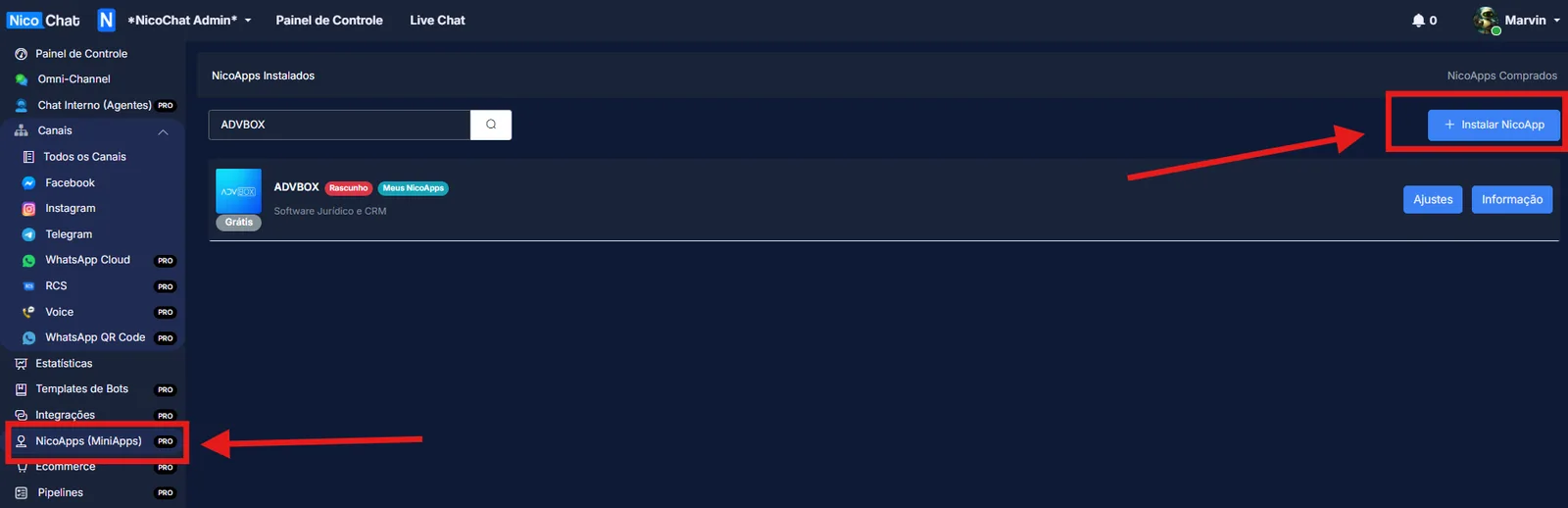
In the NicoChat system, go to the "NicoApps (MiniApps)" section.
Click "Install NicoApp".
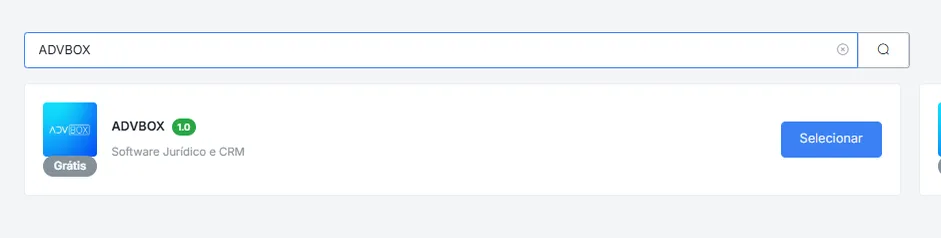
Paste the token copied from ADVBOX into the corresponding field.
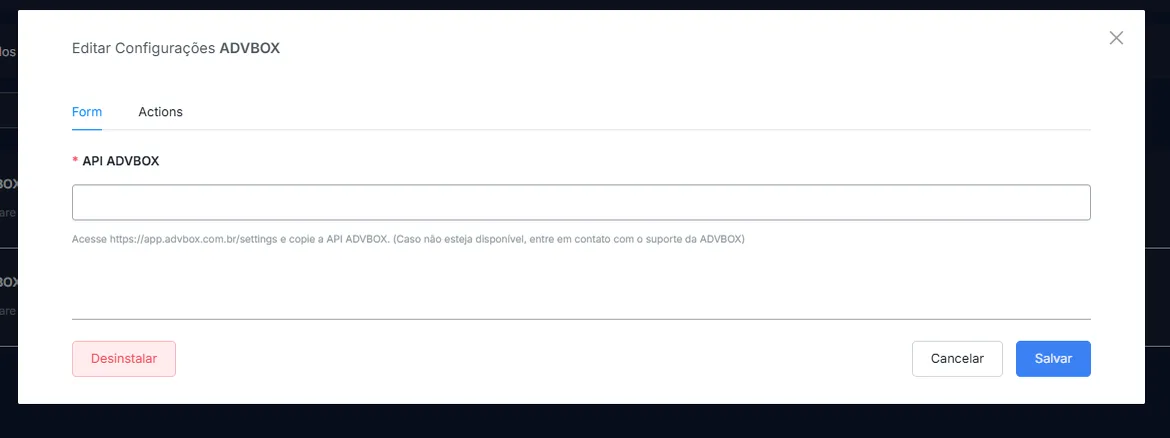
Click "Salvar" to confirm the configuration.
With the integration active, you will have access to the following features:
- Case Registration
- Contact Registration
- Case Search
- Contact Search