

Webhooks (Statistics)
This report shows the webhook calls received and their responses, essential for monitoring the integration with other systems and services.
This report shows the webhook calls received and their responses, essential for monitoring the integration with other systems and services.
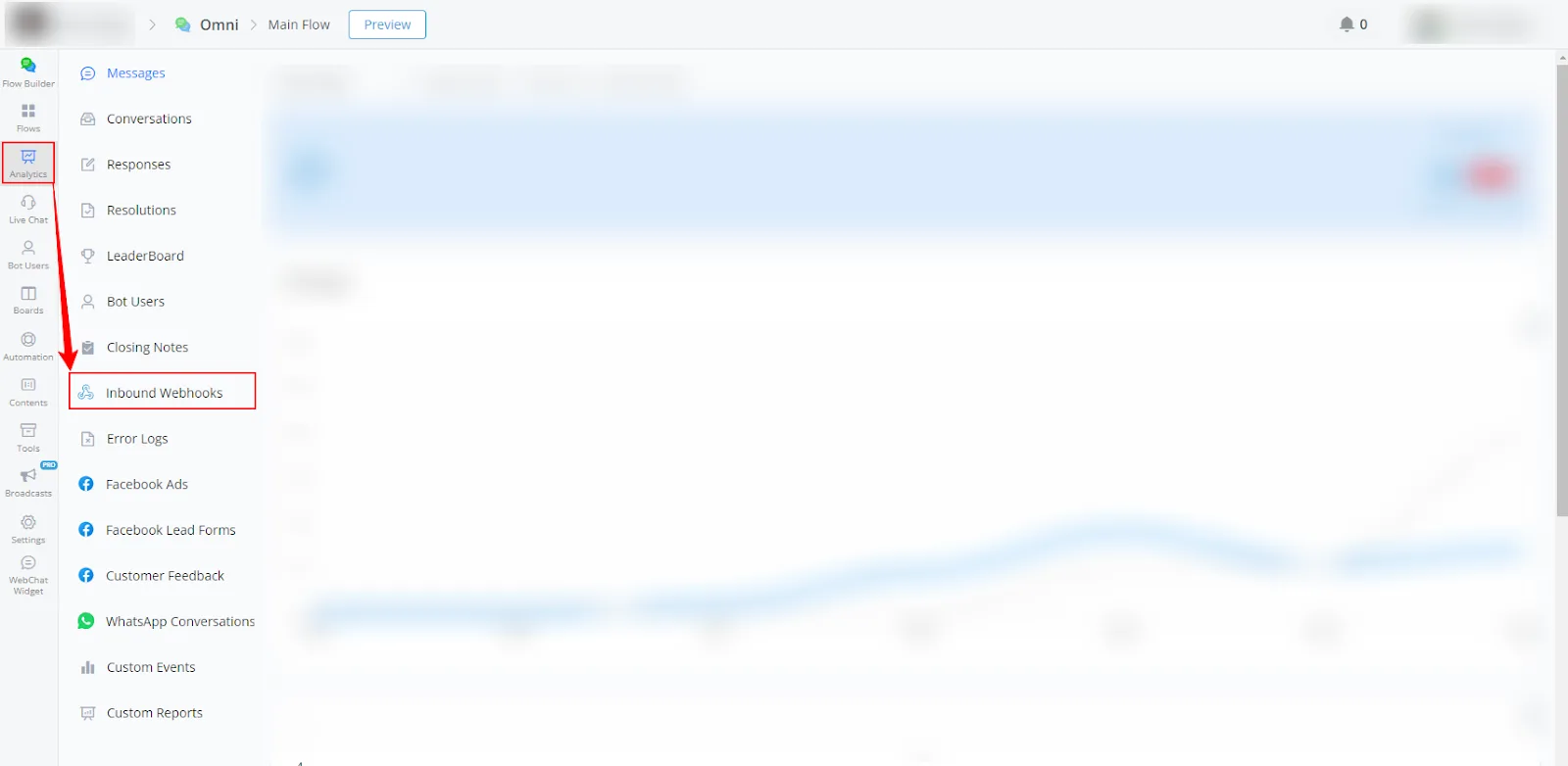
- In your channel, go to Statistics.
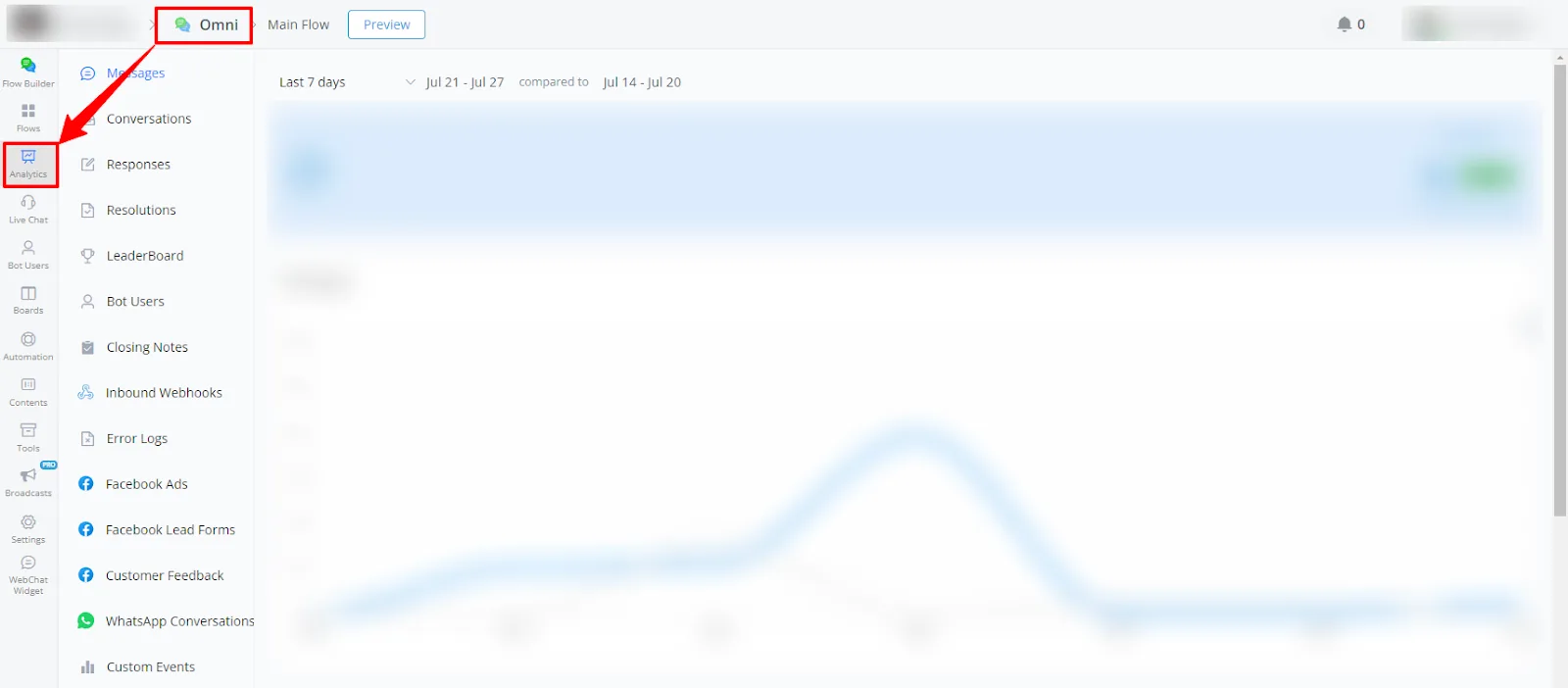
- Select Webhooks from the left-side menu.
Available report types
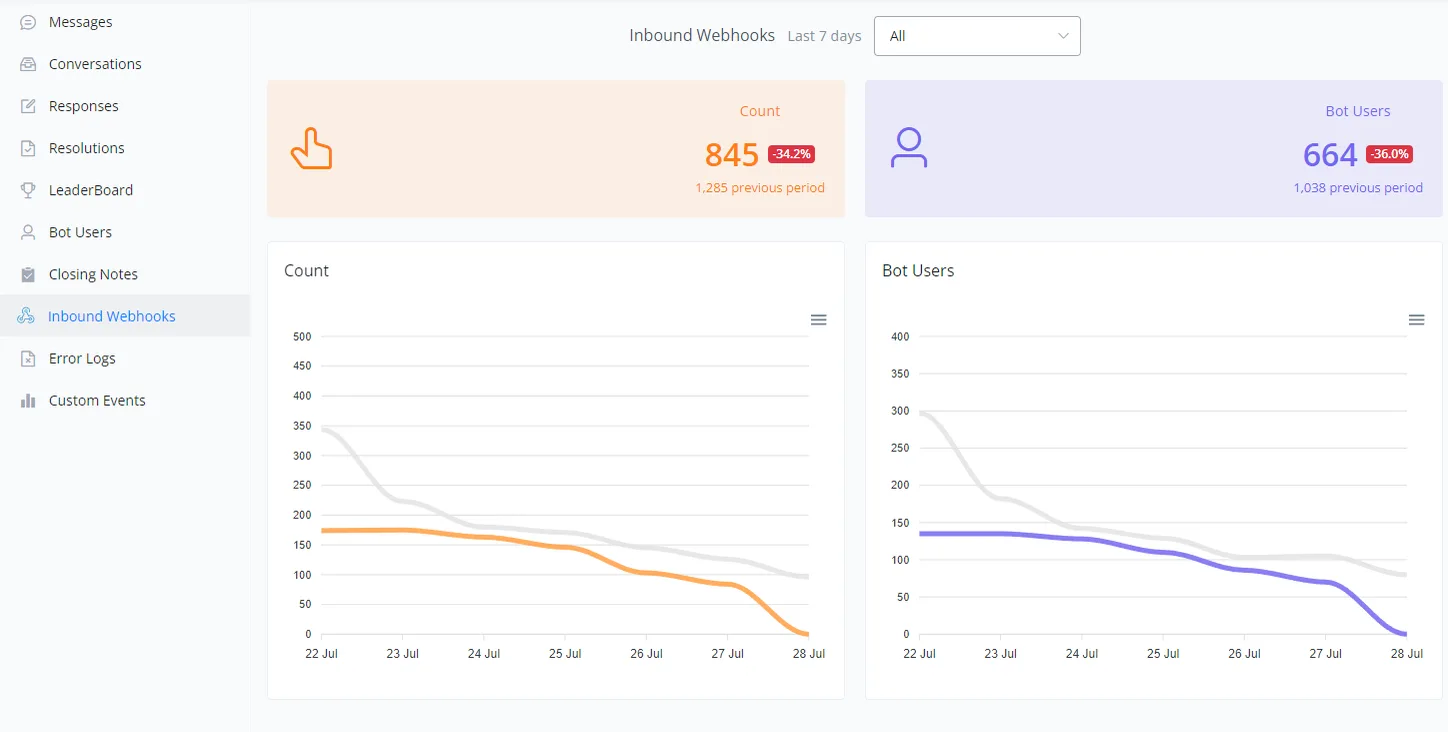
This section provides a detailed analysis of the inbound webhooks recorded by the channel over the last 7 days, with a comparison to the previous period.
- Webhook Count
- Contacts
Webhook count and contact charts
The charts below show the daily variations in the inbound webhook count and in the number of contacts.
- Orange and gray lines: represent the webhook count in the current and previous periods, respectively.
- Purple and gray lines: represent the number of contacts in the current and previous periods, respectively.
Below is a visual example of the charts:
If you need further assistance, open a ticket at discord.com/channels/1147227963792830534/1153402986240946358