Tags
Identify a user by type, situation, status, and the like for better management.
YouTube video (embedding unavailable)
In your workspace, go to “Tags” in the left sidebar.
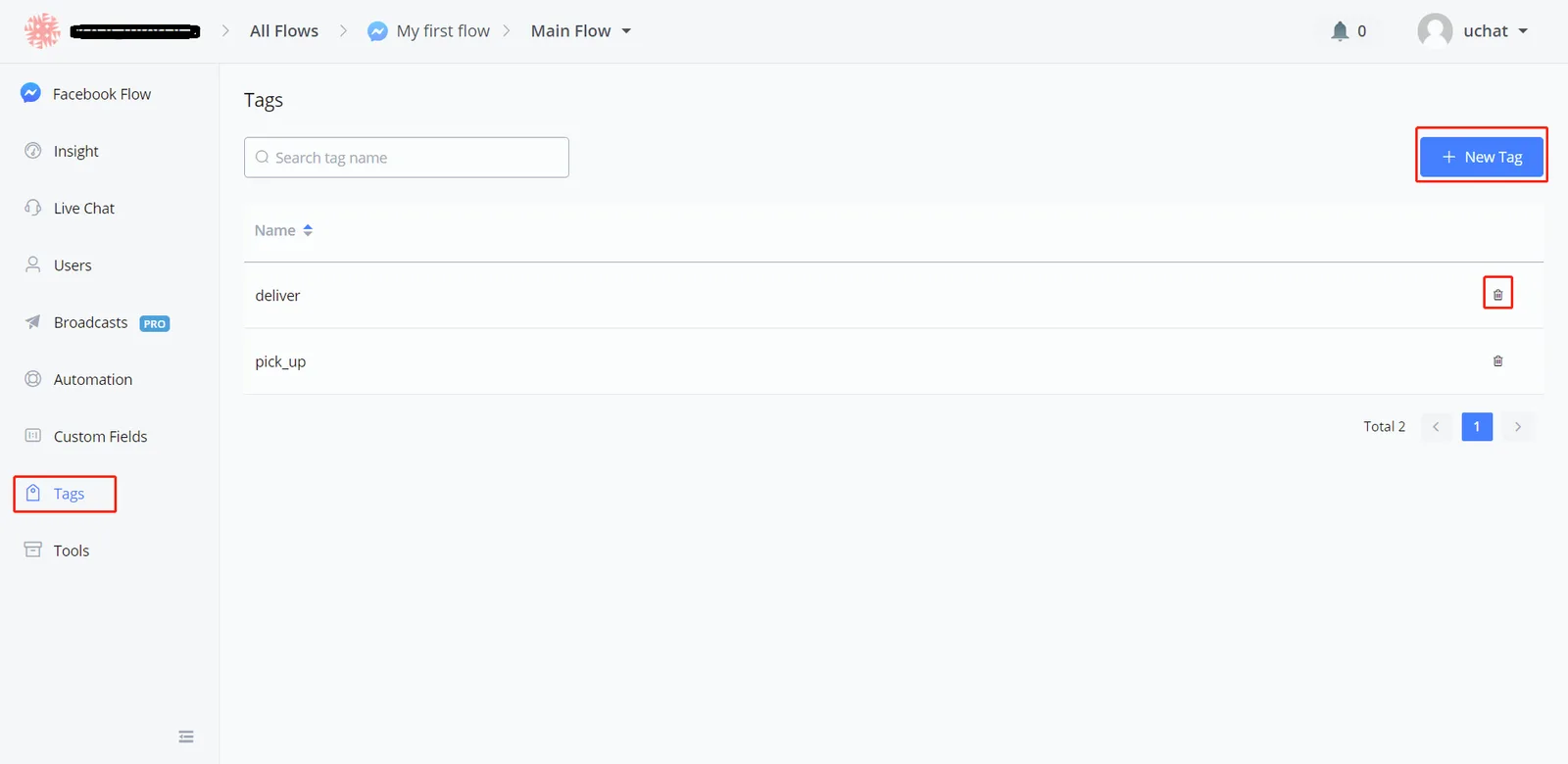
This is where you manage your tags.
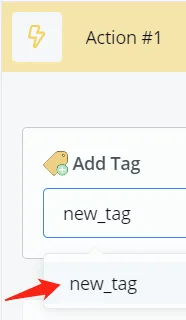
TIP - You can also create a tag by typing in a new tag name and clicking it, anywhere you can add a tag.
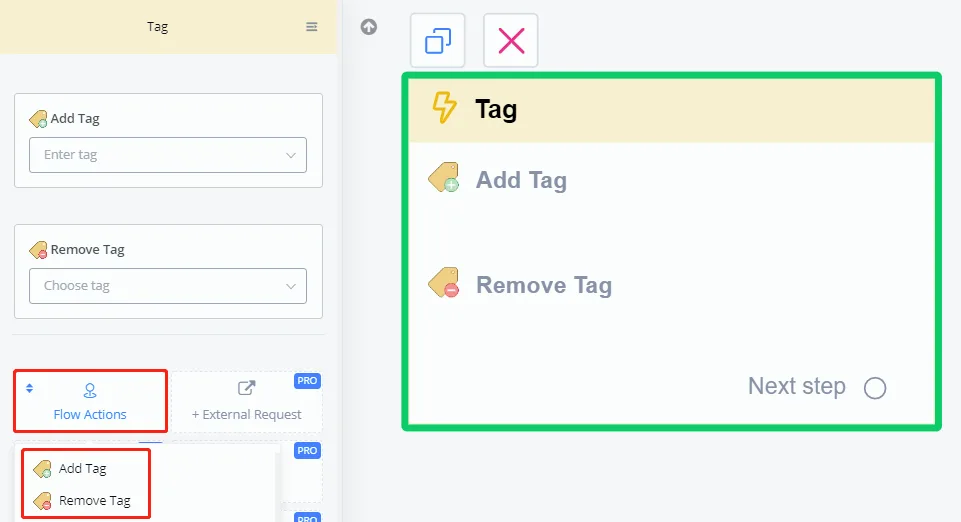
In the Action step, click "Flow Actions" to see the "Add Tag" and "Remove Tag" options.
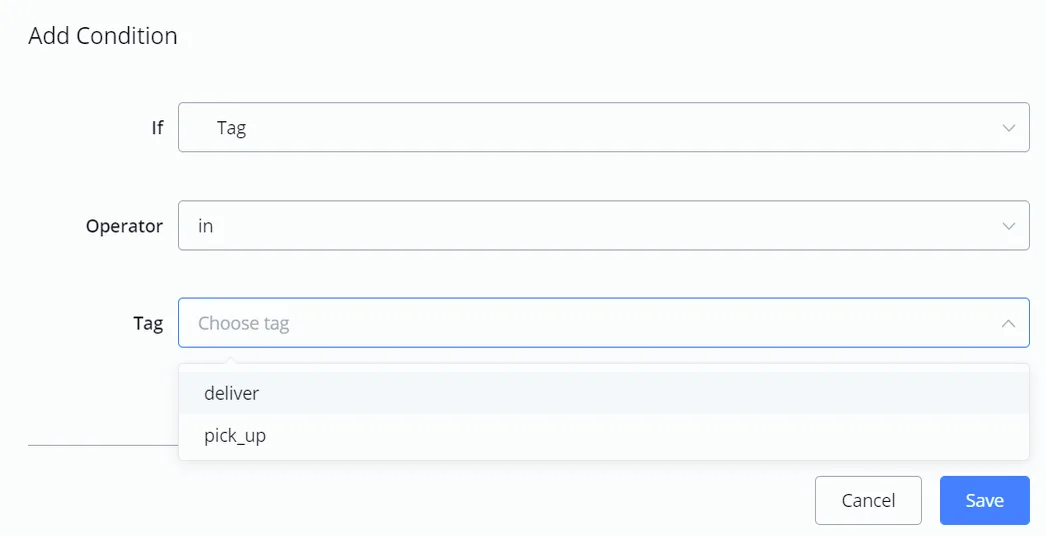
Use the Condition step to route users with different tags to different steps.
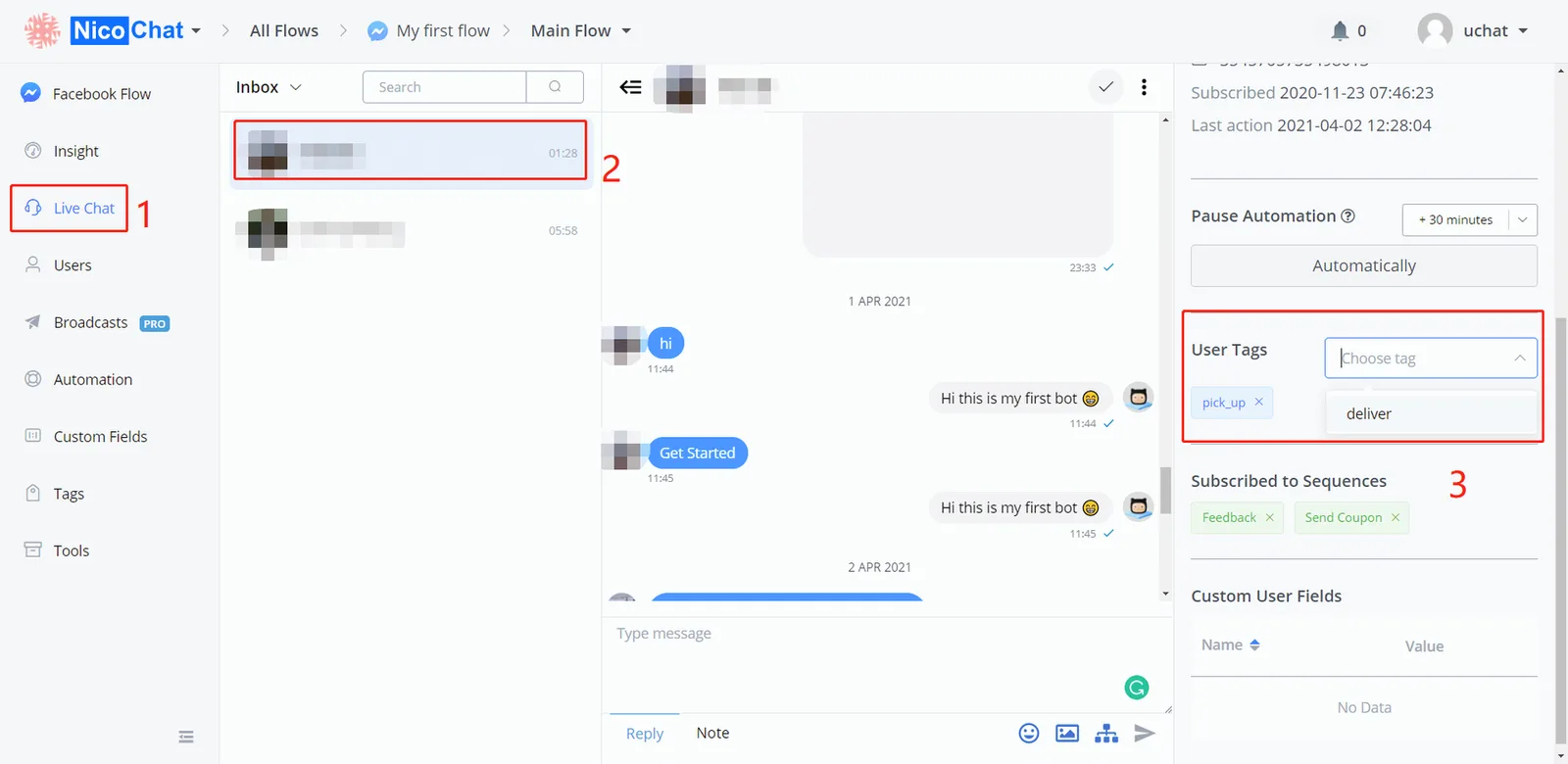
You can also manually add, remove, or check the tag of each user in "LiveChat", in the left sidebar.