AI Functions
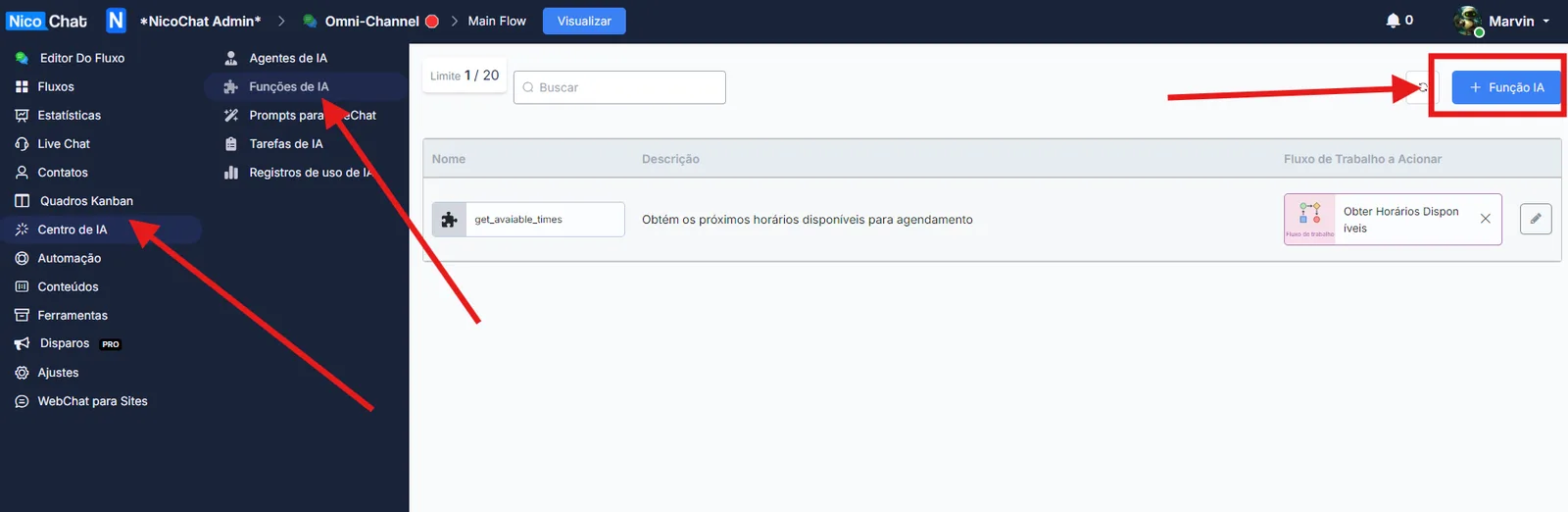
Click “+ AI Function” to create a new AI Function.
Click “+ AI Function” to create a new AI Function.
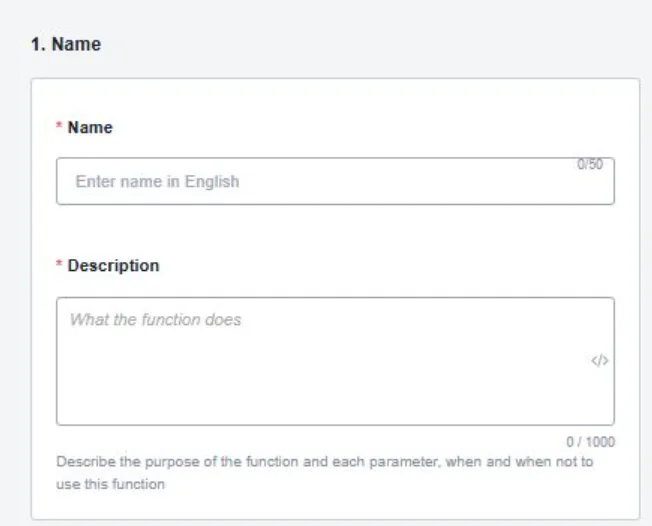
In the first section, you will have to define the name and the description of the function.
Description Example:
Esta função precisa capturar os detalhes do usuário, que são: nome, sobrenome e e-mail. Para o e-mail, o agente precisa validar o formato adequado caso o usuário não o forneça corretamente.In the next section, you will have to define the full prompt for the function (that is, what you want the function to do or run).
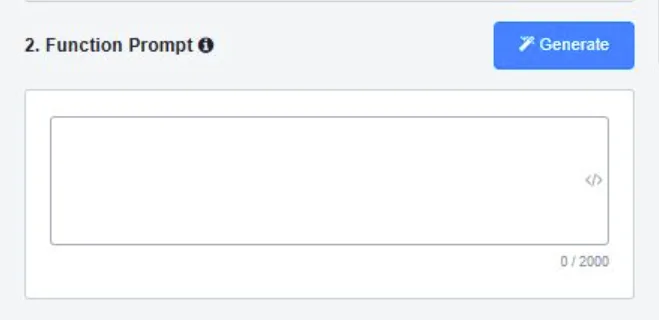
Prompt Example:
### Skill: capture_user_details
- Esta skill captura informações essenciais do usuário: nome, sobrenome e e-mail. Ela garante que o e-mail fornecido esteja em um formato válido.

#### Passos para Execução:
1. Solicitar ao usuário que insira seu nome.
2. Pedir o sobrenome do usuário.
3. Solicitar o endereço de e-mail do usuário.
4. Validar o formato do e-mail usando um padrão regex (ex.: `^[\w\.-]+@[\w\.-]+\.\w{2,4}$`).
5. Se o e-mail for válido, armazenar todos os detalhes; caso contrário, solicitar ao usuário que insira um e-mail válido novamente.

#### Restrições:
- Todos os campos (nome, sobrenome e e-mail) não podem estar vazios.
- O e-mail deve seguir as regras padrão de formatação.

#### Regras de Formatação:
- Garantir que a entrada do usuário seja limpa de espaços em branco no início e no final.

#### Tratamento de Erros:
- Se a validação falhar, informar o usuário sobre o erro específico (ex.: "Formato de e-mail inválido").
- Permitir um número predefinido de tentativas para reentrada do e-mail.

#### Condições:
- Capturar os detalhes apenas se o e-mail for válido.
- Solicitar cada detalhe do usuário separadamente.
- **SOMENTE** continuar com a chamada da função quando **TODOS** os parâmetros forem capturados.
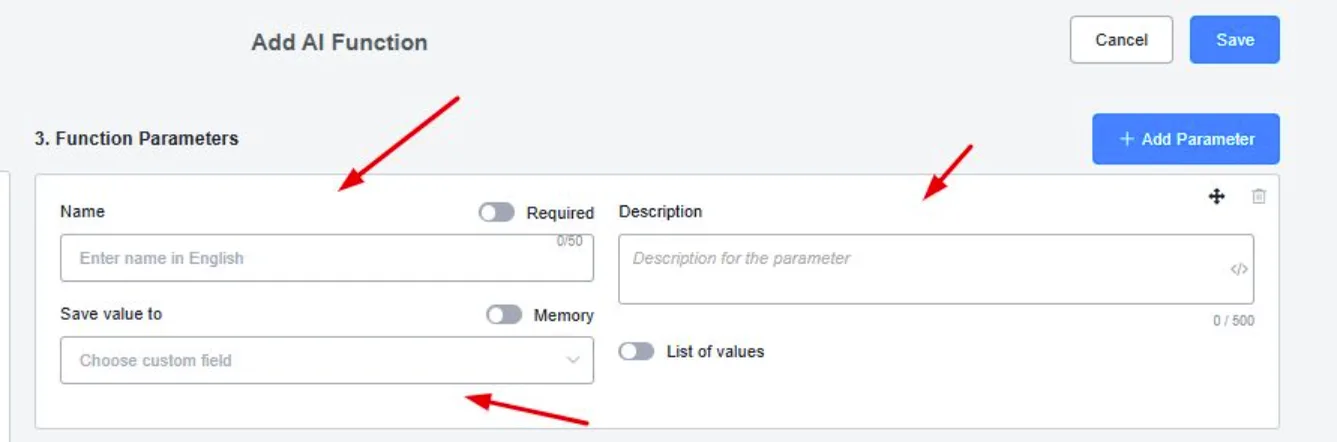
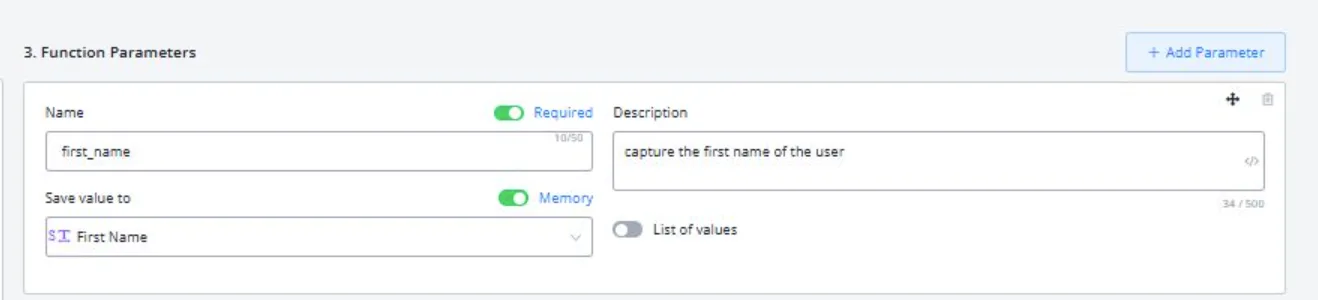
In the next section, you will have to define the values you want to get from the function (such as first name, last name, etc.) and describe them, as well as choose which CUF you want them saved to.
Finally, you will need to attach the flow (only Workflows allowed) that should be triggered when the function is called.
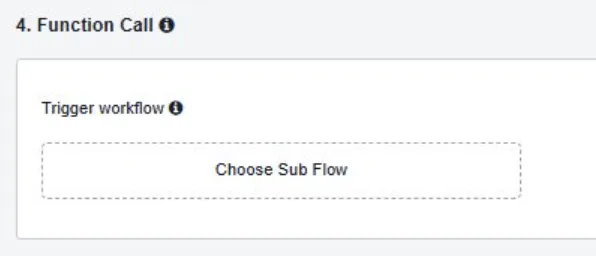
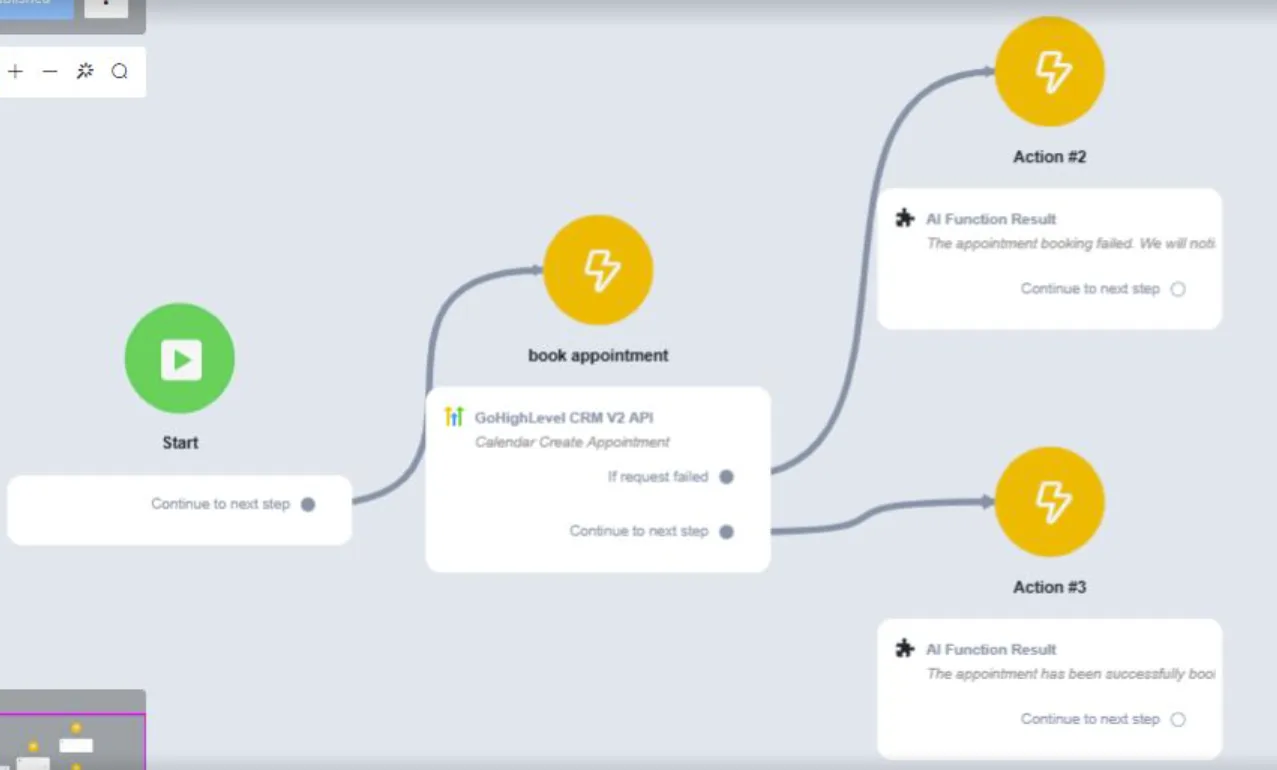
You can use this feature to send captured values to another platform through native integrations (such as Google Sheets) or to make API calls through the external request block (External Request - API). It can also fetch information from an external source and return it to the AI agent, allowing the conversation to continue smoothly.
This makes it easier to automate tasks and update information in real time, and it also improves the AI's responses with the most recent data.

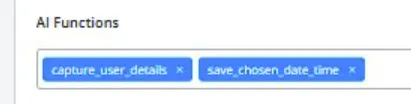
So that AI Agents can use AI functions, you will need to select them within the AI Agents' settings.
Once selected, it looks like this (with an overview of the function's prompt).
(You can only use AI Functions in Workflow ).
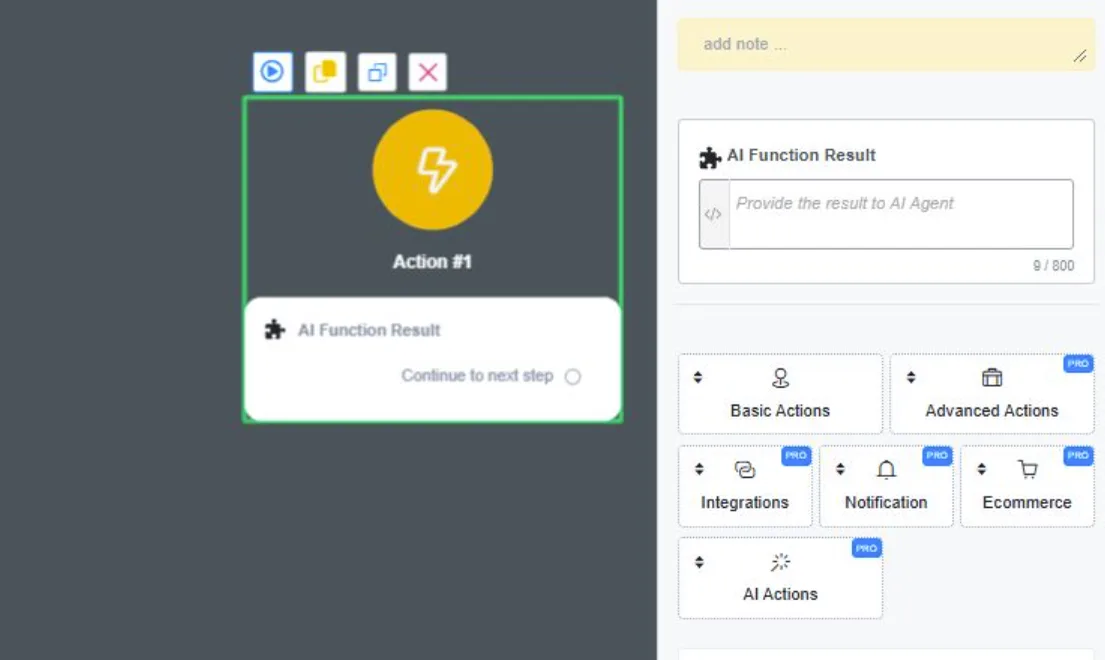
You can select the AI Function Output block in the AI Agents tab inside the action block.
This is the data returned to your AI Agent after a function is called and a Workflow is processed.