Dashboard
The Dashboard is the first screen you see when you enter NicoChat. It brings together a summary of your account's recent activity, your plan usage, and the platform news.
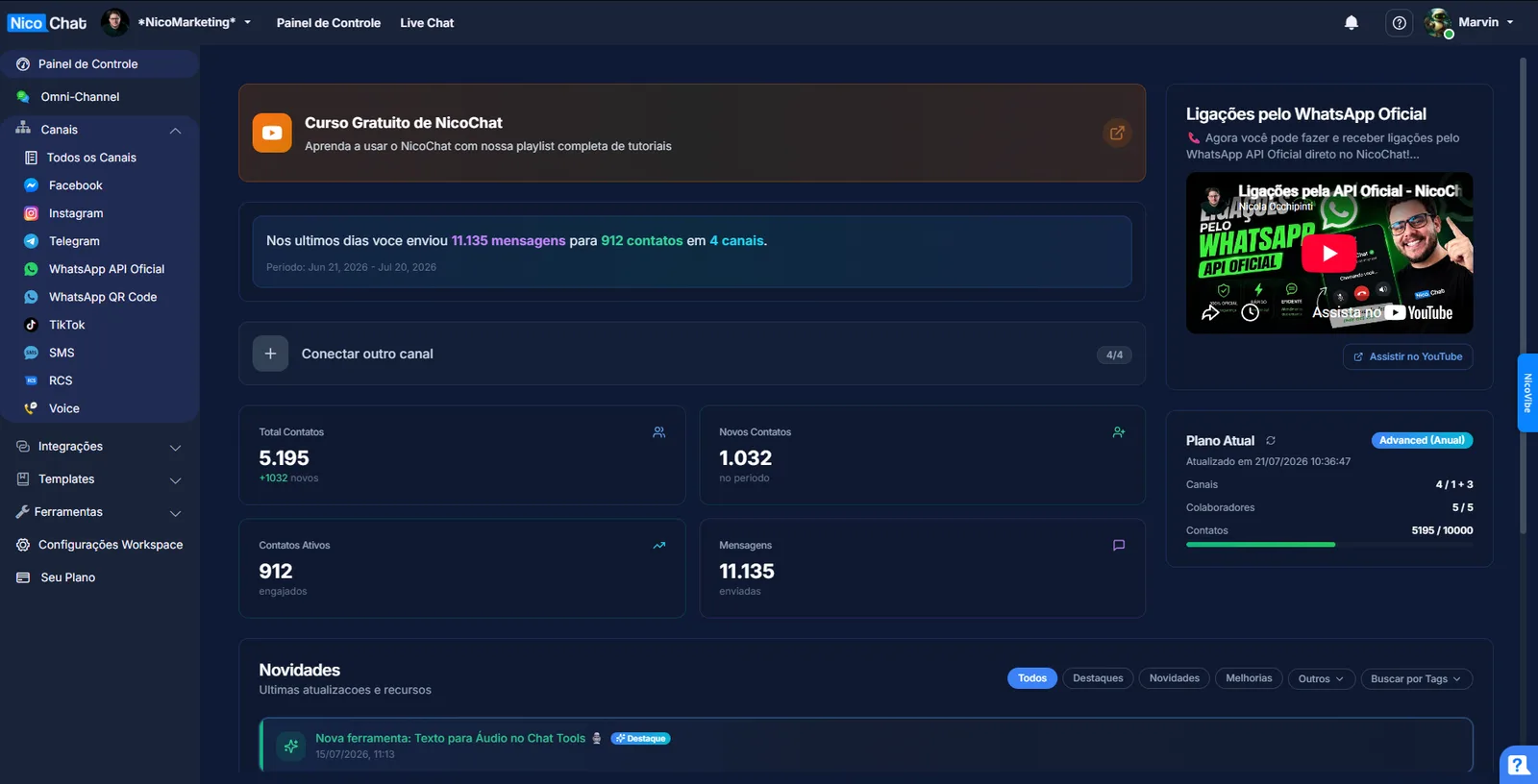
A dynamic sentence at the top shows how many messages you sent, to how many contacts and across how many channels in the most recent period — for example: "In the last few days you sent 11,135 messages to 912 contacts across 4 channels", with the reference period just below. If no messages were exchanged in the period, the sentence says so instead of showing zeroed numbers.
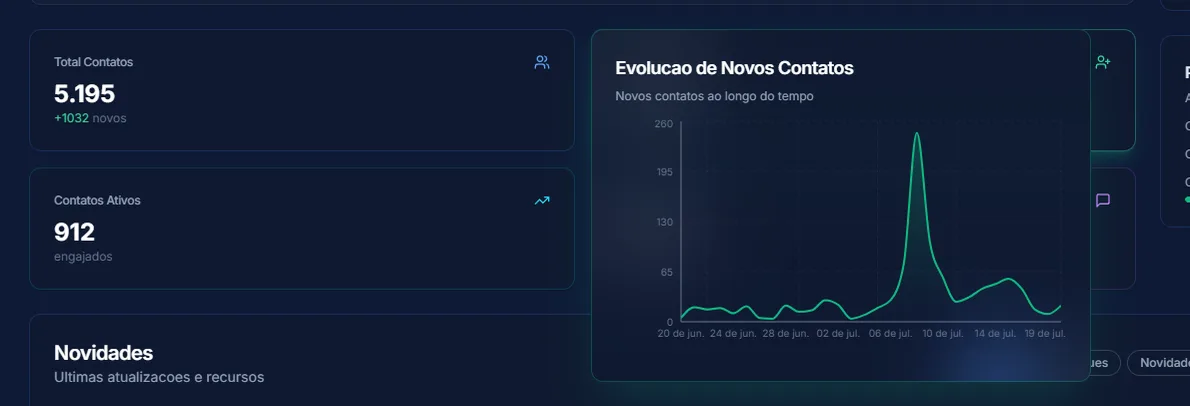
Four cards; each one can be expanded (by hovering or clicking) to see a trend chart:
- Total Contacts — total contacts registered. If it goes over the plan limit, it shows a "Limit exceeded" warning (the only one of the four that compares against the limit).
- New Contacts — new contacts in the period
- Active Contacts — contacts that engaged in the period
- Messages — total sent in the period
Only the account owner sees the "Connect another channel" button, which opens the Channel Connection Wizard. With channels available in the plan, the card is highlighted; at the limit, it loses the highlight but remains clickable.

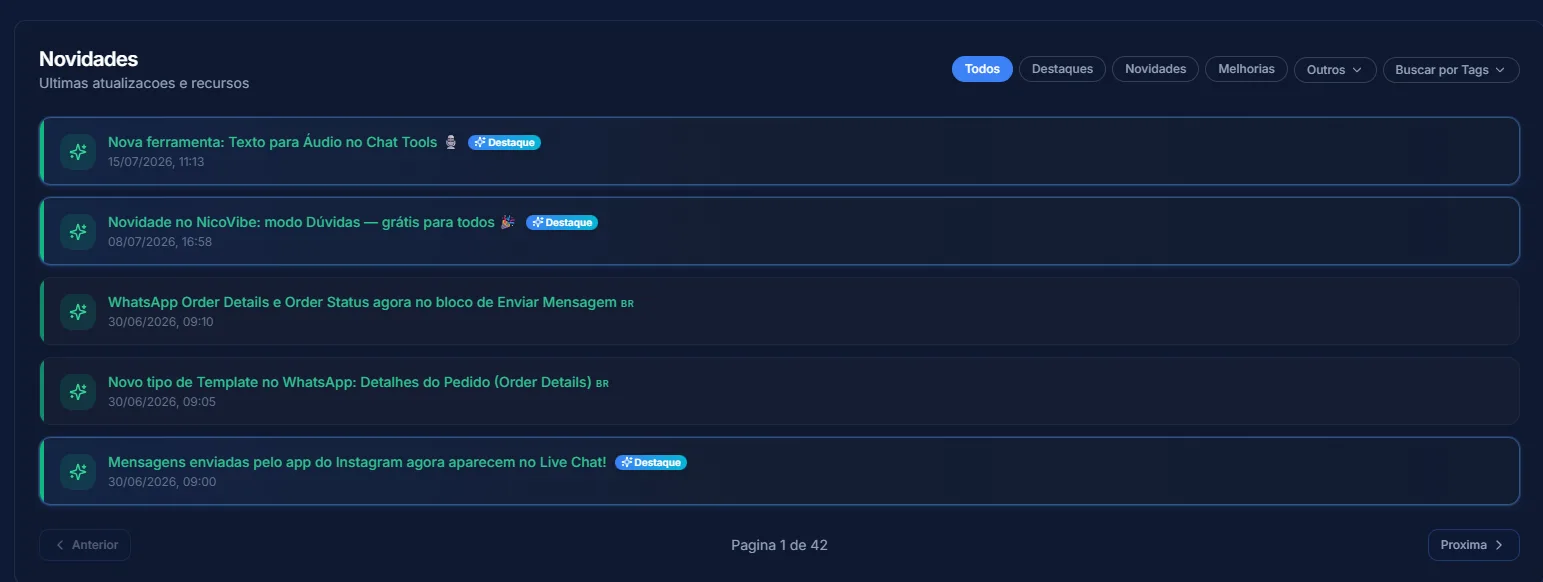
It only appears if there are items, and it disappears in whitelabel accounts. Filters in "pill" format: All, Highlights, What's New, Improvements, Others (Beta, Notice, Promotions, Fixes, Minor Changes) and Search by Tags. A Highlighted item gets a larger card at the top, which disappears on its own after 5 views or when closed.
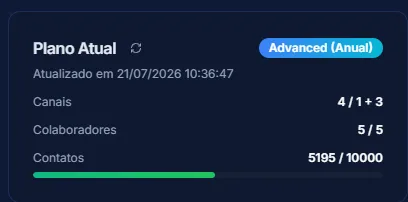
Shows the plan name (hidden in whitelabel), the last update, and the usage of Channels, Members and Contacts — the last one with a progress bar colored according to how close it is to the limit.