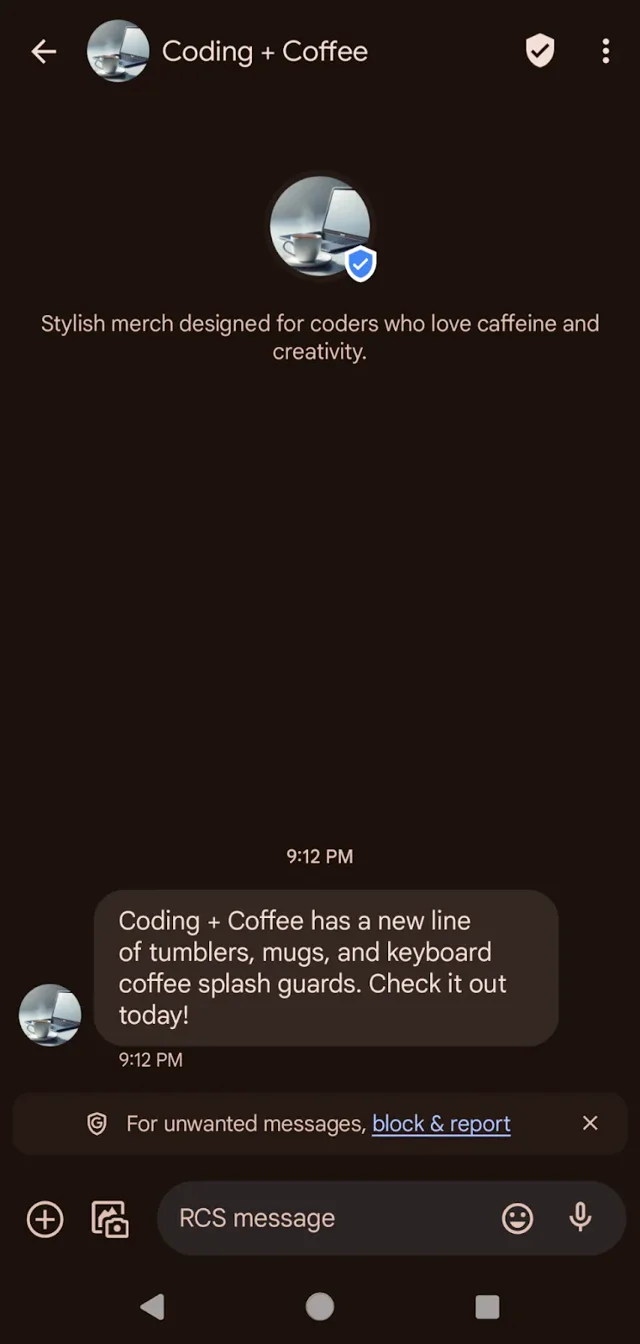
RCS
NicoChat now allows your users to upgrade to SMS 2.0, that is, RCS, using our newly launched RCS Channel.
You can now enhance your SMS campaigns: instead of only sending text messages, you send rich media content and add a layer of interactivity to your messages.
Log in to the Twilio console and go to the following link.
Fill in all the required fields. Each account and each subaccount must request the RCS capability separately.
The minimum information required is the business details and the campaign details.
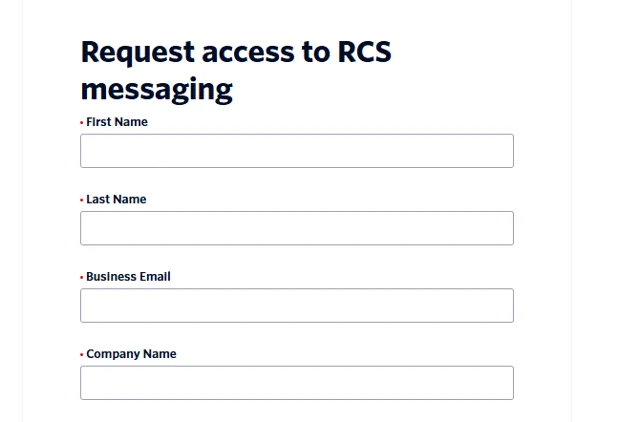
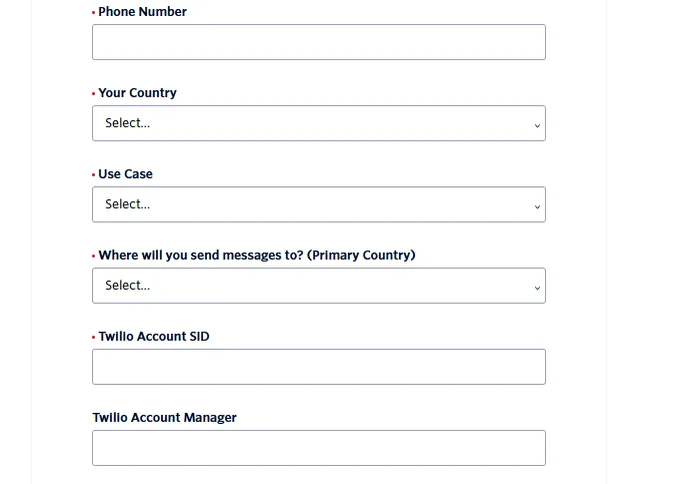
Once you have filled in the form, click "Apply". You are added to the waitlist: Twilio verifies your details and then grants you access.
Once you have access to RCS, you can create your custom sender profile and define the look and feel your customers will see when they receive your messages. This includes logo, banner, description and all the details visible to the end user. The feature is available in all RCS regions supported by Twilio.
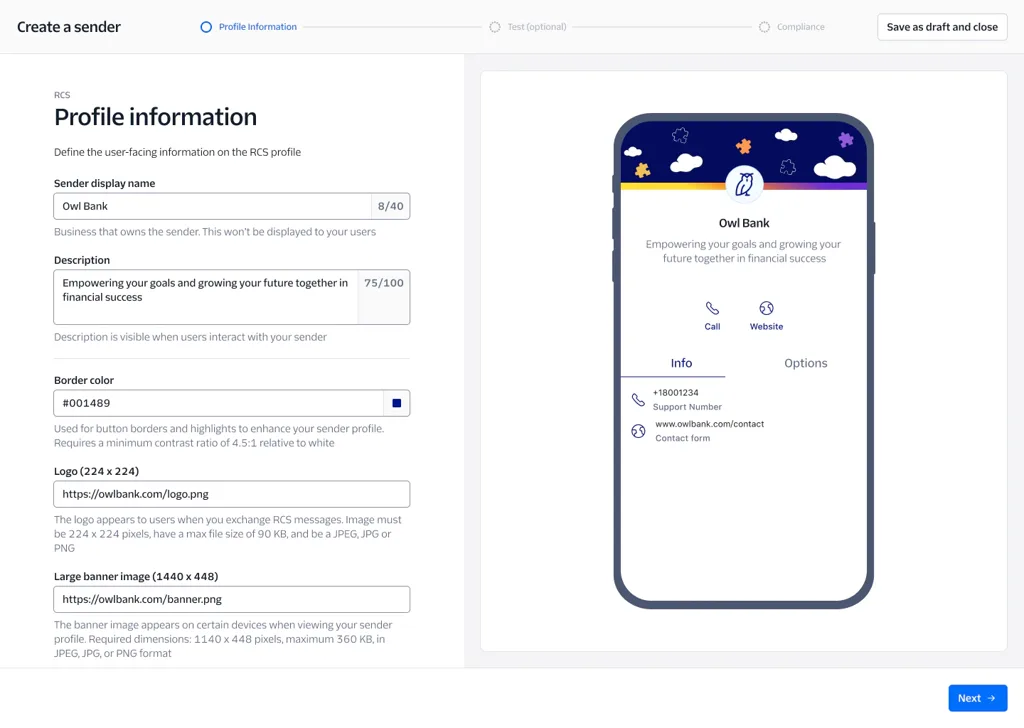
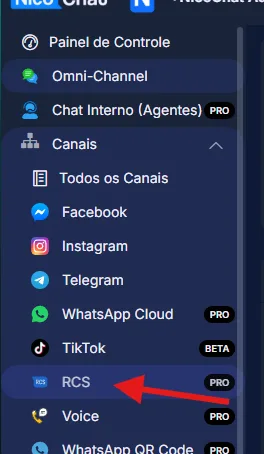
Once the agent profile is created, go to the Dashboard, click RCS Channel and then Add RCS Bot.
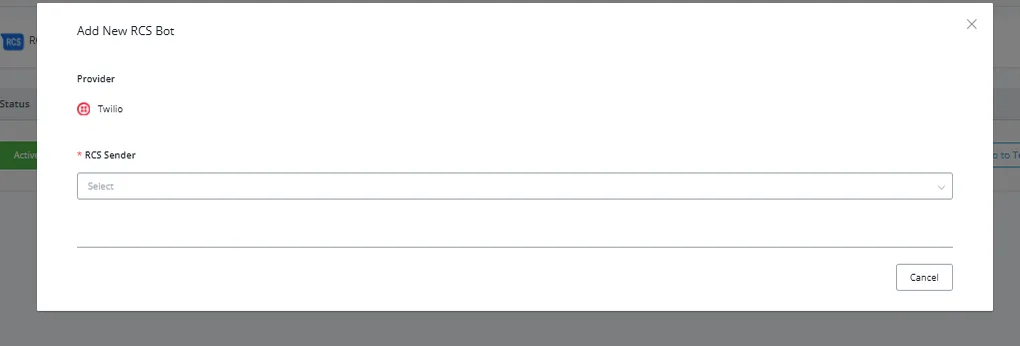
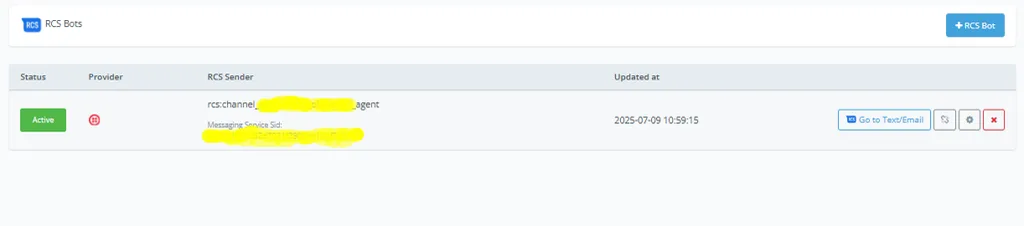
Once connected, it will look like this.
The main difference between RCS and SMS is that RCS is an evolution of the SMS channel. It transforms traditional SMS by offering features such as branded and verified senders and rich, interactive content, providing a more personalized and engaging messaging experience.
The RCS Business Messaging channel includes branded, verified senders; rich content such as media, cards and buttons; and additional data, including delivery and read receipts.
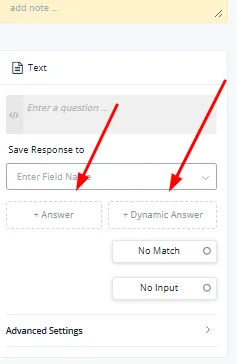
Note: all the features available for SMS are also available on RCS channels.